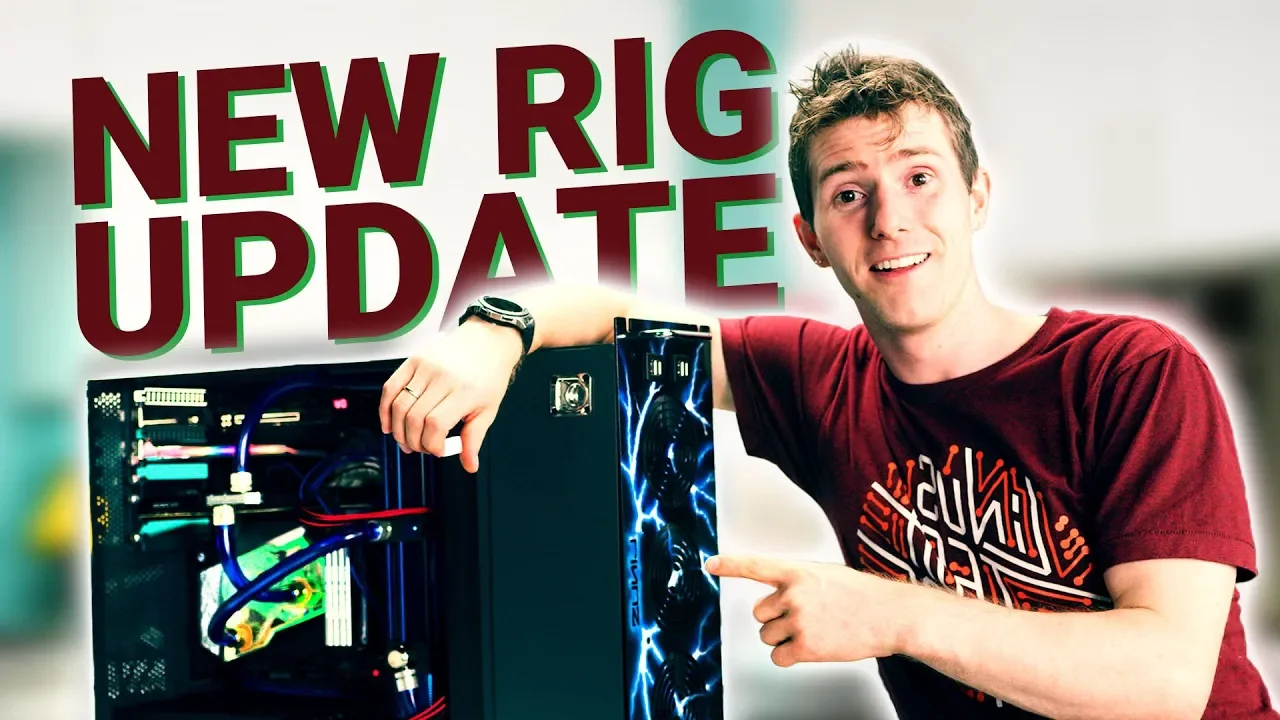
FINALLY Upgrading my 4 year old Gaming Rig!
0 up · 0 down · 0 ratings
Promos
IBM Developer is giving away 1,500 DJI Tello drones. Enter for your chance to win (US, Canada, UK and Spain only): ibm.biz After 4 long years, it's finally time to get a pretty sick upgrade done on my aging gaming PC.... Buy NVIDIA Titan RTX : On Amazon: lmg.gg Buy Z390 Aorus Xtreme: On Amazon: lmg.gg Buy Z390 Aorus Xtreme Waterforce 5G: On Newegg: lmg.gg Discuss on the forum: linustechtips.com Our Affiliates, Referral Programs, and Sponsors: linustechtips.com Get Private Internet Access today at geni.us Displate metal posters: lmg.gg Linus Tech Tips merchandise at lttstore.com Linus Tech Tips posters at crowdmade.com Our Test Benches on Amazon: amazon.com Our production gear: geni.us Twitter - twitter.com Facebook - @LinusTech Instagram - @linustech Twitch - twitch.tv Intro Screen Music Credit: Title: Laszlo - Supernova Video Link: youtube.com iTunes Download Link: itunes.apple.com Artist Link: soundcloud.com Outro Screen Music Credit: Approaching Nirvana - Sugar High youtube.com
The video chronicles a major mid-generation PC upgrade, starting with a frank assessment of the aging rig. The host explains that the old Titan X and Maxwell-era architecture no longer keep up with modern games and features, such as RTX and updated encoders, which motivates the upgrade plan. A key theme is practicality over over-the-top customization: no custom paint jobs or rack-mount enclosures, just a high-performance swap to a newer platform that can blast through modern titles. Early on, the package from Aorus and Nvidia is introduced, featuring a pre-binned, pre-overclocked CPU on the Z390 Aorus Extreme Waterforce 5G motherboard, signaling a shift from the old core to a cutting-edge setup. The host emphasizes the importance of clean, thoughtful mounting for cooling components, including careful handling of washers to prevent shorts and loosening from vibrations. The unboxing and initial mounting sequence then shows the new monoblock cooling solution being installed, followed by mounting considerations and first impressions of the build quality, including assessment of the block’s copper exposure, shroud material, and fittings. The video transitions from the hardware install to the practical test, where the system is filled, leaks are addressed, and a new loop routing is reworked to ensure proper flow, particularly for the CPU block. The author then powers up a test bench, boots the system, and runs a sandbox game at ultra settings to gauge performance gains, reporting a significant frame-rate uplift from prior gameplay, and validating the upgrade’s impact beyond looks to real-world gaming performance. The conclusion recaps the upgraded rig as the new baseline, while acknowledging that future upgrades may still be on the horizon, maintaining a sense of ongoing improvements rather than a single milestone. Throughout, sponsorships and product mentions are integrated, including IBM drone giveaway information, links for purchasing highlighted components, and a nod to the community and merch channels, reinforcing the channel’s broader tech ecosystem. The overall narrative blends practical wiring and cooling considerations with concrete performance improvements, demonstrating how a thoughtfully planned upgrade can transform a four-year-old gaming rig into a modern, capable machine for demanding titles like Anno 1800.
Topics · technology · gaming · pc hardware · build log · hardware upgrade
Questions answered
- What GPU and motherboard are used in the upgrade, and why were they chosen?
- The upgrade uses a Gigabyte Z390 Aorus Extreme Waterforce 5G motherboard with a pre-binned Core i9-9900K CPU and a Corsair monoblock cooling solution. They were chosen for their high-end features, overclocking validation, robust VRMs, and the integrated all-in-one block that cools multiple components, aiming to maximize performance while keeping the loop compact.
- How does the host address potential issues with the water cooling loop during installation?
- The host notes the importance of not overtightening screws to avoid cross-threading and uses washers to prevent shorts and loosening from vibrations. When the initial loop routing caused the CPU block to drain in an unintended direction, he re-routes the tubing to ensure proper flow and re-seals the system before testing.