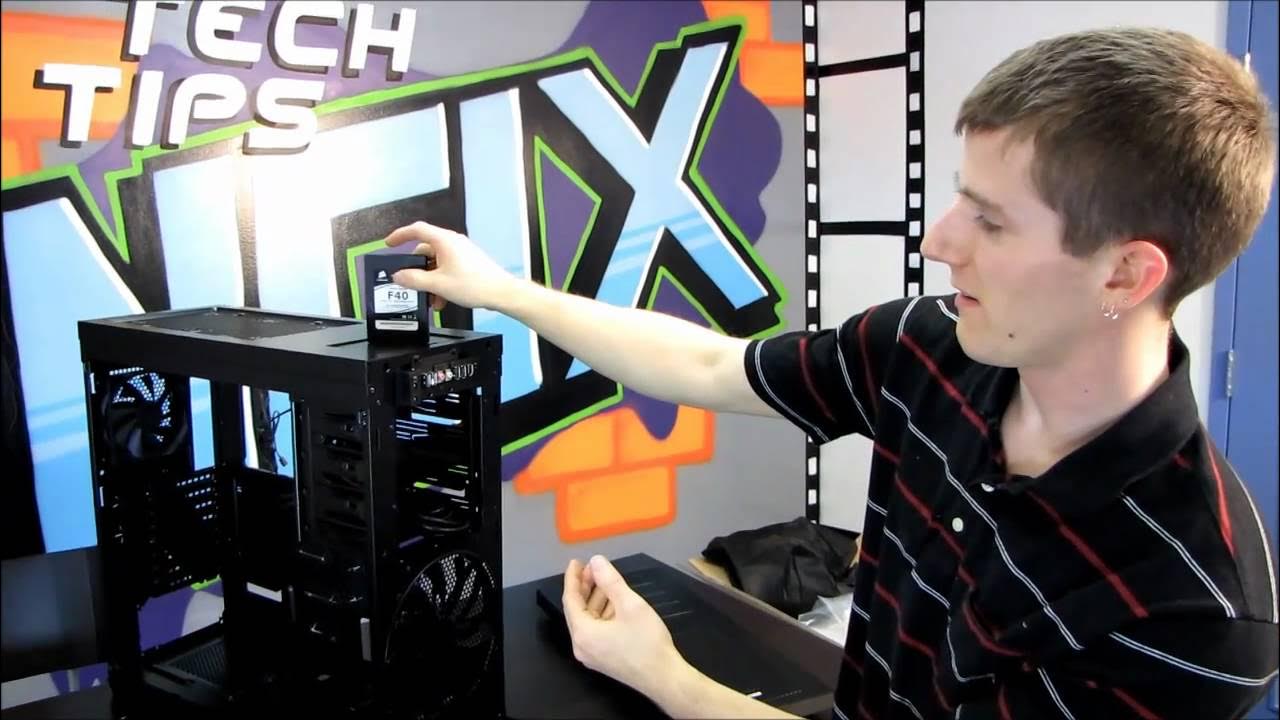
Corsair Obsidian 650D Gaming Case Unboxing & First Look Linus Tech Tips
0 up · 0 down · 0 ratings
Description
ncix.com By popular request ;)
In this unboxing and first look, Linus Tech Tips walks through the Corsair Obsidian 650D gaming case, highlighting its exterior features, build quality, and notable design decisions. The host starts with the front bezel and cable management, noting the clean look of the panel and the inclusion of front panel connectors as well as power and reset controls. He moves around the chassis to show the side window with a robust, tool-less panel latch system, then discusses the back section with eight expansion slots, the 120 mm exhaust fan, and the bottom-mounted power supply. The video then delves into the interior, explaining the Corsair-designed motherboard tray, stiff grommets, and the raised power supply mount that allows for flexible installation of various PSUs and improved airflow. Finally, Linus covers cooling options at the top, including the ability to mount different fan configurations such as 200 mm, 140 mm, 210 mm, and even 240 mm units, along with a top-mounted hot-swap drive guide, a built-in fan speed controller, and the tool-less drive cages that enable easy installation and removal of hard drives. Overall, the unboxing blends hands-on exploration with practical insights into expansion options, cooling flexibility, and cable management, helping viewers understand how the 650D accommodates long GPUs and diverse cooling layouts while maintaining a clean internal presentation.
Topics · hardware · unboxing · computer_case · tech_reviews · gaming_pc · pc_building