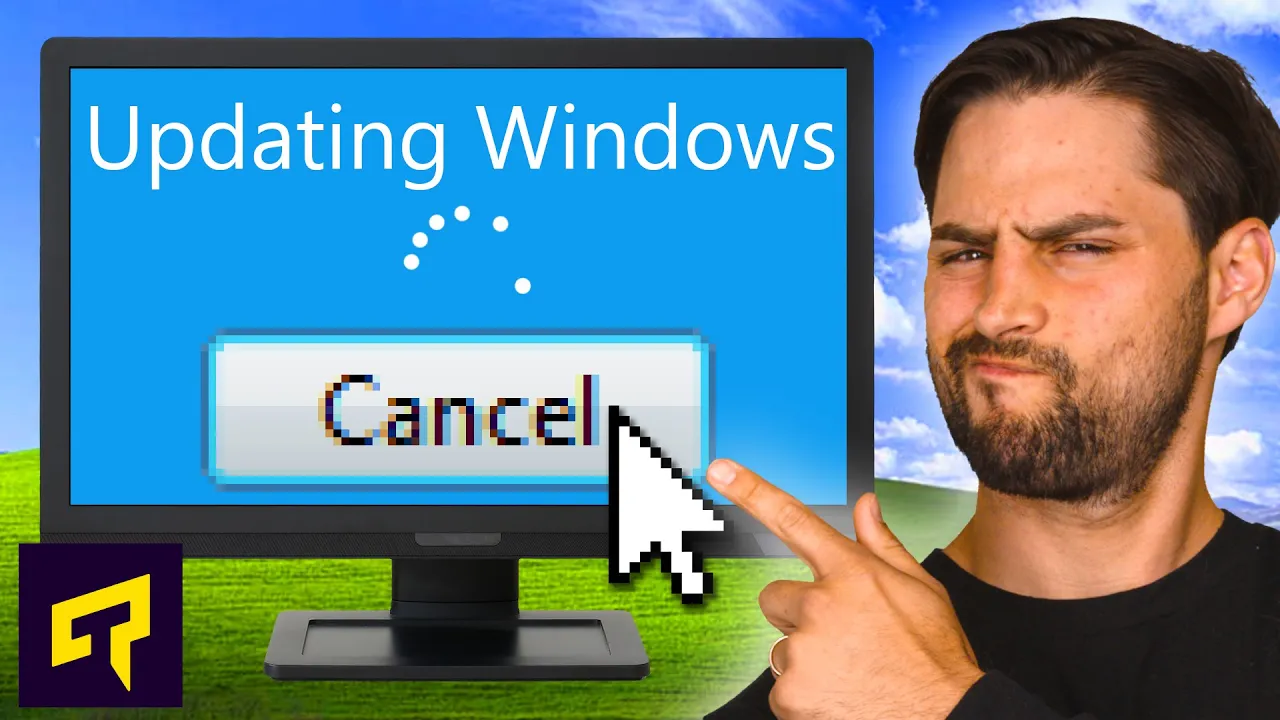
What Happens If You NEVER Update Windows?
0 up · 0 down · 0 ratings
Promos
Learn more about MSI's CLUTCH GM41 Lightweight Wireless Gaming Mouse at geni.us Buy on Amazon at (PAID LINK): geni.us How important are Windows updates? Leave a reply with your requests for future episodes, or tweet them here: twitter.com ►GET MERCH: lttstore.com ►SUPPORT US ON FLOATPLANE: floatplane.com ►LTX EXPO: ltxexpo.com AFFILIATES & REFERRALS --------------------------------------------------- ►Affiliates, Sponsors & Referrals: lmg.gg ►Private Internet Access VPN: lmg.gg ►MK Keyboards: lmg.gg ►Nerd or Die Stream Overlays: lmg.gg ►Official Game Store: nexus.gg ►Amazon Prime: lmg.gg ►Audible Free Trial: lmg.gg ►Our Gear on Amazon: geni.us FOLLOW US ELSEWHERE --------------------------------------------------- Twitter: twitter.com Facebook: @LinusTech Instagram: @linustech Twitch: twitch.tv FOLLOW OUR OTHER CHANNELS --------------------------------------------------- Linus Tech Tips: lmg.gg Mac Address: lmg.gg TechLinked: lmg.gg ShortCircuit: lmg.gg LMG Clips: lmg.gg Channel Super Fun: lmg.gg Carpool Critics: lmg.gg
The video explains why keeping Windows up to date is important, even if updates feel intrusive or slow down your computer. It starts by acknowledging the constant reminders to update and the fear that sticking with an older version could limit functionality and driver support. The host outlines how Windows versions older than the current mainstream may lose compatibility with new hardware and software, such as newer graphics drivers, and how developers may stop supporting outdated builds. It then shifts to the security rationale, emphasizing that patches fix vulnerabilities as attackers continuously discover new holes and that older builds become prime targets once they stop receiving updates. The discussion also touches the balance between feature updates and stability, noting that future updates bring design changes and new options like a Linux subsystem and improved security measures, while older builds may miss these improvements. Finally, the video offers practical guidance, suggesting the use of a separate older machine for legacy applications to avoid conflicts, and teases a future video about how to reduce update interruptions and bandwidth usage, concluding with a sponsor segment about a gaming mouse. The overall message is that updating Windows is crucial for security and compatibility, and while there can be inconveniences, there are strategies to manage updates without compromising essential software or workload needs.
Topics · technology · operating-systems · cybersecurity · software-updates · hardware-drivers
Questions answered
- Why is updating Windows considered essential for security across versions of Windows 10 and beyond?
- Updates patch newly discovered security vulnerabilities, reduce attack surfaces, and address evolving threats, making systems less prone to exploitation.
- What is a practical approach if you rely on legacy apps that may not work on the newest Windows versions?
- Keep an isolated older machine for legacy software, disconnect it from the internet to reduce risk, and avoid updating that system to preserve compatibility.
- Should you fear monthly feature updates, or are there benefits worth adopting them?
- Feature updates bring new capabilities and security improvements, but they can introduce compatibility or performance concerns; balancing updates with workload needs and testing is advised.