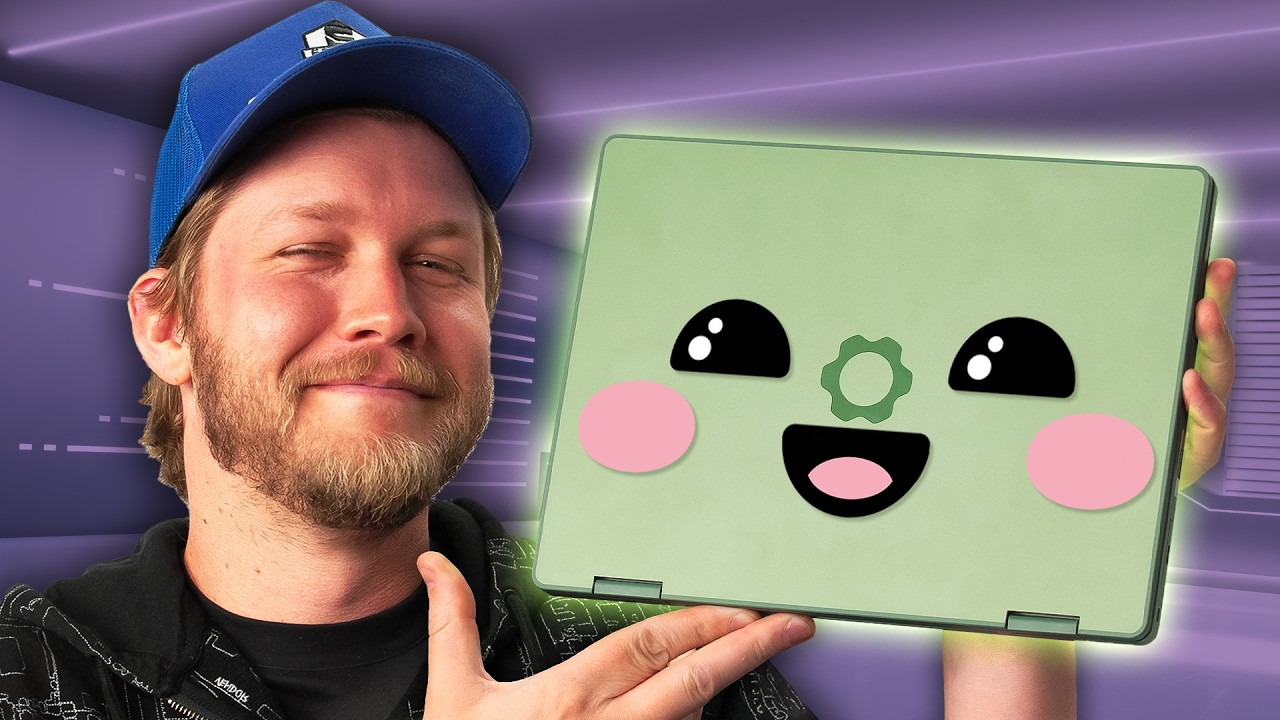
It’s so cute ★~(◠‿◕✿) - Framework 12
0 up · 0 down · 0 ratings
Description
Purchase a Xidax PC at: xidax.com Framework's newest (and cutest) laptop is here! With a smaller body, fun colours, and the same repairability we're used to, does Alex think that this laptop is what Gen Alpha needs?
Promos
Check out the Framework 12: lmg.gg Purchases made through some store links may provide some compensation to Linus Media Group. Want us to unbox something? Make a suggestion at lmg.gg ► GET MERCH: lttstore.com ► GET A VPN: piavpn.com ► GET EXCLUSIVE CONTENT ON FLOATPLANE: lmg.gg ► SPONSORS, AFFILIATES, AND PARTNERS: lmg.gg Linus Sebastian is an investor in Framework Computer, Inc CHAPTERS --------------------------------------------------- 0:00 An important box 0:23 Unboxing 1:46 Who Framework is and looking at the internals 4:07 Choosing our IO and design impressions 5:56 Sponsor - XIDAX 6:25 Display impressions and LABS results 8:49 Performance and gaming 10:37 Keyboard and tracking impressions 11:24 Speaker and webcam impressions 12:56 Battery life and pricing
The video opens with an unboxing and initial setup of Framework’s newest laptop, the Framework 12, highlighting its cute design, repairability, and the promise of future modular upgrades. The host walks through what comes in the box, including a keyboard, screwdriver, stylus, and the 60W power adapter, and notes which components can be upgraded or replaced, such as RAM and storage. There is emphasis on the DIY spirit, with the ability to disassemble and reassemble the device to learn how it is built, as well as caveats about RAM configuration and the need to use compatible 30 mm SSDs. Throughout the segment, attention is drawn to the IO options and how the device balances expandability with cost, with warnings about the price impact of multiple IO modules. The host also delivers quick commentary on the design choices, like the magnetic RAM flap and the emphasis on school or office use, while teasing the hardware layers underneath the plastic exterior and the presence of a metal chassis for rigidity. The narrative then shifts to a broader context of Framework’s repairable philosophy, underscored by a transition into a sponsor segment and a deeper dive into the display and color performance. The display is tested for brightness, color accuracy, and general usability, noting a surprisingly bright panel near 500 nits in practice, but a color space that is relatively narrow and not punchy, which affects how certain media looks. The touchscreen functionality is evaluated with a stylus, where accuracy and palm rejection show some room for improvement but overall satisfactory performance for casual drawing and note-taking. The segment concludes with a pragmatic take on performance, where the CPU and integrated graphics deliver acceptable gaming and everyday tasks, provided expectations are aligned with the hardware class, and a candid comparison to a modern higher-end MacBook by way of context. Finally, the speaker discusses the keyboard and trackpad quality, highlighting travel, feel, and reliability, followed by a balanced verdict on battery life and price, acknowledging that while not class-leading in longevity, the Framework 12 offers a compelling blend of repairability, configurability, and notebook versatility for enthusiasts. The video ends with a personal recommendation, noting that the Framework 12 is enjoyable to use, particularly for users who value disassembly and future upgrades, while inviting viewers to like and subscribe for more unboxings.
Topics · technology · product_review · hardware · education · laptops · unboxing · gaming · display
Questions answered
- What are the key upgrade options for the Framework 12 and how do they impact price and performance?
- The Framework 12 offers upgrade options such as RAM and 1 TB SSD, with RAM limited to a single slot and 30 mm SSD size. Upgrading RAM can improve multitasking performance, but single-channel memory may limit peak throughput. The SSD upgrade adds storage space, while additional IO modules can increase price by around $100. Overall, choosing lavender finish and two USB-C ports, along with a non-Windows included configuration, brings the price to around $838 in the tested example, with higher-end configurations approaching MacBook-level pricing.
- How does the Framework 12 perform for everyday tasks and light gaming?
- For everyday tasks like school work and drawing, the i5 or i3 variants provide adequate performance, especially with 16 GB RAM and a 1 TB SSD. In gaming tests, the machine reaches around 70-80 FPS in Rocket League at 720p, and 1080p not recommended for high performance due to the older processor. The integrated Intel UHD graphics deliver playable experiences for light titles, but are not designed for demanding modern games. Overall, the laptop handles casual gaming and productivity well within its target niche.