Highspeed PC Tech Station Assembly Guide Linus Tech Tips
0 up · 0 down · 0 ratings
Description
ncix.com This also serves the purpose of giving you guys a really close look at the construction of the unit. The whole process would take me about 20 minutes if I didn't have to film it.
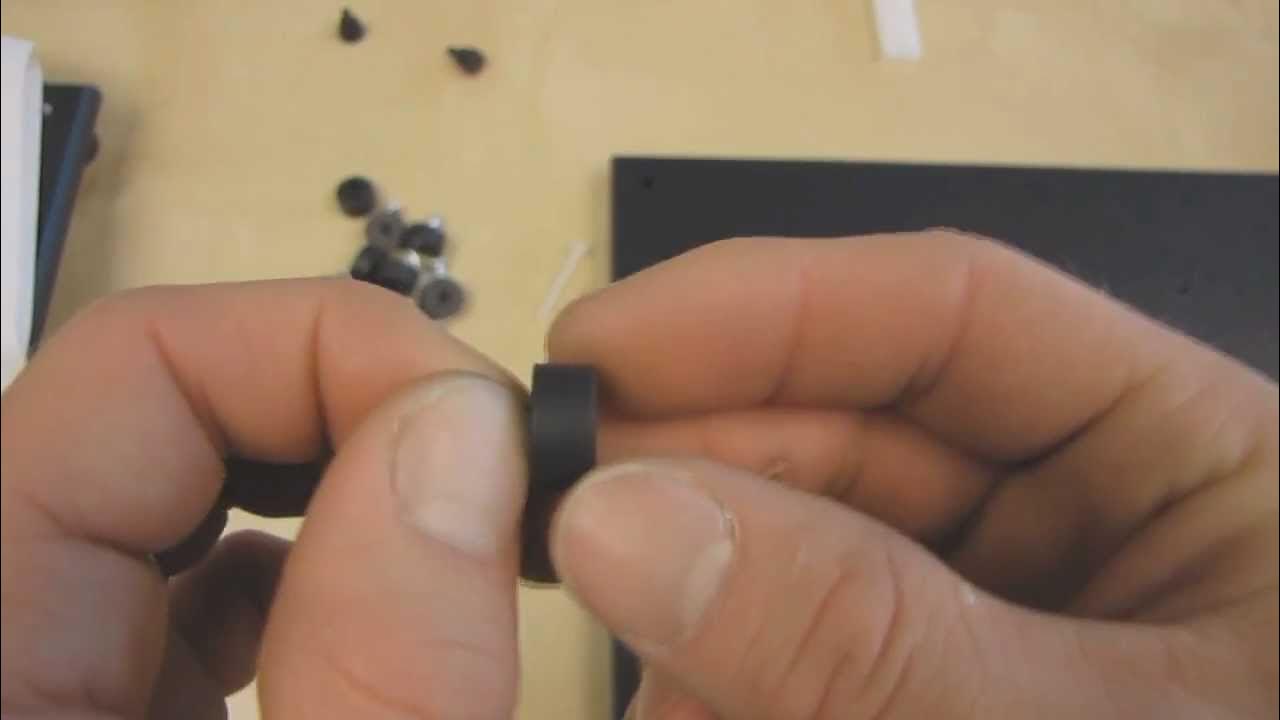
The video provides a detailed, step by step assembly guide for building the high speed PC tech station, aimed at enabling viewers to replicate Linus Tech Tips’ XL ATX top deck setup. The host starts by listing the essential tools and verifies that the included parts match the reference in the instruction manual, emphasizing the need for a desk with ample space. He then proceeds through a thorough sequence of steps: mounting the four rubber feet with stainless washers, installing motherboard standoffs with nylon screws, and ensuring rubber components are not overtightened to avoid damage. The guide continues with mounting the fan bracket, attaching hard drive rails, and positioning the post spacers and expansion card support brackets, while highlighting practical tips like keeping screws from over tightening and ensuring outward facing holes for expansion cards. Throughout, the host demonstrates careful alignment of components, remarks on personal preferences for hardware that aids ease of assembly, and stresses that the overall goal is efficiency and reliable hardware testing. In closing, the presenter shows finishing touches such as PCIe bracket installation, optional fanguards for dust protection, and securing the entire assembly before mounting power supply and fans, inviting viewers to subscribe for more unboxings and computer videos.
Topics · technology · computer_hardware · tutorial · pc_building
Questions answered
- What tools are essential for assembling the high speed PC tech station?
- A Phillips head screwdriver is essential, preferably a powered one, and the video emphasizes using the included hardware and following the manual for correct mounting of feet, standoffs, fans, rails, and brackets.
- How should you tighten rubber standoffs to avoid damage?
- Tighten just enough so the rubber does not rotate, but not so tight that the rubber starts to puck er, and avoid driving a screw through the rubber.
- What is a key tip when mounting expansion cards and PCI brackets?
- Ensure the expansion card holes face outward and use two different screws for the PCI bracket to secure the bracket properly without misalignment.