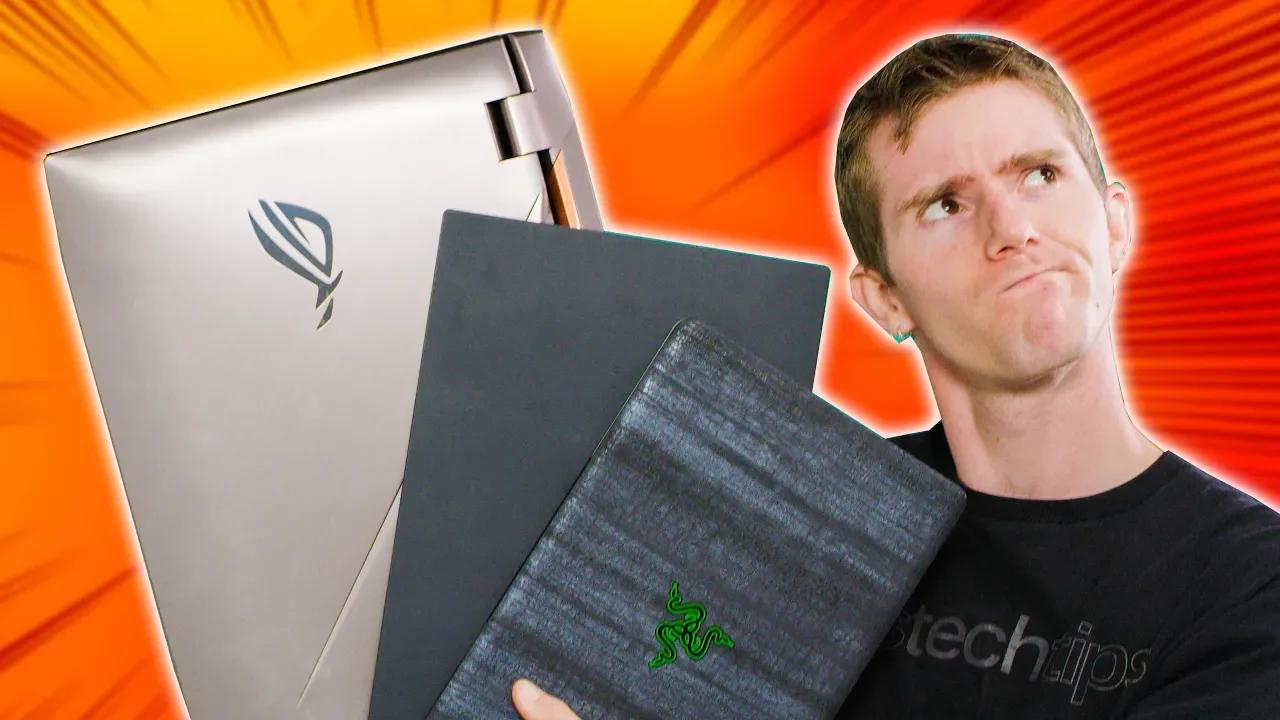
Which Portable Gaming Setup is BEST?
0 up · 0 down · 0 ratings
Promos
Visit squarespace.com and use offer code LTT for 10% off Synergize your computers with Synergy: symless.com If you can't have a desktop what's the best option for gaming on the go? Buy the Asus G703Gi On Amazon: geni.us On Newegg: geni.us Buy the Razer Blade On Amazon: geni.us On Newegg: geni.us Buy an eGPU On Amazon: geni.us On Newegg: geni.us Discuss on the forum: linustechtips.com Our Affiliates, Referral Programs, and Sponsors: linustechtips.com Get Private Internet Access today at geni.us Linus Tech Tips merchandise at designbyhumans.com Linus Tech Tips posters at crowdmade.com Our Test Benches on Amazon: amazon.com Our production gear: geni.us Twitter - twitter.com Facebook - @LinusTech Instagram - @linustech Twitch - twitch.tv Intro Screen Music Credit: Title: Laszlo - Supernova Video Link: youtube.com iTunes Download Link: itunes.apple.com Artist Link: soundcloud.com Outro Screen Music Credit: Approaching Nirvana - Sugar High youtube.com Sound effects provided by freesfx.co.uk
The video explores three main avenues for portable gaming: a heavy high-performance laptop (the Asus G703), an ultra-light with an external GPU enclosure (Razer Stealth with eGPU), and a mid-weight option (Razer Blade 2018). The host frames the objective as identifying the objectively best portable gaming setup, weighing factors like performance, expansion options, and battery life. Early on, the host highlights the three contenders and notes that the G703 is a power-hungry beast with top-tier CPU and GPU, the Razer Stealth relies on Thunderbolt 3 for external GPU expansion, and the Razor Blade 2018 sits between portability and muscle with a strong mobile CPU and GPU. Throughout the testing, they establish a series of challenges designed to compare the machines in realistic on-the-go scenarios such as quick setup, multi-threaded computing, and gaming performance. The evaluation includes practical setup speed, Cinebench CPU performance, Shadow of the Tomb Raider frame rates, and battery life, all while considering how each option would fit into a mobile lifestyle. The result is a nuanced verdict that emphasizes the thin and light option as the most practical for many users, while acknowledging that the desktop-grade experience can still be accessed via eGPU while traveling. They also discuss the trade-offs of portability versus performance and encourage viewer input to decide the final winner. Finally, the host plugs sponsor and affiliate links, highlighting Squarespace for online presence and other services, and invites audience feedback on the video’s conclusions. The overall takeaway is that the best portable gaming setup depends on the user’s priorities, with the thin-and-light laptop offering the best balance for most users, and the eGPU route appealing to those who prioritize desktop-like performance on the go. For those who need pure portability, a strong ultrabook with accessible expansion remains a solid compromise, while desktop gaming at home remains the ultimate option for performance enthusiasts.
Topics · technology · gaming · portable-computing · laptops
Questions answered
- What was the overall winner for portability in the test, and why?
- The thinner gaming laptop was identified as the overall winner for portability because it offered the best balance of weight, battery life, and on-the-go gaming performance, while the heavier desktop-oriented options sacrificed portability for raw power.
- Why is the external GPU setup not universally recommended for everyone?
- Because it requires a compatible notebook with Thunderbolt 3, an external enclosure, and a GPU, and even then bandwidth through Thunderbolt 3 can bottleneck performance, making it a middle-of-the-road experience relative to a true gaming laptop or a desktop at home.