Razer Naga Epic Cordless MMO Gaming Mouse Unboxing & First Look Linus Tech Tips
0 up · 0 down · 0 ratings
Description
ncix.com The Naga is one of my favourite mice and with all of the improvements Razer has made to the functionality and ergonomics with the "Epic" version, it's even more impressive than ever before!
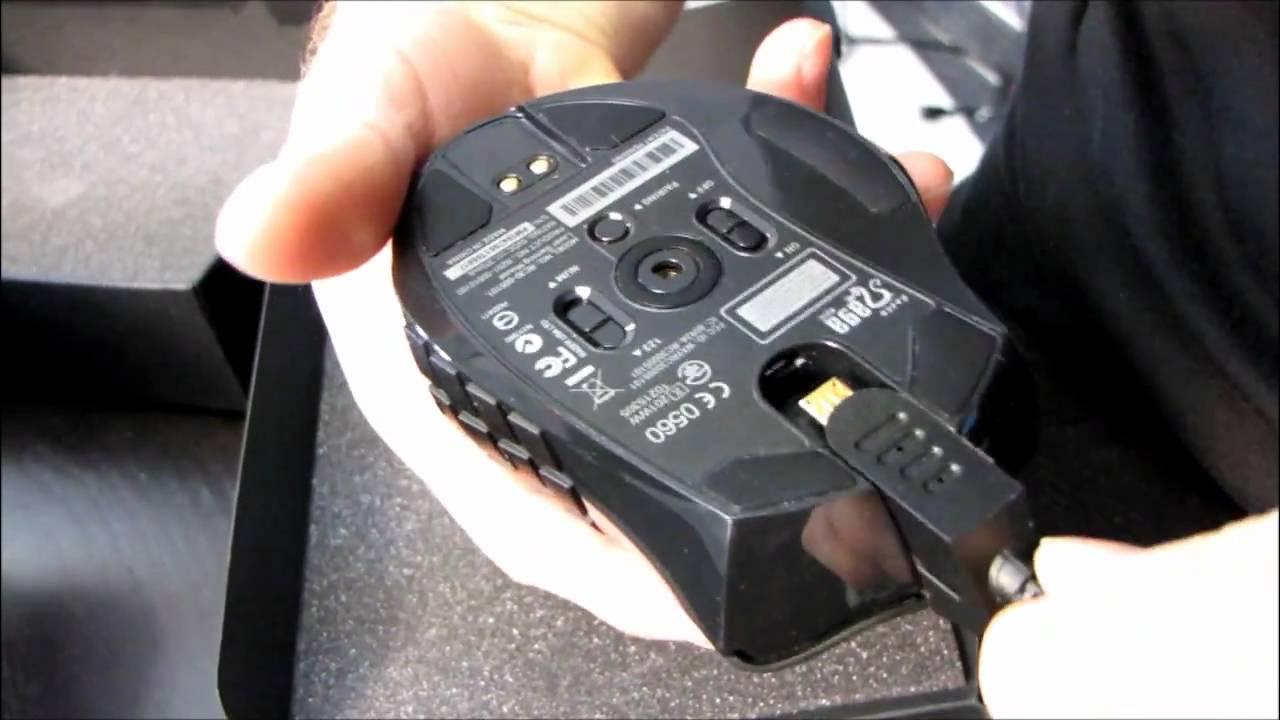
In this unboxing and first look, Linus Tech Tips walks through the Razer Naga Epic Cordless MMO Gaming Mouse, highlighting what makes the Epic version different from the original Naga. The host points out the wireless capability, a hot swappable battery, and interchangeable grip options, emphasizing how these features add versatility for MMO players. The packaging is shown in detail, including the base station, a rechargeable battery pack, and multiple grip modules designed to customize the mouse shape for palm, claw, or fingertip grips. The video also covers the included MMO grid trainer, which helps users map and memorize the side buttons, and explains how the side buttons can be bound to number keys or the numeric keypad. The unboxing demonstrates both wireless and wired charging options via the base station, and notes the process of swapping grips to fit personal hand size and play style. By the end, the presenter summarizes how the Naga Epic combines multiple technologies into a single ergonomic, modular package aimed at MMO enthusiasts, while also noting practical setup steps for battery insertion, mode switching, and charging.
Topics · hardware · peripherals · unboxing · gaming · tech_reviews · computer_accessories
Questions answered
- What are the key features that differentiate the Razer Naga Epic from the regular Naga?
- The Naga Epic adds wireless operation, a swappable rechargeable battery, and interchangeable grip options, along with a base station for charging and an enhanced MMO button grid trainer.
- How does the grip system work and which grip is recommended for different play styles?
- Razer provides three grips: palm, claw, and classic; each is designed to alter how the hand contacts the mouse. The palm grip supports a broader hand placement, the classic grip is a balanced three-finger setup, and the claw grip focuses control on the index and middle fingers, with the thumb supporting the side buttons for switching.