Reviewing Everything on my Desk! (2026)
0 up · 0 down · 0 ratings
Promos
Everything I've had on my desk for years in 1 video. Budget version of the same setup: youtu.be MKBHD Merch: shop.mkbhd.com Playlist of MKBHD Intro music: goo.gl Links (Affiliate): XDesk Air Pro: xdesk.com Herman Miller Embody: geni.us Mac Pro: apple.com Pro Display XDR: apple.com Grovemade monitor shelf: grovemade.com Apollo Twin Gen 2: amzn.to Yamaha HS8: amzn.to Sennheiser HD650: amzn.to Belkin charging station: amzn.to Rainy 75 Lite keyboard: amzn.to MX Master 4: amzn.to Artisan mousepad: amzn.to ~ twitter.com @MKBHD @MKBHD
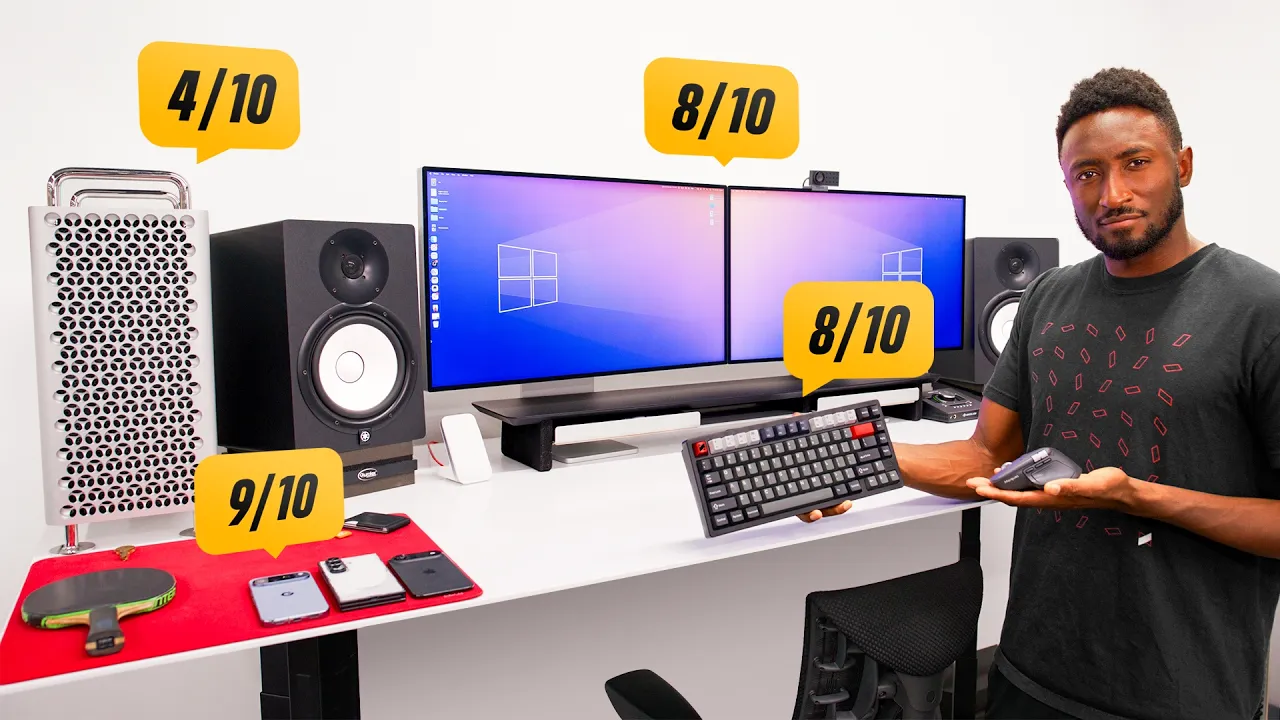
In this video, MKBHD presents a thorough, long-form tour of the desk setup he has maintained for years, highlighting how each component has stood the test of time and served as a reliable workbench for countless videos. He starts with a grand overview of the desk itself, describing the Next Desk Air Pro as a sit-stand unit with an enormous 96 by 38 inch surface made from a single, rigid aluminum sheet, emphasizing its rock-solid stability despite heavy equipment on top. He notes the OG branding on the control panel as a nod to the desk’s origin and shares a small gripe about having to hold the height button to set a position, rather than single-press height memory. The desk earns a solid nine out of ten overall, setting the tone for a critical but affectionate “forever desk” appraisal. The narrative then transitions to the seating, praising the Herman Miller Embody chair for its exceptional comfort, long-term value, and adjustability, rating it a perfect 10 out of 10 and underscoring how back health and comfort justify investments in a creator workflow. Finally, he segments into the core computing and display stack, revealing a Mac Pro as the current power hub and explaining its expansion-friendly design, legacy PCIe slot usage, and planned upgrade path toward newer Apple silicon solutions, like potential Mac Studio or M4/5 generations, to keep performance in step with evolving workflows. The video moves into the dual Pro Display XDR setup, acknowledging their premium price, nano-texture finish, and the trade-off of cleaning difficulty, while acknowledging how they serve as a stable color reference and studio workhorse for daily editing, color matching, and general viewing. He then covers the audio chain, featuring Yamaha HS8 monitors, Sennheiser HD650 headphones on a stand, and a DAC-powered headset experience, noting minor RF interference quirks and praising the monitors’ wide utility for editing and listening. The middle of the desk showcases a hybrid input setup with a USB-C trackpad and a mouse, paired with a Rainey 75 keyboard and custom keycaps, followed by a robust but aging MX Master 4 mouse with high marks for software, haptics, and build quality. He also details two wireless charging pads and a fast Oppo AirVOOC charger, explaining practical daily charging workflows for phones and wearables, and caps the desk tour with practical storage touches like a Grovemade shelf for small tools and cables. The video closes with a candid note on the overall gear mix, the rationale behind long-term usage, and a teaser for a studio-focused variant that promises similar value at a lower price tag, inviting viewers to compare and consider what they would swap first. Overall, the tour blends appreciation for time-tested gear with a clear-eyed sense of cost, practicality, and future-proofing for a creator’s evolving needs.
Topics · technology workspace · product reviews · hardware setup · audiovisual gear · workspace design
Questions answered
- What chair is used in the desk setup and why is it favored?
- The chair is the Herman Miller Embody, chosen for exceptional comfort, extensive adjustability, and long-term back support, making it a strong investment for prolonged editing and creative work.
- Why is the Mac Pro kept on the desk instead of under it?
- The Mac Pro stays on the desk to keep cables accessible as the sit-stand desk moves up and down, preventing cable routing issues and maintaining a clean, organized setup.
- What keyboard and mouse setup does MKBHD use for daily editing?
- He uses the Rainey 75 keyboard with Mac-compatible layout and wireless capability, plus the MX Master 4 mouse for its reliable software, haptics, and build quality, optimized for editing tasks.