HP SimpleSave Desktop USB External Hard Drive Unboxing & First Look Linus Tech Tips
0 up · 0 down · 0 ratings
Description
ncix.com As the name implies, this product is all about simplicity. Back up your files and PC quickly and easily.
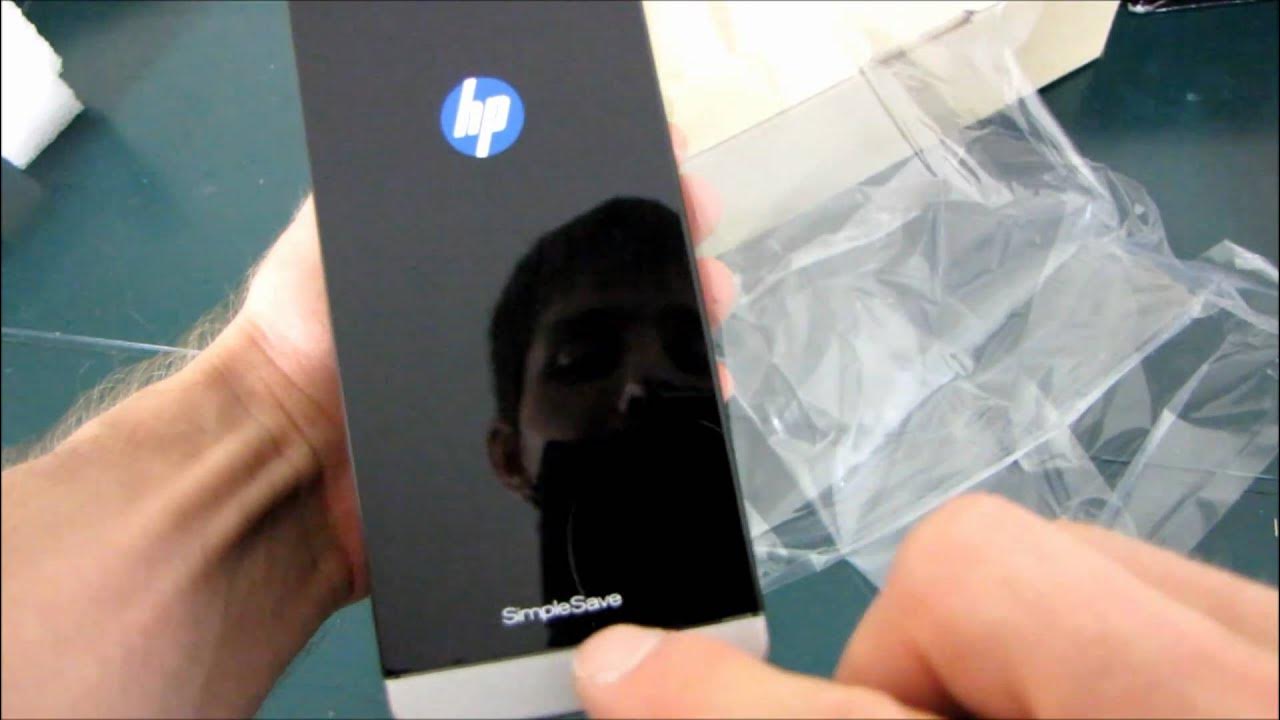
The video presents an unboxing and first look at the HP SimpleSave Desktop USB External Hard Drive. The host introduces a 1 TB USB 2.0 storage solution designed for straightforward, handsfree backup, promising to start the backup process automatically within about 25 seconds of connection. The unboxing reveals the packaging, a user’s guide, a USB A to mini B cable, and the power adapter, with emphasis on the device’s glossy black finish and compact, buttonless design intended to be simple enough for a broad audience, including Mac users and grandparents. The host demonstrates the hardware setup, noting the single USB connection on the rear, no front buttons, and the minimalistic approach that emphasizes ease of use over features. Throughout the segment, the presenter jokes about the device’s simplicity and fingerprint-prone surface, while praising the product’s clean aesthetic and the software’s automatic backup capability, which is framed as the core selling point of “handsfree” operation. The video uses a lighthearted tone, highlighting the approachable nature of the device and its potential appeal to non-technical users who want a plug-and-play backup solution.
Topics · technology · consumer-electronics · product-unboxing · data-storage
Questions answered
- What is the main feature of the HP SimpleSave as shown in the video?
- The main feature is automatic, handsfree backup that starts after connection, with no user interaction required.