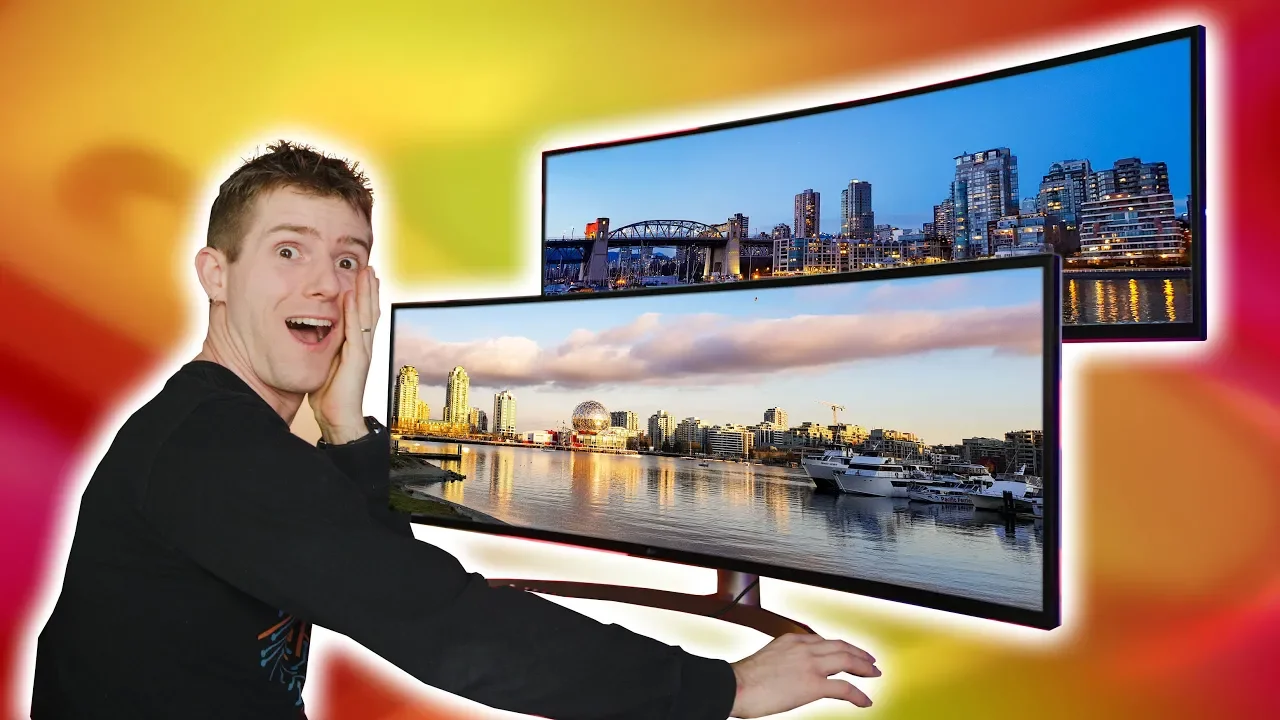
I can never go back... - LG & Dell's 49" 32:9 Monitors Reviewed
0 up · 0 down · 0 ratings
Description
Check out the Thermaltake A500 mid-tower case on Amazon at lmg.gg
Promos
Check out the Hexgears Nova Keyboard at hexgears.live These two curved 32:9 monitors - the LG 49W95C-W and Dell U4919DW - are basically the equivalent of TWO 27" standard monitors but with no bezels in between! Dell’s U4919DW is a 49 inch, 32:9 super ultrawide monitor with a 5120x1440p resolution… and so is LG’s 49WL95C. But which one should you get? Buy Dell U4919DW: On Amazon: geni.us On Newegg: geni.us Buy LG 49WL95C: LG.com bit.ly Amazon: geni.us Discuss on the forum: linustechtips.com Our Affiliates, Referral Programs, and Sponsors: linustechtips.com Get Private Internet Access today at geni.us Linus Tech Tips merchandise at lttstore.com Linus Tech Tips posters at crowdmade.com Our Test Benches on Amazon: amazon.com Our production gear: geni.us Twitter - twitter.com Facebook - @LinusTech Instagram - @linustech Twitch - twitch.tv Intro Screen Music Credit: Title: Laszlo - Supernova Video Link: youtube.com iTunes Download Link: itunes.apple.com Artist Link: soundcloud.com Outro Screen Music Credit: Approaching Nirvana - Sugar High youtube.com
The video digs into a head to head comparison between two 49 inch ultra wide 32:9 monitors, the LG 49WL95C and the Dell U4919DW. It explains that both displays use the same high pixel count, with a 5120 by 1440 resolution, which equals the pixel count of two 27 inch 1440p monitors side by side but without the bezels that normally divide them. The host discusses how the leap from 1080p to 1440p across such a wide panel significantly improves image clarity, especially for productivity tasks where multiple windows can be open simultaneously. He also notes that despite the vast screen real estate, the 49 inch panel still runs at a maximum of 60 hertz, with a modest overclock possible, which makes it less ideal for hardcore esports but plenty capable for general gaming and office use. The review emphasizes the practical differences in design, ports, and features between the two models, such as the dell’s more extensive usb port set and the lg’s ambient light sensor and swivel stand, while also addressing issues like hdr performance and color calibration out of the box. Overall, the verdict leans toward recommending one if you value built in docking and productivity flexibility, but acknowledges that the better value may depend on whether you prioritize features like speakers, hdr, or a particular ergonomic setup. In the middle section, the host evaluates gaming performance and system requirements for these super ultrawide monitors. He points out that while the 5120 by 1440 resolution delivers a highly immersive field of view, running current high end rigs at maximum frame rates is challenging due to the sheer pixel count across 49 inches. The tests show playable frame rates at high settings when paired with strong graphics hardware, though not at the very highest esports targets, and the explanation includes real world fps numbers across cs go and apex legends. The host also discusses the difference between perceived sharpness and actual pixel density, noting that the jump from 1080p to 1440p yields a noticeable improvement but still leaves some compromises versus true 4k displays. He examines the impact on productivity workflows, showing how many windows can be arranged and how text remains legible with 1440 vertical pixels, even if the top tier hdr and color calibration vary between units. The section concludes that for non esports gamers and professionals who value screen real estate for multitasking, either monitor offers compelling benefits once you accept the 60 hz ceiling, with the lg options bringing extra perks like internal speakers and a more flexible stand. In the final portion, the presenter offers a practical buying recommendation and summarizes the standout pros and cons. If your priority is ultra wide productivity and you want the most ergonomic and feature rich package, the lg option’s swivel stand, ambient light sensor, built in speakers, and 90 watt usb c power delivery offer compelling conveniences, albeit at a higher price. If you want a more understated setup with a robust port selection and slightly different color calibration, the dell model remains a solid choice, though it lacks the lg’s hdr certification and certain extras. The host also references future competition and pricing, suggesting that a samsung 144 hz alternative and rog’s upcoming model could shift value for gamers who chase higher refresh rates. He closes by reconfirming that both monitors deliver a transformative, immersive experience for productivity and casual gaming, and notes that the final decision should hinge on which extra features matter most to the buyer’s desk layout, peripherals, and workflow needs.
Topics · technology · monitors · gaming · productivity · display hardware · consumer electronics