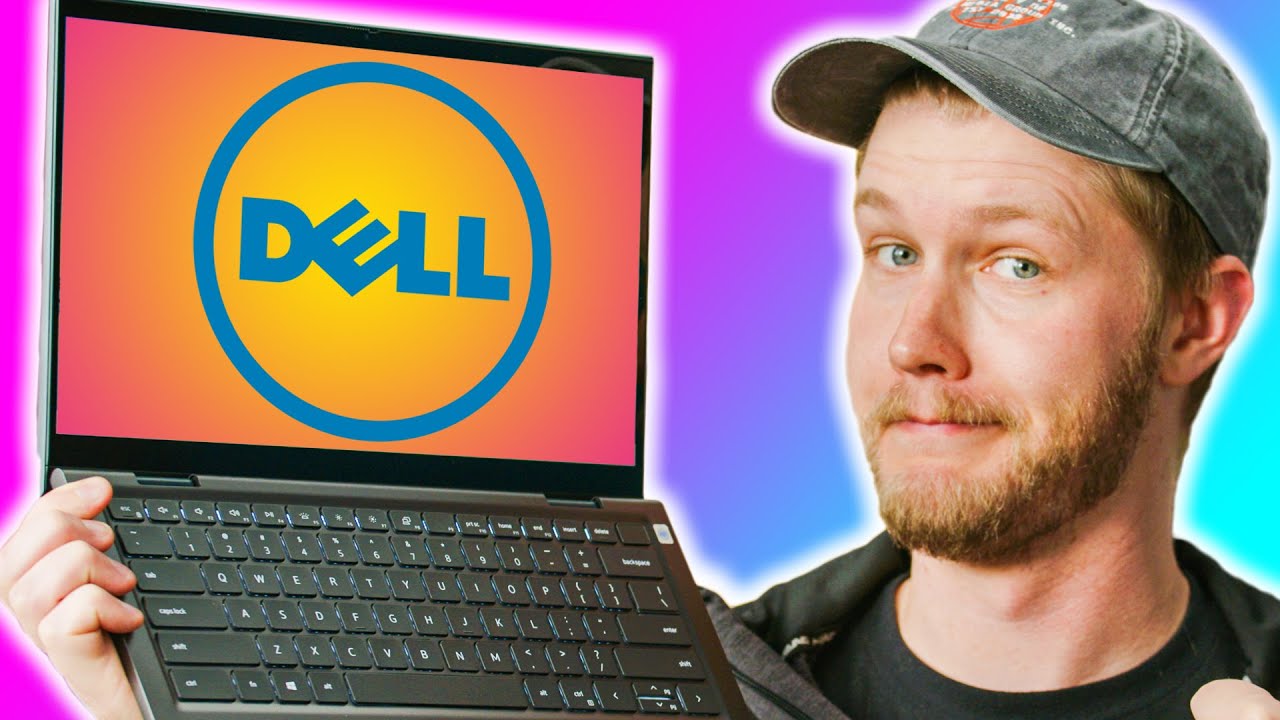
The No-Nonsense Laptop - Dell Inspiron 14
0 up · 0 down · 0 ratings
Promos
Apple just announced their latest M1 Max and M1 Pro MacBook Pros, but if you don't walk around with gold bars in your pocket, this might be the laptop you're looking for. The Dell Inspiron 14" might be something you want, especially since it has a touchscreen. Buy Dell Inspiron 14 On NewEgg (Paid Link): geni.us Buy HP Pavillion Aero 13 On HP (Paid Link): geni.us Buy Dell XPS On Amazon (Paid Link): geni.us On Best Buy (Paid Link): geni.us On NewEgg (Paid Link): geni.us Purchases made through some store links may provide some compensation to Linus Media Group. ►GET MERCH: lttstore.com ►SUPPORT US ON FLOATPLANE: floatplane.com ►LTX EXPO: ltxexpo.com AFFILIATES & REFERRALS --------------------------------------------------- ►Affiliates, Sponsors & Referrals: lmg.gg ►Check out our podcast gear: kit.co ►Private Internet Access VPN: lmg.gg ►Our Official Charging Partner Anker: lmg.gg ►Secretlabs Gaming Chairs: lmg.gg ►MK Keyboards: lmg.gg ►Nerd or Die Stream Overlays: lmg.gg ►Green Man Gaming lmg.gg ►Amazon Prime: lmg.gg ►Audible Free Trial: lmg.gg ►Our Gear on Amazon: lmg.gg FOLLOW US ELSEWHERE --------------------------------------------------- Twitter: twitter.com Instagram: @shortcircuityt Facebook: @ShortCircuitYT FOLLOW OUR OTHER CHANNELS --------------------------------------------------- Linus Tech Tips: lmg.gg TechLinked: lmg.gg Mac Address: lmg.gg Techquickie: lmg.gg LMG Clips: lmg.gg Channel Super Fun: lmg.gg Carpool Critics: lmg.gg Chapters: --------------------------------------------------- 0:00 - It's a laptop! 0:10 - Unboxing 0:57 - Exterior impressions 3:19 - Sponsor - Honey! 3:48 - Keyboard and trackpad impressions 6:47 - Display impressions 7:22 - Fingerprint reader test 8:02 - Gaming impressions 9:40 - Crab Rave Audio Test 11:00 - Linus interruption 11:45 - Taking a look inside 13:40 - Conclusion
The video delivers a no-nonsense take on the Dell Inspiron 14, focusing on value, usability, and upgradeability for a budget-conscious audience. The host starts with the unboxing and initial impressions, noting the included 65-watt USB-C charger and highlighting the convenience of USB-C charging. They compare the chassis and hardware against the HP Pavilion Aero 13, arguing that the Dell feels slightly heavier and more flexible in build, but offers a touch screen and practical feature set that suits everyday use. The segment also establishes price expectations, with the base configuration around 850, while a higher-end option sits near 1050, and the host points out what you get for that extra cost, including additional RAM and potential upgrades later on. The commentary acknowledges the device as a solid, no-frills laptop that avoids gimmicks while emphasizing reliability and accessibility for future upgrades and repairs. In the keyboard and input section, the video praises the keyboard for its tactile feedback and reliable typing experience, while noting that some chassis rigidity in parts of the body can affect the overall feel. Backlit keys are highlighted as a strength of the Inspiron 14, a feature that the HP option lacks in the tested configuration. The trackpad receives mixed attention, described as occasionally sticky but adjustable with a bit of finger lubrication, and overall the input devices are considered solid for the price. The display impressions acknowledge a decent panel given the price point, with a wish for a 16 by 10 aspect ratio to improve productivity and viewing comfort. The host also comments on the fingerprint reader, calling it quick and reliable for waking and logging in from sleep. In the performance and upgradeability discussion, the host tests light gaming using Valheim at 720p, noting that the system handles the game at acceptable frame rates but not at high visual settings. They point out the dual benefits of the Inspiron 14 for work and casual gaming, especially for families or students who want a laptop that can double as a light gaming machine. A key takeaway is the upgrade path: the model offers RAM and storage upgradability via accessible SO-DIMM slots and swappable SSD, which the host argues makes it a long-term value buy, potentially lasting six years with periodic upgrades. The conclusion reinforces the “no-nonsense” premise, applauding the combination of a touchscreen, upgrade options, and reasonable price, while acknowledging that the machine might not satisfy power users who demand top-tier graphics and portability. The video ends by comparing it to the HP option and endorsing the Dell as a dependable, user-serviceable choice for everyday productivity and light gaming.
Topics · technology · computers · laptops · gaming · reviews
Questions answered
- What is the charger specification for the Dell Inspiron 14 and why is it relevant?
- The charger is 65 watts and USB-C, which allows convenient charging and flexibility for other USB-C devices.
- Can you upgrade the RAM and storage on the Dell Inspiron 14?
- Yes, the laptop includes accessible RAM and SSD upgrade paths via SO-DIMM and a swappable SSD, enabling future capacity improvements.
- How does gaming performance look on this machine at 720p?
- Light gaming like Valheim runs at 720p with playable frame rates, suitable for casual gaming but not high-end titles or settings.