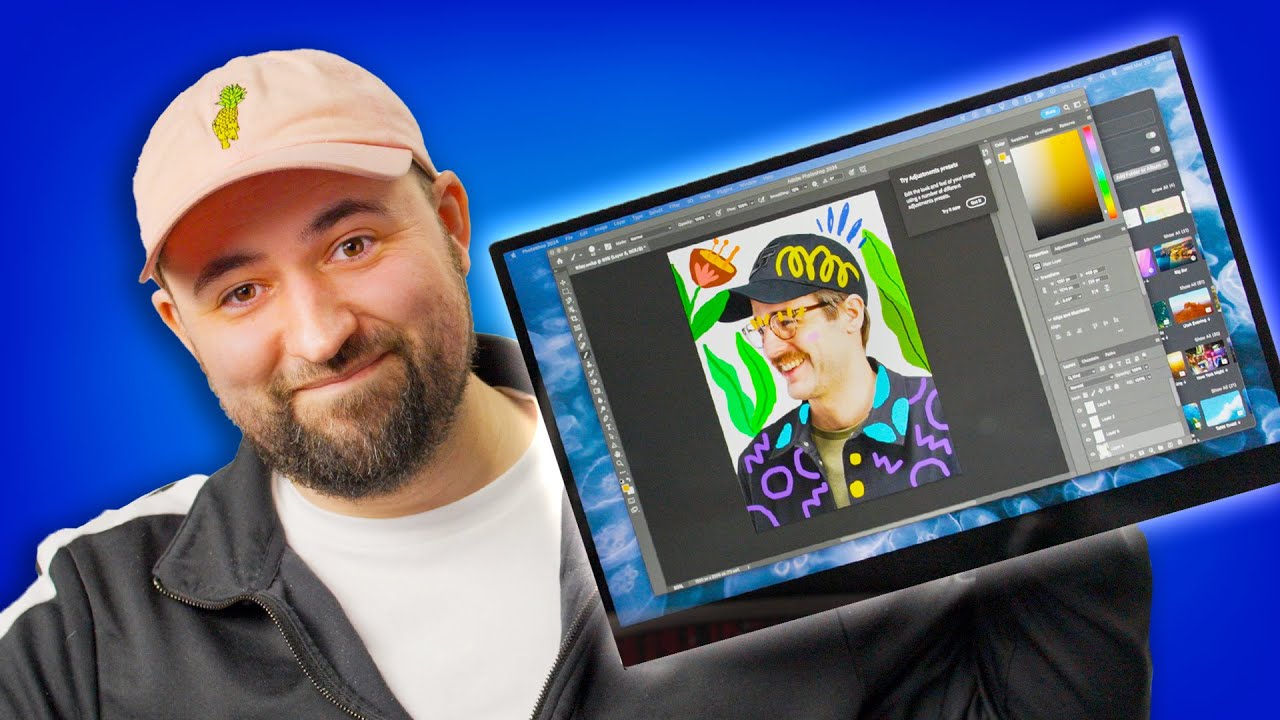
Give your Mac a touch screen! - espresso 17 Pro
0 up · 0 down · 0 ratings
Promos
Thanks to espresso for sponsoring this video! Use code Circuit10 to get 10% off your order at: bit.ly (Coupon excludes 13 non-touch, starter bundle, and refurbished units) We all know that Plouffe loves gaming monitors, but what about portable monitors? While it may not be an AW3423DW, the espresso 17 pro has some neat tricks up its sleeve, like touch input on Mac computers and a 4K resolution. Find out if this should be your next portable monitor. ICC Profile download: drive.google.com Want us to unbox something? Make a suggestion at lmg.gg ► GET MERCH: lttstore.com ► GET EXCLUSIVE CONTENT ON FLOATPLANE: lmg.gg ► SPONSORS, AFFILIATES, AND PARTNERS: lmg.gg ► PRODUCTS WE USE ON THE SHORTCIRCUIT SET: lmg.gg FOLLOW US ELSEWHERE --------------------------------------------------- Twitter: twitter.com Instagram: @shortcircuityt TikTok: @linustech Facebook: @ShortCircuitYT CHAPTERS --------------------------------------------------- 0:00 Unboxing 2:40 Stand pro demonstration 5:00 Does it fit in the LTTStore backpack? 5:30 How much does it weigh? 6:27 Turning on the espresso 17 Pro 7:20 LABs data 8:05 Speaker test 8:30 Testing out Flow and Jot 9:59 Maria joins the party! 12:42 Conclusion 13:56 Outro
In this unboxing and hands-on review, the espresso 17 Pro portable display is introduced as a 17.3 inch, 4K touchscreen monitor designed to complement a Mac setup. The host highlights the device’s compact form factor, premium purple accents, and the bundled accessories including a USB-C to USB-C cable, a screen protector, and a dedicated stand. Early in the segment, the box contents are shown and described, emphasizing the portability and the thoughtful packaging that allows the unit to fold into a compact travel kit. The video demonstrates the stand’s magnetic kickstand mechanism, the weight and dimensions, and the overall build quality, noting the device’s sleek, minimalist aesthetic with minimal branding. The reviewer then powers on the espresso 17 Pro with a Mac, confirming plug-and-play compatibility and the touchscreen capability, which is a standout feature given MacBooks traditionally lack touch input. In the core testing portion, the display is evaluated for color performance, brightness, and overall usability as a second screen for laptops. The host measures brightness around 475 nits and discusses color coverage around 98% DCI-P3, while acknowledging that the panel is IPS rather than OLED, which limits contrast but still yields solid image quality for portable use. An ICC profile is created to improve color accuracy, and the host shares where to download it. Built-in speakers are tested and found adequate but not exceptionally strong, with the emphasis on convenience rather than premium audio. The software suite Flow and Jot is introduced, showing how snapping windows and drawing tools can integrate with the display, and the pen is demonstrated for note taking and quick sketches, including a playful mid-show interaction with a guest contributor who provides a designer perspective on the experience. Toward the end, practical opinions are weighed: the espresso 17 Pro offers a large, high-density touchscreen in a portable form factor with a stand and magnetic pen storage, but at a premium price and with mixed reactions about its value for artists or tablet-like use. The video frames the product as a better fit for creators or professionals who want a second screen with touch input on macOS, while acknowledging that dedicated tablets or standalone graphic tablets may offer stronger precision and standalone OS capabilities at similar or lower prices. Real-world tests, including drawing with the display in different orientations and the feasibility of fitting the unit in a laptop backpack, are discussed. The host concludes that the espresso 17 Pro is worth considering for those prioritizing portability, touch capability, and color accuracy, while hinting at potential alternatives for budget-conscious buyers and cautioning viewers to weigh the costs against tablet options.
Topics · technology · gadgets · monitors · portable display · mac accessories · unboxing · sponsorship · creativity
Questions answered
- What are the key selling points of the espresso 17 Pro as a portable touchscreen for Mac users?
- Key selling points include its 17.3 inch 4K touchscreen, high pixel density, portable form factor, built-in stand, magnetic pen storage, and Flow and Jot software for drawing and window snapping, along with color accuracy improvements via an ICC profile.
- How does the espresso 17 Pro perform for color and brightness on the go?
- It delivers about 475 nits of brightness and around 98% DCI-P3 color coverage, which is strong for portable IPS panels but not equivalent to OLED or high-end professional monitors.
- Is the espresso 17 Pro a replacement for a tablet or graphic tablet?
- No, reviewers indicate it is a portable touchscreen monitor rather than a tablet or standalone graphics tablet, with varying precision and OS capabilities compared to dedicated tablets.