BlueAnt S1 Bluetooth Handsfree Car Kit Setup Video Linus Tech Tips
0 up · 0 down · 0 ratings
Description
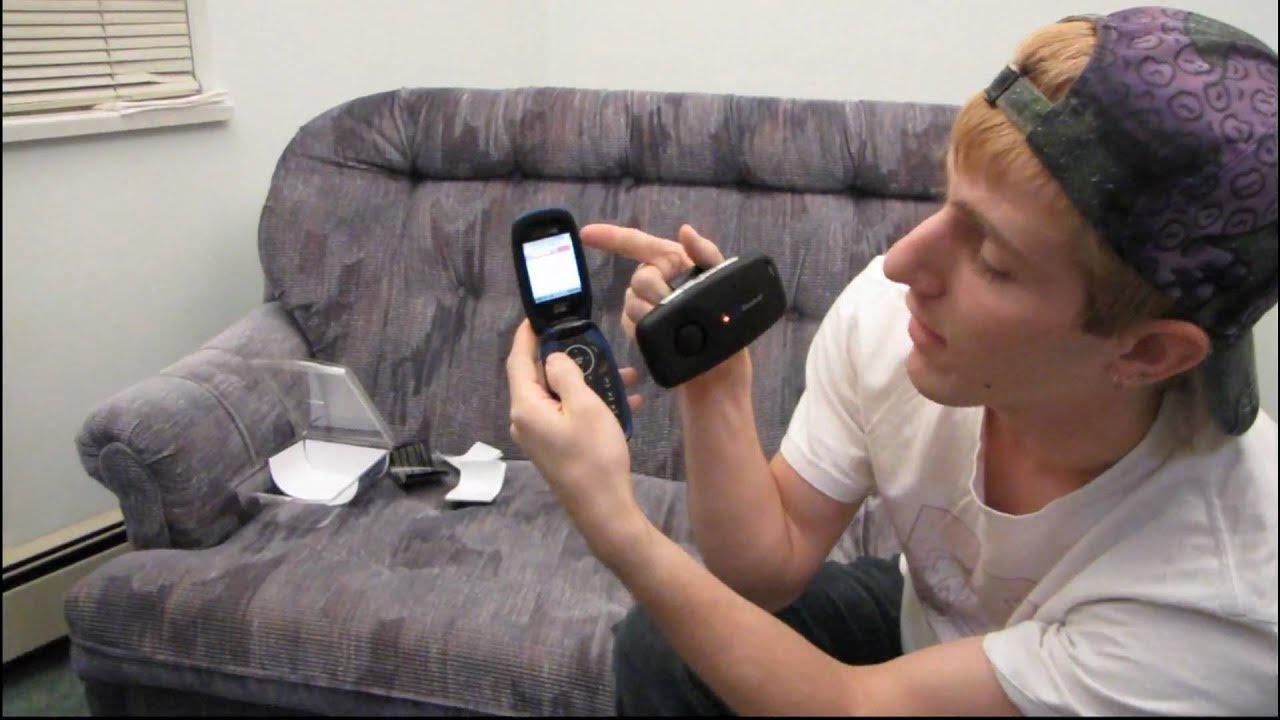
Thought I'd do a quick video on how to actually pair the BlueAnt S1 to your phone. It takes only a couple of minutes and it's quite easy to do.
The video provides a concise setup guide for pairing the BlueAnt S1 Bluetooth Handsfree Car Kit with a mobile phone. It begins by instructing users to enable Bluetooth on their phone, then to put the S1 into pairing mode by holding the on/off switch for about five seconds until the indicator light flashes red and blue. Once pairing mode is active, the user should add a new trusted device on their phone and search for the BlueAnt S1, select it from the list, and enter the default PIN 000000 to complete pairing. After pairing, the video demonstrates how to assign a unique name to the device for easier identification in multi-car setups, and then shows a connection to the S1 so that calls can be made through the kit. The narrator tests the setup in a car-like scenario, noting that sound is routed through the device and that the kit appears to operate correctly, before concluding the quick guide. The description also mentions that the process is straightforward and intended to help viewers who will need to pair the device in the near future. The clip ends with a practical reminder about verification of call functionality and a closing thank you to viewers who watched the setup guide for the BlueAnt S1, reinforcing its ease and usefulness for in-car handsfree use.
Topics · technology · how-to · computing · consumer_electronics · automotive
Questions answered
- How do you put the BlueAnt S1 into pairing mode?
- Hold the on/off switch for about five seconds until the indicator light flashes red and blue, signaling pairing mode.
- What is the default pairing PIN for the BlueAnt S1?
- The default PIN is 000000.