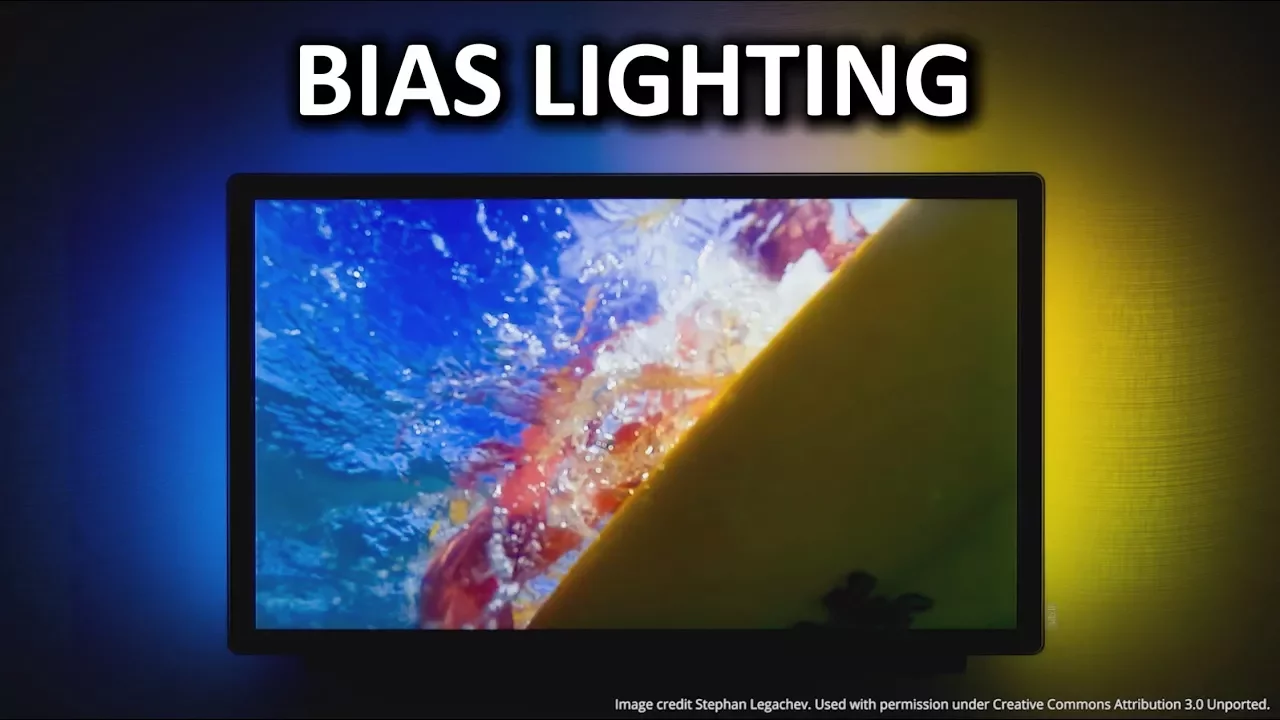
Bias Lighting (Ambient Backlighting) as Fast As Possible
0 up · 0 down · 0 ratings
Promos
Bias lighting - you know, the lighting you put behind your display - not only looks cool, but also has practical benefits! Freshbooks message: Head over to freshbooks.com and don’t forget to enter Tech Quickie in the “How Did You Hear About Us” section when signing up for your free trial. Techquickie Merch Store: designbyhumans.com Techquickie Movie Poster: shop.crowdmade.com Follow: twitter.com Leave a reply with your requests for future episodes, or tweet them here: twitter.com Join the community: linustechtips.com Intro Theme: Showdown by F.O.O.L from Monstercat - Best of 2016 Video Link: youtube.com iTunes Download Link: itunes.apple.com Listen on Spotify: open.spotify.com License for image used: creativecommons.org
Bias lighting, the practice of placing light behind a display, is explored as a simple, budget-friendly upgrade that can offer real practical benefits. The video introduces bias lighting as a stylish and functional addition to a computer or home theater setup, arguing that it helps reduce eye strain by balancing the brightness contrast between the screen and the surrounding environment. It explains that screens are typically much brighter than their surroundings, forcing eyes to constantly adjust and fatigue to set in, whereas bias lighting aims to normalize ambient illumination. The host discusses how backlighting behind the monitor can reduce perceived contrast, making images appear less blown out while still preserving detail, but notes that direct glare from front-facing lights should be avoided. A key takeaway is that bias lighting sits behind the display, so it does not wash out the screen and can enhance perceived richness of images due to human visual processing. The video also covers practical implementation options, from inexpensive white LED kits at around 10 to 30 USD to RGB variants for color accents, with a recommendation to use USB-powered kits to keep cables tidy. Finally, the segment highlights color temperature guidance, recommending 6500 Kelvin as a standard for both PC and cinema applications to maximize contrast benefits without overly washing out details. The video closes with a plug for budget-friendly kits and a brief teaser for future Tech Quickie episodes, alongside a short product plug for FreshBooks unrelated to lighting but used as an example of monetization.
Topics · technology · display technology · home office · diy electronics