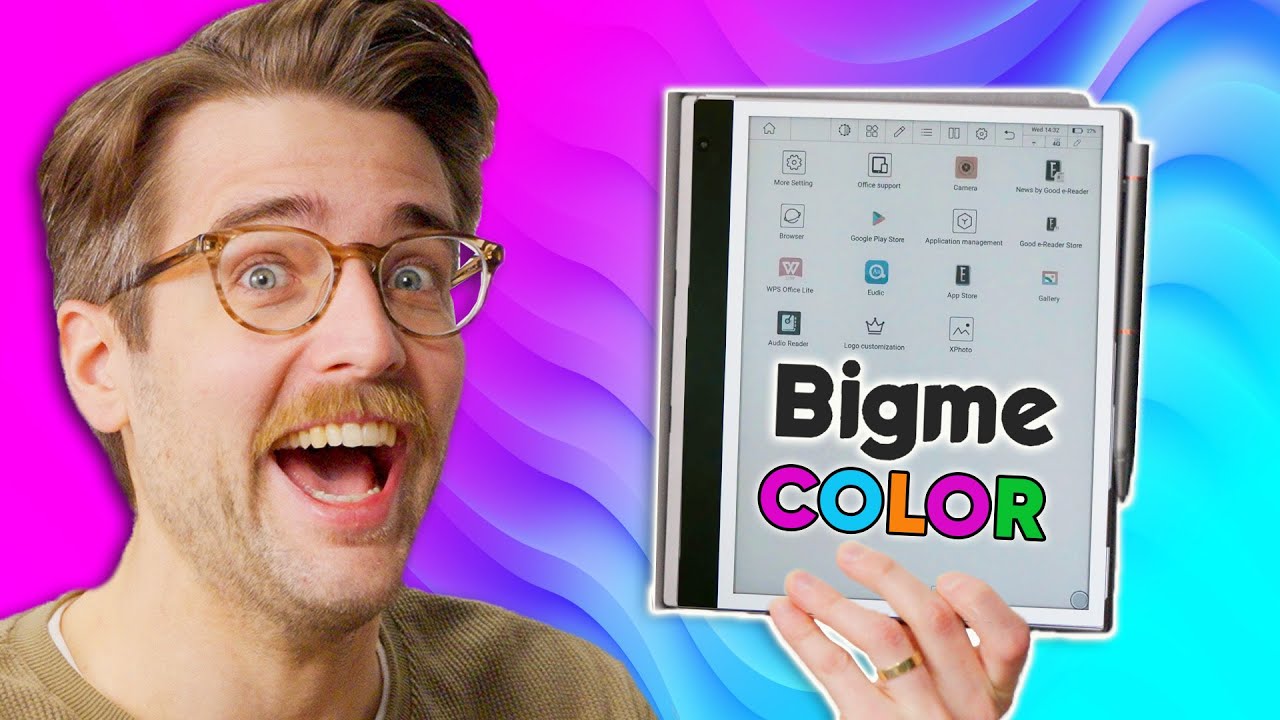
I got all excited for NOTHING - Bigme inkNote Color
0 up · 0 down · 0 ratings
Promos
Get a dbrand skin or grip for your devices today at shortlinus.com eInk lover Riley is back with something that SHOULD'VE been exciting -- a color eink tablet. Unfortunately, things started off on the wrong foot after we couldn't find the product name and things only got worse... Watch Riley lose his mind and don't forget to subscribe! Buy a Bigme inkNote Color: lmg.gg Purchases made through some store links may provide some compensation to Linus Media Group. Want us to unbox something? Make a suggestion at lmg.gg ► GET MERCH: lttstore.com ► LTX 2023 TICKETS AVAILABLE NOW: lmg.gg ► GET EXCLUSIVE CONTENT ON FLOATPLANE: lmg.gg ► SPONSORS, AFFILIATES, AND PARTNERS: lmg.gg ► PRODUCTS WE USE ON THE SHORTCIRCUIT SET: lmg.gg FOLLOW US ELSEWHERE --------------------------------------------------- Twitter: twitter.com Instagram: @shortcircuityt TikTok: @linustech Facebook: @ShortCircuitYT CHAPTERS --------------------------------------------------- 0:00 What is this? 0:32 Stylus, tablet design, and ports/buttons 2:43 Other stuff in the box 4:44 Sponsor - dbrand 5:26 The OS is confusing... 7:15 Specs and trying out the camera 9:14 Reading a book and drawing/taking notes 12:20 Testing the speakers/display with Crab Rave 13:03 Misc features and oddities 14:29 Overall thoughts 15:26 Outro
The video begins with an excited setup as the host introduces the Bigme inkNote Color, an e-ink tablet that claims to bring color to e-ink experiences. The host is curious about how color e-ink will actually look and how the hardware feels in hand, especially the unusual stylus and its additional buttons. The initial segment focuses on exterior design cues, such as the left-side power button that doubles as a fingerprint reader, the magnetic stylus connection, and the presence of multiple mics and speaker-like elements labeled as horns. Throughout the opening, expectations are set for an experience that could bridge e-readers and note-taking devices, all while acknowledging the product’s Android-based skin, which may complicate usability. The chapter ends with the host opening the accessory box, noting the stylus tips and the unexpected layout decisions, then preparing to power on the device and explore the first impressions more deeply.
Topics · technology · consumer_electronics · unboxing · ereader · note_taking · stylus
Questions answered
- What screen technology does the Bigme inkNote Color use and is the color aspect effective in practice?
- The device uses a color e-ink display, which is demonstrated as a feature of the screen; however, the reviewer notes the color mode appears less sharp and the overall experience is hindered by UI and performance trade-offs rather than the display technology alone.
- How usable is the Bigme inkNote Color for note-taking and drawing with the included stylus?
- The reviewer finds the stylus responsive with pressure sensitivity, but notes significant UI confusion and refresh-related drawing artifacts, indicating that while pen input is promising, the software experience limits practical note-taking.
- Is the device a good value at its price point according to the review?
- The reviewer questions the value, highlighting the high price and the effort required to learn the UI, and implies that the device is not recommended for general consumers seeking a simple tablet-like experience.
- What is the overall takeaway from the unboxing and first look?
- The unboxing yields mixed results: excitement about color e-ink is tempered by a confusing Android skin, subpar speakers, and a UI that undermines ease of use, leading to a cautious verdict about practicality and value.