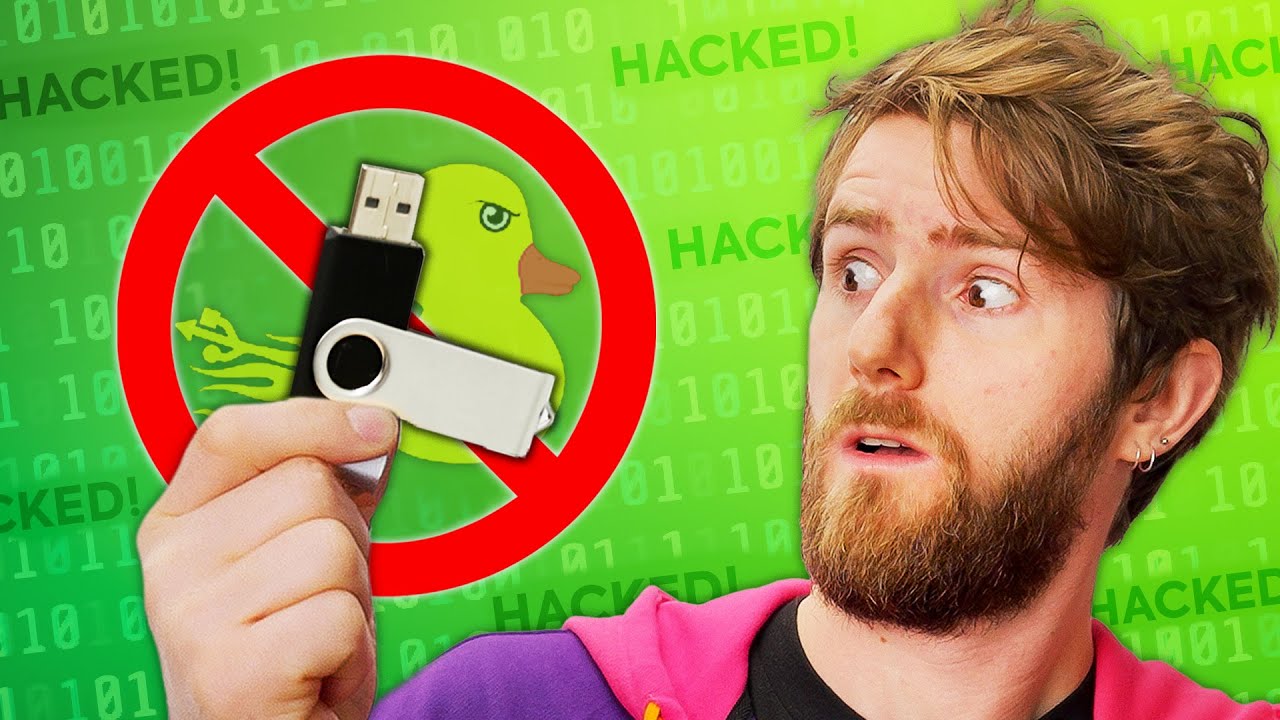
Do NOT Plug This USB In! – Hak5 Rubber Ducky
0 up · 0 down · 0 ratings
Promos
Visit squarespace.com and use offer code LTT for 10% off Create your build at buildredux.com The Hak5 Rubber Ducky is a dangerous hacking tool that disguises itself as an unassuming USB flash drive. It delivers payloads by injecting keystrokes while appearing to its host system as a regular old keyboard. Discuss on the forum: linustechtips.com Buy the Hak5 Rubber Ducky here: shop.hak5.org Purchases made through some store links may provide some compensation to Linus Media Group. ► GET MERCH: lttstore.com ► SUPPORT US ON FLOATPLANE: floatplane.com ► AFFILIATES, SPONSORS & REFERRALS: lmg.gg ► PODCAST GEAR: lmg.gg Big thanks to I-Am-Jakoby for their code contributions that made this video possible.
Check out their github: github.com FOLLOW US --------------------------------------------------- Twitter: twitter.com Facebook: @LinusTech Instagram: @linustech TikTok: @linustech Twitch: twitch.tv MUSIC CREDIT --------------------------------------------------- Intro: Laszlo - Supernova Video Link: youtube.com iTunes Download Link: itunes.apple.com Artist Link: soundcloud.com Outro: Approaching Nirvana - Sugar High Video Link: youtube.com Listen on Spotify: spoti.fi Artist Link: youtube.com Intro animation by MBarek Abdelwassaa @mbarek_abdel Monitor And Keyboard by vadimmihalkevich / CC BY 4.0 geni.us Mechanical RGB Keyboard by BigBrotherECE / CC BY 4.0 geni.us Mouse Gamer free Model By Oscar Creativo / CC BY 4.0 geni.us CHAPTERS --------------------------------------------------- 0:00 Intro 1:28 What's a Ducky? 2:50 Rubber Ducky 2.0 3:50 Programming the Ducky 4:50 Command Line 5:41 Nefarious Uses 7:04 Data Extraction 7:35 Drawbacks 9:07 Should it be legal? 10:43 Conclusion
This video introduces the Hak5 Rubber Ducky, a USB device that disguises itself as a normal flash drive but can act as a human interface device to inject keystrokes and execute payloads on a host system. It explains how the Rubber Ducky can bypass many malware scanners by appearing as a benign keyboard, and why security researchers and IT professionals view such devices as both powerful tools and potential threats. The discussion covers the evolution to Rubber Ducky 2.0, which can detect the host OS, mimic hardware characteristics, and adjust its behavior to avoid quick detection, all while operating at speeds that remain believable to human operators. The host walks through practical usage, from simple scripting in Ducky Script to more advanced payloads executed via the command line, illustrating the line between automation of mundane tasks and real-world exploitation. The video also examines legitimate uses such as automating repetitive setup tasks for new machines, and contrasts them with the risk of misuse, including data exfiltration and unauthorized access. Finally, the presenter weighs questions of legality and safety, emphasizing user education, organizational protocols, and safe computing practices to mitigate the inherent dangers of USB-based attack vectors. The segment closes with a cautionary note on the importance of recognizing physical media threats and maintaining security hygiene, while also promoting sponsor and community resources for further learning and safe experimentation in controlled environments.
Topics · cybersecurity · technology · education · privacy
Questions answered
- What makes the Hak5 Rubber Ducky stealthy as a security risk, and how does it bypass typical malware scanners?
- It disguises itself as a regular USB keyboard, which allows it to inject keystrokes and run payloads without triggering many malware scanners that look for traditional drives or suspicious software.
- What is Rubber Ducky 2.0 and how does it improve on earlier models?
- Rubber Ducky 2.0 can detect the operating system, recognize when it is connected, copy hardware information from an attached keyboard, spoof it, and operate at a believable input rate to avoid detection.
- What are responsible ways to study or test this technology in a security context?
- Use authorized lab environments, obtain explicit permission, employ isolated test machines or virtual environments, and follow organizational security protocols to prevent unintended harm.