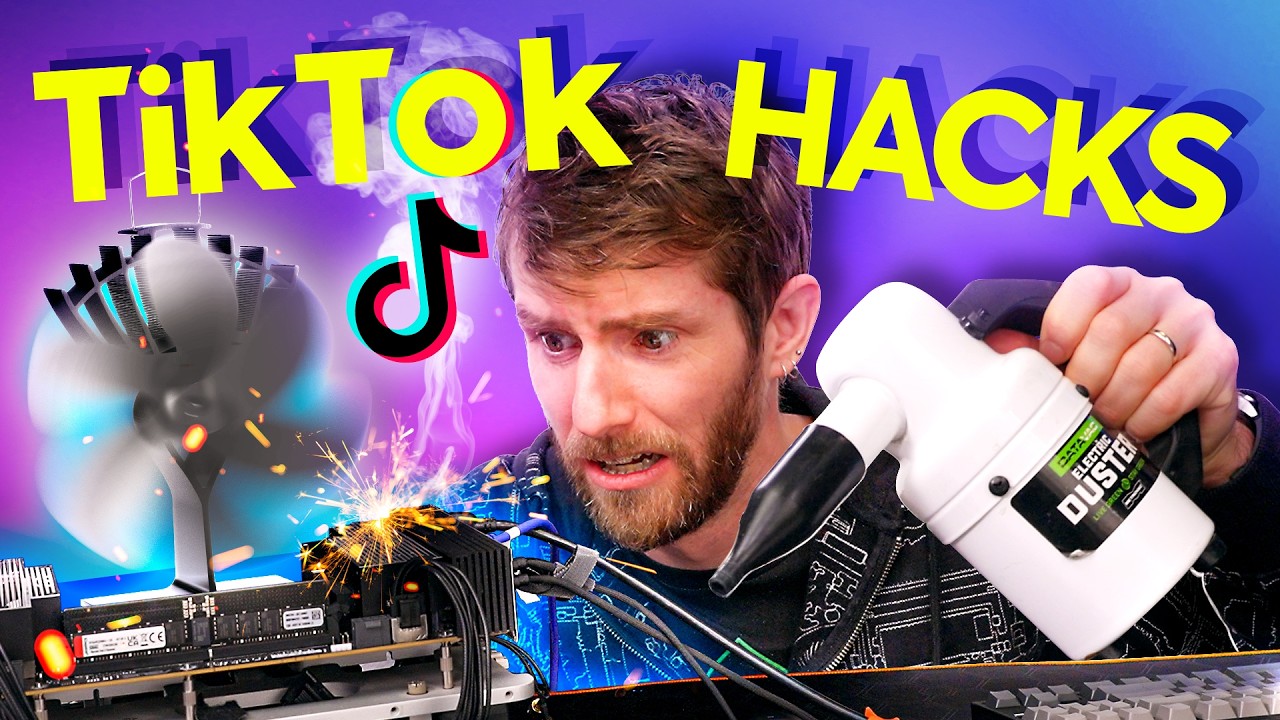
TikTok Tech Tips are TERRIBLE
0 up · 0 down · 0 ratings
Promos
Visit squarespace.com and use offer code LTT for 10% off We're back at it again with tiktok tech hacks. and some of these are pretty messed up. Some of the creators featured in the video: @mryeester @raptechpcss @saladpictures_ @techtesseract @mattscomputerservices And their YTs @mryeester @salad_pictures @TechTesseract @mattscomputerservices WIFI Cracking Van: youtube.com Discuss on the forum: linustechtips.com
Channels and socials
Check out our Channel Partners: Secretlab - Grab a TITAN Evo ergonomic gaming chair: lmg.gg PIA - Get the VPN of our choice: piavpn.com dbrand - Buy a "Circuit" series skin for your device: dbrand.com ► SHOP LTT PRODUCTS: lttstore.com ► GET EXCLUSIVE CONTENT ON FLOATPLANE: lmg.gg ► DIVE DEEPER ON THE LTT LABS WEBSITE: lmg.gg ► SPONSORS, AFFILIATES, AND PARTNERS: lmg.gg Purchases made through some store links may provide some compensation to Linus Media Group. Affiliate links powered in part by affilimate.com Linus Sebastian is an investor in Framework Computer, Inc and HexOS by Eshtek. CHAPTERS --------------------------------------------------- 0:00 Hack 1 3:42 Hack 2 5:27 Hack 3 7:58 Hack 4 + 5 10:10 Hack 6 11:11 Hack 7 + 8 + 9 12:53 Hack 10 14:42 Hack 11 15:44 Hack 12 16:29 Hack 13 18:18 Hack 14 19:17 Hack 15 20:39 Hack 16
TikTok Tech Tips are Terrible sets up a playful, methodical debunk of popular TikTok tech hacks by the Linus Tech Tips crew. The video frames itself as Tech Court, where host Adam and guests evaluate each hack on merit, explain why it does or does not work, and assign verdicts. In the opening segment, the team introduces the premise: TikTok hacks often come with sensational claims but lack explanations, and some tips could even be harmful. They start with practical demonstrations that toy with unconventional cooling ideas, using a Threadripper CPU as a test subject while noting the limitations and potential risks. This first batch of hacks serves as the tonal baseline: curiosity balanced by caution, with an ongoing emphasis on verifying claims before following instructions. As the video progresses, the crew moves through a sequence of hacks, translating each into a more thorough technical explanation. They dissect a thermoelectric cooling (TEC) concept, highlighting surface area and power draw, and then test it live to show how such ideas fare in reality, including the moment when the setup overheats and nearly crosses thermal throttling thresholds. The hosts call out a common pattern in TikTok advice: dramatic demonstrations without visible or credible explanations. They emphasize why such shortcuts can mislead, and they model careful skepticism with measured verdicts after each test. The discussion broadens to software tips and Windows internals, including controversial registry/CLI suggestions and the temptations of “God mode” folder tricks. They critique the lack of context, warnings, or safe fail-safes in many of these tips, while also acknowledging a few tips that have potential merit when properly understood and applied. The crew stresses that many tweaks purport to optimize performance but deliver placebo effects at best, and sometimes risk stability or security if misapplied. The conversation then shifts to best practices, including safer alternatives like managing startup apps, understanding Windows 11 settings, and relying on driver-level optimizations rather than quick-fix UI tweaks. Toward the end, the video brings viewers back to fundamentals: verify sources, avoid unverified downloads, and use established tools like reliability history to diagnose actual issues. They highlight the value of testing in controlled ways and avoiding sensational claims. The verdicts are clear but nuanced: many hacks are not guilty of truly optimizing systems and can irritate more than improve performance, while a few tips with the right caveats,such as safe cleanup utilities,may offer small benefits. Overall, the video treats TikTok hacks as a mixed bag, celebrates demonstrable curiosity, and reinforces a cautious, evidence-based approach to PC tinkering.
Topics · technology · hardware · education · reviews · science
Questions answered
- What is the core premise of TikTok Tech Tips are Terrible and how do the hosts approach hacks?
- The core premise is to critically evaluate popular TikTok tech hacks by testing them in real scenarios, explaining the science behind them, and giving verdicts on their usefulness or safety.
- Which aspects of the hacks are highlighted as most problematic, and what safer alternatives do the hosts suggest?
- The most problematic aspects are lack of explanation, potential safety risks, and misleading claims. Safer alternatives include using trusted sources, avoiding unverified downloads, and relying on established tools and settings like startup management and driver-level optimizations.