HD Tutorial: Eliminate Menu Show Delay
0 up · 0 down · 0 ratings
Description
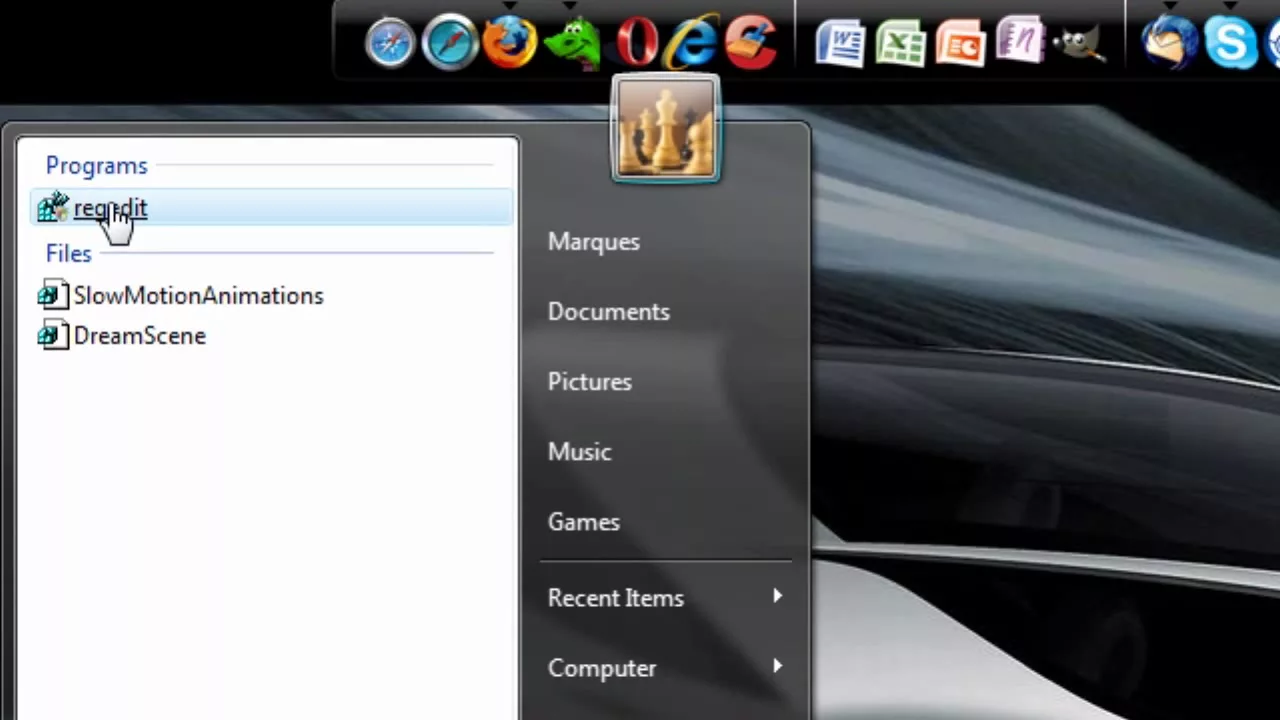
***WATCH IN HD*** Built into Windows Vista (I don't know why!) Is a timed delay (measured in milliseconds) when right-clicking an item, your desktop, or expanding a folder in the start menu. Eliminate this delay by following my instructions: 1. HKEY_CURRENT_USER 2. Control Panel 3. CLICK on "Desktop" 4. "Menushowdelay" double click and set to "1" Enjoy! SUBSCRIBE
HD Tutorial: Eliminate Menu Show Delay provides a concise walkthrough showing how to remove the built-in delay when opening menus or right-clicking items in Windows Vista. The presenter explains that the delay is a registry-controlled value and demonstrates exactly where to navigate: open the Registry Editor, go to HKEY_CURRENT_USER, then Control Panel, select Desktop, and locate MenuShowDelay. The instructions emphasize selecting the Desktop key rather than expanding it, then double-clicking MenuShowDelay to set a low value, with the recommended starting point of 1. The video underscores that setting this value to zero is not advised, since the goal is to minimize delay while maintaining system stability. The final steps highlight applying the change so that right-click menus and folder expansions respond more quickly, effectively speeding up the user’s navigation in Windows Vista. The closing remarks offer encouragement and a friendly sign-off, suggesting the tweak will improve overall browsing speed and experience on the desktop environment.
Topics · technology · how-to · software · windows