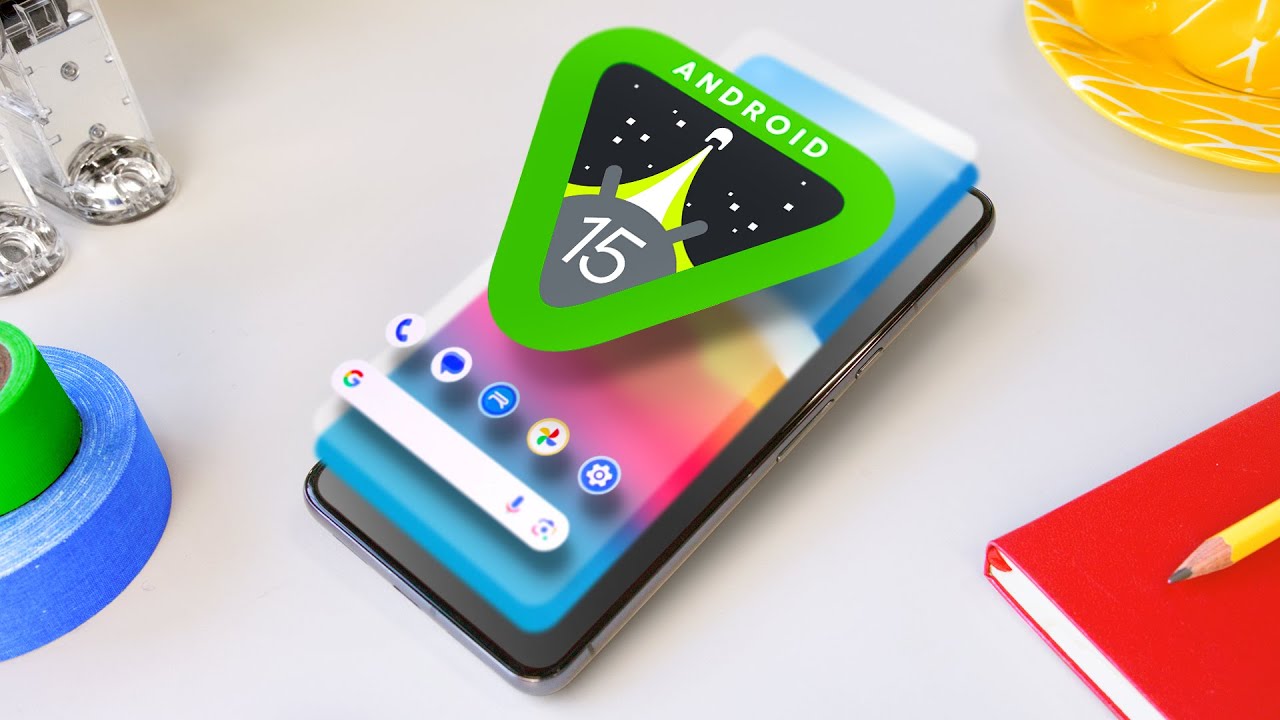
Android 15 Hands-On: Top 5 Features!
0 up · 0 down · 0 ratings
Promos
Android 15 features are more subtle and hidden than ever. These are the best ones MKBHD Merch: shop.mkbhd.com Tech I'm using right now: amazon.com Intro Track: youtube.com Playlist of MKBHD Intro music: goo.gl ~ twitter.com @MKBHD @MKBHD
The video presents a hands-on look at Android 15 focusing on five top features, framed by MKBHD’s practical perspective on how these updates improve everyday smartphone use. The host emphasizes a shift from dramatic overhauls to more nuanced, utility-driven improvements, highlighting how Google has been refining small interactions that make a real difference in daily use. The session starts with feature number five, Private Space, a secure, second-lock section for confidential files and apps, describing how it can be accessed and protected, and how it behaves when you lend your phone to someone or want to keep sensitive data out of sight. Throughout the review, the video weaves together quick demos, real-world use cases like managing widgets, back navigation animations, and new notification controls to illustrate how Android 15 tries to feel more polished and purposeful without dramatic visual changes.
Topics · technology · mobile · android · software-updates · gadgets · review
Questions answered
- What is Private Space and how do you access it on Android 15?
- Private Space is a secure, separately locked section for sensitive files and apps. You access it via Settings > Security & Privacy > Private Space, verify your identity, and optionally choose a Google account and new lock.
- How does partial screen recording differ from a full screen recording in Android 15?
- Partial screen recording lets you choose a specific app to record, with the recording showing only that app's activity, even if you switch between apps in the background.
- What is Adaptive Vibration in Android 15 and what does it do?
- Adaptive Vibration uses the phone’s mic and other sensors to adjust vibration strength based on the surface and surroundings, so notifications feel appropriate to the environment.