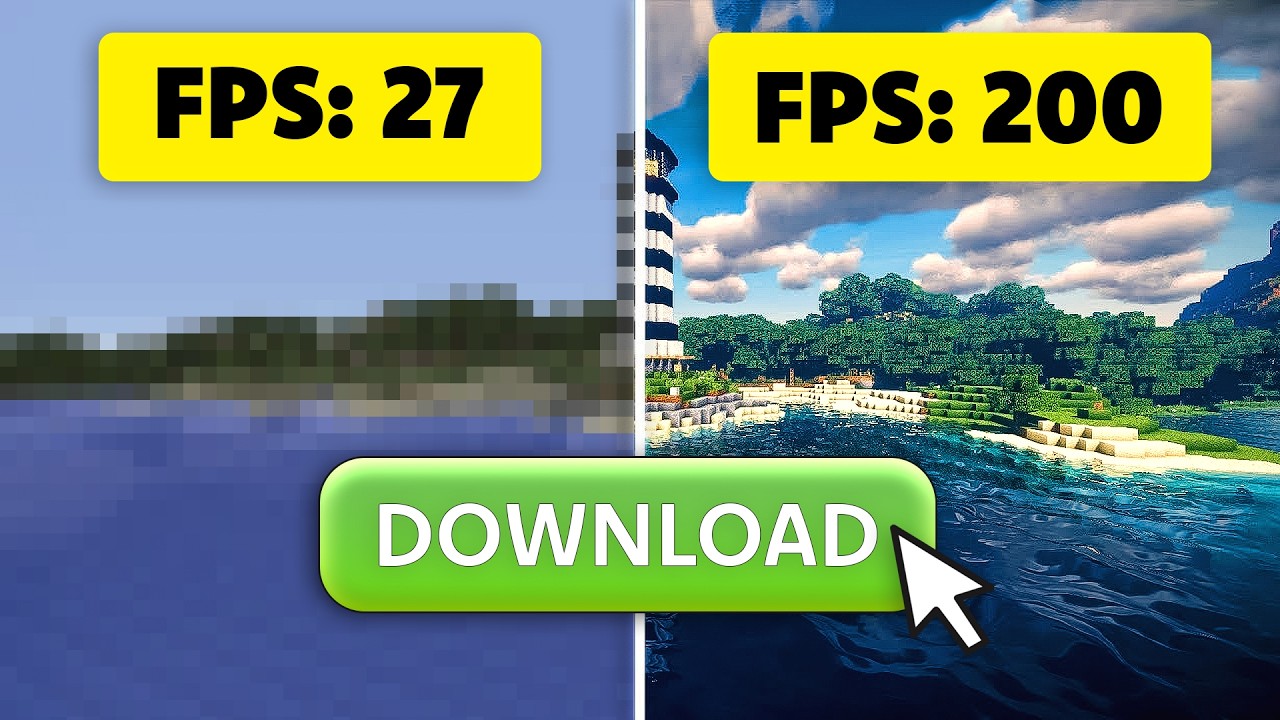
Make your GPU faster for $7 (REAL)
0 up · 0 down · 0 ratings
Description
Join us and over 70 million players in one of the most comprehensive vehicle combat games EVER MADE!
Check out War Thunder for free today on PC, Console, and Mobile using our links! PC/Console: playwt.link Mobile: wtm.game
Check out Lossless Scaling: store.steampowered.com
Promos
Check out these creators for more lossless scaling and reshade content like the ones featured in this video @beyondthehype @jagadhie Dive into the world of Lossless Scaling, the fantastic app that brings upscaling and frame generation to ANY graphics card, old or new, high end or BUDGET! This $6.99 software can multiply** your FPS and enhance game performance across a vast library of titles, even those without native DLSS or FSR support. Discover its unique ability to run on a secondary GPU or integrated graphics, freeing up your primary card. Learn about various scaling methods like LS1, FSR, NVIDIA Image Scaling, Integer Scaling, xBR, and Anime4K. Unlock hidden performance and prolong your GPU's lifespan with this affordable, single-developer solution. Discuss on the forum: linustechtips.com ► GET OUR MERCH: lttstore.com ► GET EXCLUSIVE CONTENT ON FLOATPLANE: lmg.gg ► GET A VPN: piavpn.com ► SPONSORS, AFFILIATES, AND PARTNERS: lmg.gg Purchases made through some store links may provide some compensation to Linus Media Group. Affiliate links powered in part by affilimate.com Linus Sebastian is an investor in Framework Computer, Inc CHAPTERS --------------------------------------------------- 0:00 Intro 0:57 Sponsor 1:18 Lossless Scaling demo in Doom 3:47 Fixed vs. adaptive frame generation 5:04 Flow scale & performance tweaks 6:07 How Lossless Scaling works 8:01 Compatibility, secondary GPUs, and use cases 10:25 Tweak, tweak, and tweak some more 14:26 Scaling for retro and anime 15:36 Trying FSR 19:42 Testing on unsupported games (Halo Infinite) 21:01 Adaptive frame gen 22:10 Final thoughts 23:09 Sponsor 23:57 Credits
The video presents Lossless Scaling as a highly affordable and versatile tool for boosting GPU performance across a wide range of hardware. The host starts by framing the problem: wanting higher frame rates without buying a new GPU, and introduces Lossless Scaling (LSFG) as a $6.99 to $7 solution that can work on nearly any graphics card, old or new. The discussion emphasizes that LSFG can upscale game resolution and also generate frames to multiply FPS, with varying results depending on the title and settings. The primer section shows initial hands-on impressions using Doom 3, testing two time multipliers for frame generation and noting perceptual quality and latency trade-offs. The video then builds a practical workflow, including fixed versus adaptive frame generation, and user interface clarity around the sliders that control multiplier, flow scale, and other performance knobs. The host provides measured experiments across several games and configurations, including a secondary GPU setup, to illustrate how LSFG interacts with real-world hardware, including limitations on latency and image artifacts. By the end, the hosts compare LSFG against traditional DLSS and FSR approaches, discuss compatibility with older GPUs, and present a balanced verdict about when and why you might choose to use this tool for budget gaming and retro emulation.
Topics · technology · gaming · hardware_tuning
Questions answered
- What is Lossless Scaling and how does it work in practice?
- Lossless Scaling is a single-developer software that upscales game images and can also generate intermediate frames to boost FPS. It runs via DirectX11 compute shaders and can operate on a secondary GPU or integrated graphics to reduce load on the primary GPU, enabling higher frame rates on a wider range of hardware.
- Can Lossless Scaling be used with Halo Infinite or other games that do not natively support upscaling?
- Yes, Lossless Scaling can be used with games that do not natively support upscaling, but results may vary and some titles may exhibit image artifacts or HUD scaling issues. The tool emphasizes broad compatibility and provides several modes and sliders to tailor the balance between quality and performance for each game.