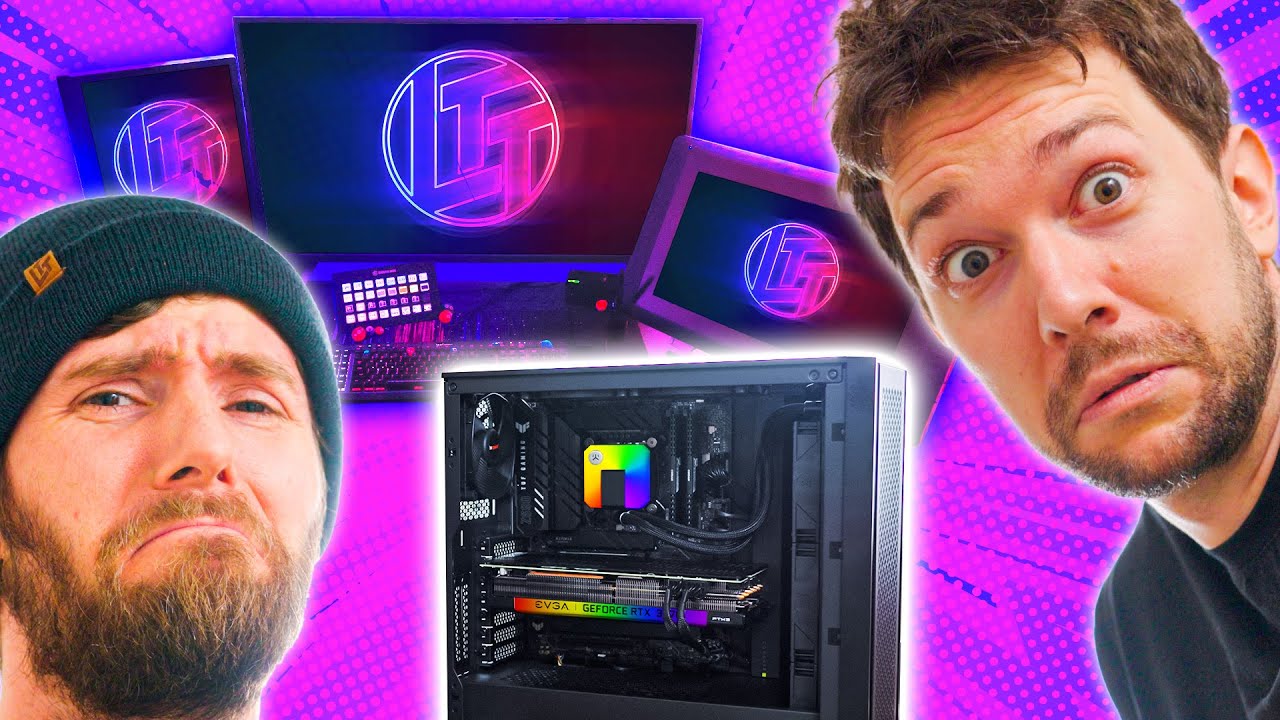
This video is pain - Intel $5,000 Extreme Tech Upgrade
0 up · 0 down · 0 ratings
Promos
Thanks to Intel for continuing to sponsor this awesome series! Buy an Intel Core i7-12700K: geni.us Buy an EVGA RTX 3070 XC3: geni.us Buy an ASUS TUF Z960 Plus: geni.us Buy an EK-AIO 240 D-RGB: geni.us Buy an AORUS FV43U QLED: geni.us Buy some BeQuiet! Silent Wings 3 Fans: geni.us Buy a Corsair RMx 850W: geni.us Buy a Corsair Vengeance LPX 64GB Ram Kit: geni.us Buy a Corsair 4000D AIRFLOW: geni.us Buy an Elgato StreamDeck XL: geni.us Buy some WD Red Plus 8TB Drives: geni.us Buy an Audient EVO4 Interface: geni.us Buy a Dan Clark Audio AEON RT: lmg.gg Buy an APC UPS 1500VA: geni.us Buy an IKEA Bekant Tabletop: lmg.gg Buy a Secret Lab Titan 2022 Chair: lmg.gg Purchases made through some store links may provide some compensation to Linus Media Group. Discuss on the forum: linustechtips.com ► GET MERCH: lttstore.com ► AFFILIATES, SPONSORS & REFERRALS: lmg.gg ► PODCAST GEAR: lmg.gg ► SUPPORT US ON FLOATPLANE: floatplane.com FOLLOW US --------------------------------------------------- Twitter: twitter.com Facebook: @LinusTech Instagram: @linustech TikTok: @linustech Twitch: twitch.tv MUSIC CREDIT --------------------------------------------------- Intro: Laszlo - Supernova Video Link: youtube.com iTunes Download Link: itunes.apple.com Artist Link: soundcloud.com Outro: Approaching Nirvana - Sugar High Video Link: youtube.com Listen on Spotify: spoti.fi Artist Link: youtube.com Intro animation by MBarek Abdelwassaa @mbarek_abdel Monitor And Keyboard by vadimmihalkevich / CC BY 4.0 geni.us Mechanical RGB Keyboard by BigBrotherECE / CC BY 4.0 geni.us Mouse Gamer free Model By Oscar Creativo / CC BY 4.0 geni.us Special Intro by MBarek Abdelwassaa @mbarek_abdel CHAPTERS --------------------------------------------------- 0:00 Intro 1:11 PC Tour 3:30 The other PC 5:12 Current Setup 9:07 PC Build 19:17 New Desk 21:10 Monitors 24:13 NAS
This video is part of the Intel Extreme Tech Upgrade series, featuring Linus and Taran taking on a $5,000 technology upgrade tailored to Taran's apartment. The format sticks to a tight filming space and a controlled wall-backdrop, with Taran enforcing several in-room rules to create a theatrical build environment. The episode centers on upgrading both a gaming/workstation and a separate, more casual gaming rig, with emphasis on power, cooling, and data safety. Early on, the duo discuss budget constraints, hardware compatibility, and the challenges of repurposing or relocating equipment within a cramped living space, all while keeping a light, humorous dynamic. The build sequence walks through choosing a Z690 motherboard, a Core i7-12700K CPU, 64 GB of RAM, and a high-end RTX 3070 graphics card, underscored by practical considerations like airflow, cable management, and a robust NAS for data redundancy. Throughout the process, they address user experience aspects such as monitor choice, desk design, and the separation of work and play spaces, ending with a reveal of the new setup and a reflection on how the upgrade improves efficiency and comfort. The episode highlights Taran’s preferences for reliability, data safety via RAID 1 NAS, and a surprisingly deliberate approach to system wiring, while Linus brings his signature, chaotic enthusiasm for testing and trial fits. The sponsorship from Intel sits as a backdrop for the upgrades, with specific hardware mentions steering the conversation toward bang-for-the-buck performance and long-term usability. In the conclusion, the hosts assess the overall impact of the upgrade, praising the balance between practical, responsible components and the high-end performance that makes modern productivity and gaming feel seamless in a compact apartment.
Topics · technology · hardware · pc_build · sponsorship
Questions answered
- What are the core components chosen for the build in this Intel Extreme Tech Upgrade episode?
- The build centers on a Z690 motherboard with a Core i7-12700K, 64 GB of RAM, and an RTX 3070 graphics card, complemented by a 500 GB boot SSD and a RAID 1 NAS for data redundancy.
- Why is the NAS setup important in this build?
- The NAS provides data redundancy with RAID 1 to protect against drive failure, aligning with a responsible approach to data safety in a home setup.