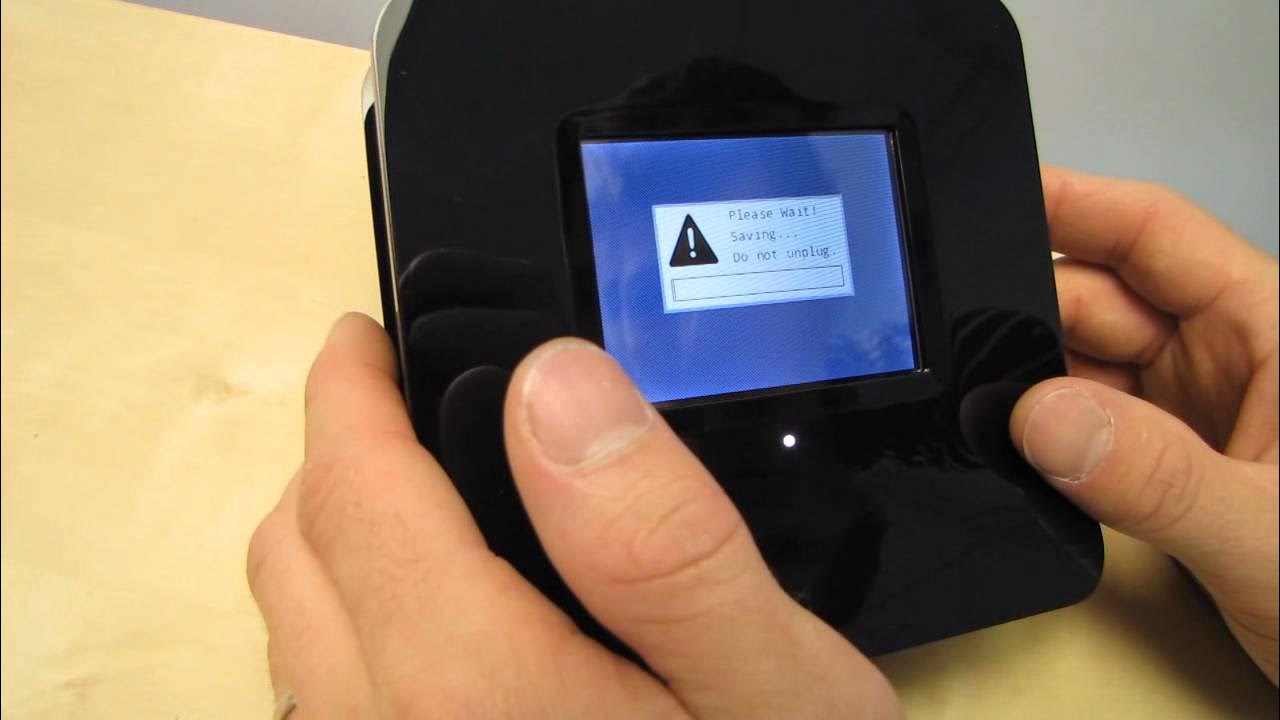
Securifi Almond Touchscreen Wireless Router & Range Extender Unboxing & First Look Linus Tech Tips
0 up · 0 down · 0 ratings
Description
The concept is simple. A touchscreen router saves the fuss & muss of configuring it thorugh a web interface. Ultimately it comes down to the question: "Is it that simple to use?" and I think they've achieved that. 2 basic on-screen wizards allow you to configure in AP access point mode or in router mode. CA: ncix.com US: us.ncix.com
The video opens with Linus introducing the unboxing of the Securifi Almond, a touchscreen wireless router that also functions as a range extender. He highlights the device’s main promise: configure the network without a traditional PC or web browser, thanks to an on-device touchscreen and built-in setup wizards. The presenter notes that the Almond supports 802.11n at up to 300 Mbps on the 2.4 GHz band and can act as both a standard router and a range extender, with up to 50 devices supported. He walks through the unboxing experience, pointing out the included power cable, Ethernet cable, and a compact quick start guide, and emphasizes the lack of clutter and ease of use. The video then digs into the hardware design, describing a glossy enclosure with an LCD screen on the front, attached stylus, and passive ventilation, while also noting the small form factor and the essential ports (WAN, LAN, power, reset). Linus previews how the LCD can potentially serve as a useful on-desk display, not just a gimmick, and teases what will be shown during the setup process. After booting the device, he selects English, comments on the responsive touch interface, and begins a step-by-step wizard to configure the Almond as a range extender. He demonstrates the on-device setup flow, showing how the touchscreen wizard presents local network options and how quickly the device can be configured without leaving the device itself. The video then evaluates the on-screen options, noting that many controls can be accessed directly from the Almond and that a web admin screen remains available for more advanced tasks, should the user want it. Linus wraps up with a teaser that the product will be reviewed more thoroughly on NCIX Tech Tips, praising its potential appeal to non-technical users while acknowledging some interference from nearby wireless networks during testing. He closes with a reminder to subscribe for more unboxings and reviews, casting the Almond as a stylish, desk-friendly networking device that could simplify home networking for everyday users.
Topics · hardware · technology · networking · unboxing · consumer-electronics
Questions answered
- What distinguishes the Securifi Almond from traditional routers?
- The Almond uses a touchscreen and on-device setup wizards to configure the network without a PC, and can operate as both a router and a range extender.
- Can the device be easily configured as a range extender without additional software?
- Yes, the touchscreen wizard guides setup directly on the device, simplifying the process for users who do not want to use a web interface.