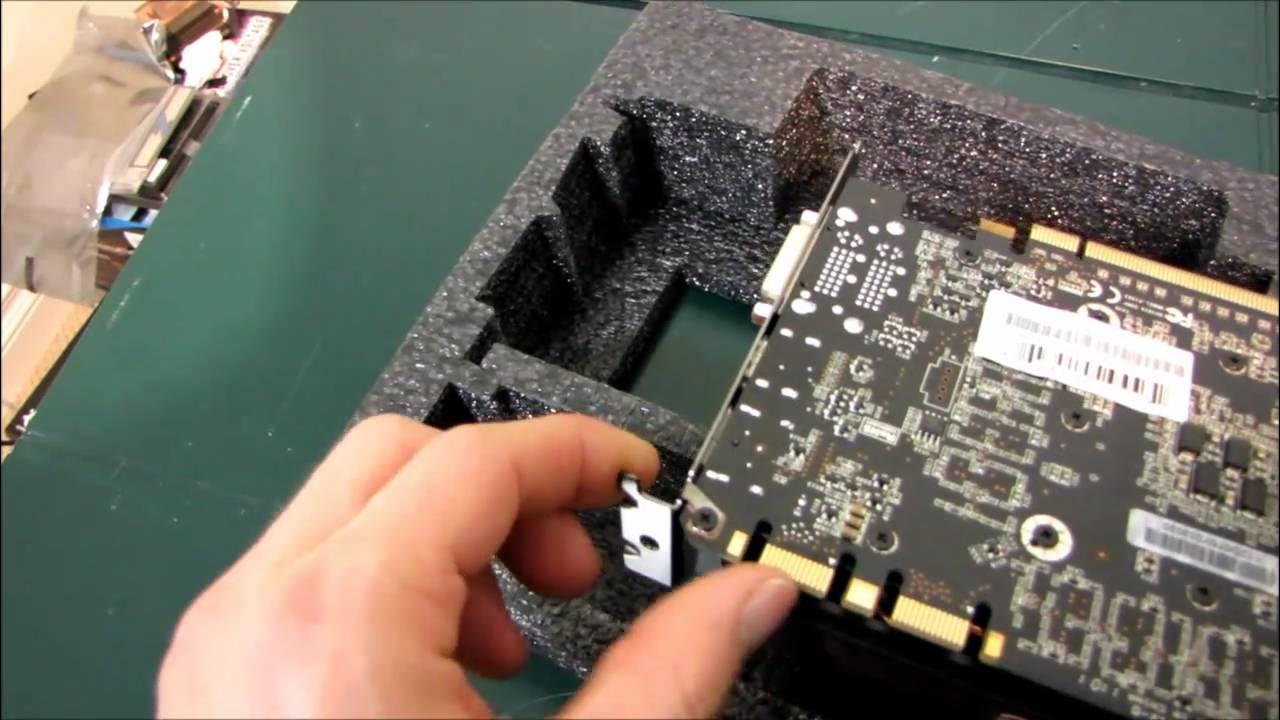
EVGA NVIDIA GTX 570 HD Display Port Video Card Unboxing & First Look Linus Tech Tips
0 up · 0 down · 0 ratings
Description
Check out the entire video to find out what's special about this Geforce graphics card
The video presents an EVGA NVIDIA GTX 570 HD graphics card unboxing and first look, with Linus Tech Tips guiding viewers through what makes this card special. The host begins by listing features that are not unique to the GTX 570, such as its GeForce branding, 1.28 GB GDDR5 memory, support for 3D Vision, Surround in SLI, DirectX 11, and HD resolutions, before revealing what actually distinguishes this specific card. The unboxing portion details the packaging contents including a driver disc, case badge, quick start guide, a poster, foam for cooling, and various adapters like dual MOX to single PCIe 6-pin and DVI to VGA. A key moment occurs when Linus emphasizes the display port capability, clarifying that while the card can output via DVI, HDMI, and display port, not all four outputs can be used simultaneously, and two displays are still the maximum output at once. The video then contrasts the card’s physical design with reference GTX 570s, noting a non-reference PCB and a cooler that resembles a GTX 560, yet stressing that the standout feature remains its display port support and multi-monitor configurations. Throughout, Linus comments on EVGA’s warranty, support tools, and trade-in program, adding practical context about the brand beyond the hardware itself. By the end, he confirms the card’s capabilities, summarizes display outputs, and signs off with a reminder to subscribe, wrapping up a concise, hands-on first look.
Topics · hardware · unboxing · graphics cards · tech reviews
Questions answered
- What makes the EVGA GTX 570 HD Display Port card unique compared to other GTX 570s?
- The card stands out primarily due to its inclusion of a display port output in addition to DVI and HDMI, and the overall non-reference design which includes a custom cooler and PCB.
- How many displays can be used at once with this card?
- Up to two displays can be used at the same time, using any combination of DVI, HDMI, and display port, but not all four outputs simultaneously.