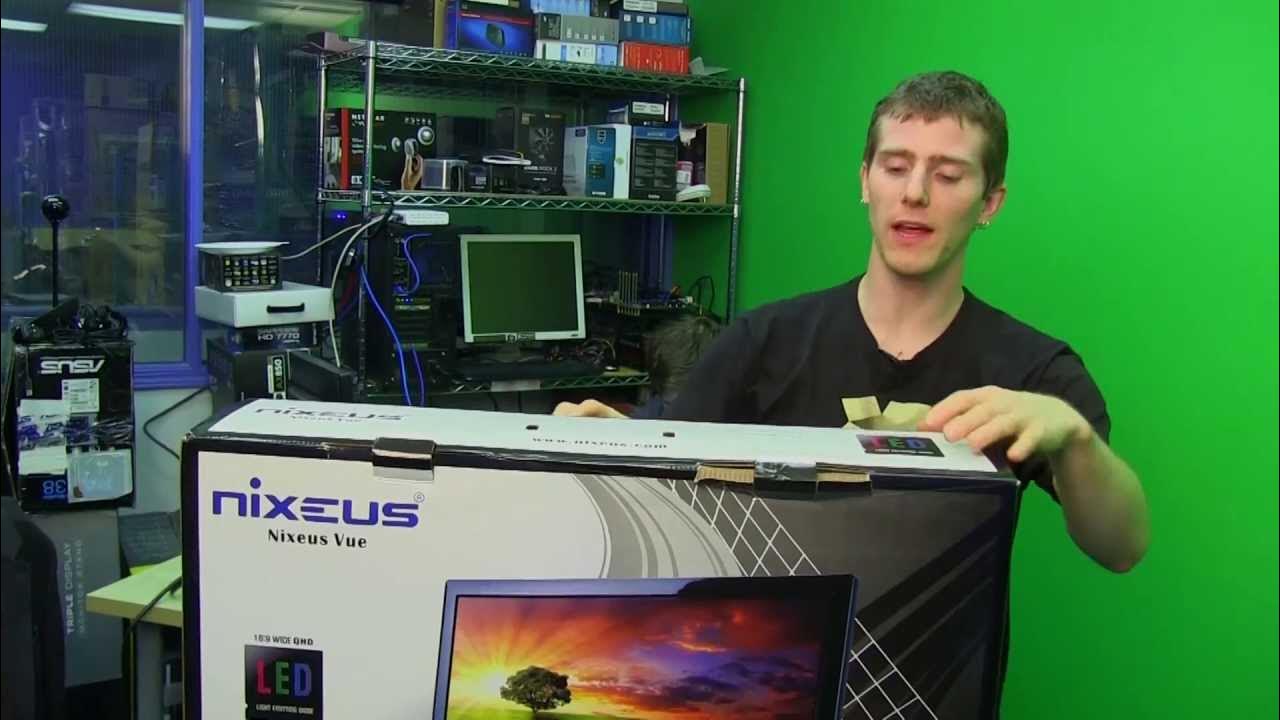
Nixeus NX-VUE27 27" IPS Monitor Unboxing & Overview
0 up · 0 down · 0 ratings
Channels and socials
The Nixeus NX-VUE27 runs at 2560x1440 resolution, meaning you get better picture clarity than 1080p or "Full HD". It also comes in at a very competitive price considering you are getting an A panel (compared to many of the inexpensive Korean options on Ebay) Sponsor link: corsair.com Read more & join our community forum: bit.ly twitter.com @LinusTech Pricing & availability: forums.ncix.com
Nixeus NX-VUE27 is presented as a 27 inch IPS monitor unboxing and first look, emphasizing a 2560x1440 resolution which the presenter describes as 2.5K. The video begins with an intro about Corsair sponsorship and quickly contrasts these direct-from-Korea bargain IPS displays with more premium North American options, arguing that Nixeus offers better support and a more controlled quality process. The host details the monitor’s input options, noting that HDMI, DVI, VGA, and DisplayPort ports are available, but only DVI and DisplayPort support full native resolution at 2560x1440 due to dual-link limitations. He walks through the included accessories, highlighting a novel mounting arm that clips onto a standard VESA mount and other essentials like audio, power, and a USB extension. The build notes cover the bezel, glossy screen, bottom button controls for on-screen menus, and the overall heft necessary for a 27 inch panel, as well as the stand’s height adjustment and tilt capabilities. The reviewer discusses the trade-offs of higher pixel density, explaining that while sharper images are a benefit, running at native 2.5K typically requires a more capable graphics card, which is an important consideration for potential buyers. The segment ends with a practical montage of assembly steps, including mounting the arm, attaching base components, and ensuring the monitor sits securely on the desk, followed by a quick verdict on usability and a call to subscribe for more unboxings and reviews.
Topics · technology · display_hardware · unboxing · hardware_reviews · monitoring · consumer_electronics
Questions answered
- What resolution does the NX-VUE27 support natively?
- The NX-VUE27 supports a native resolution of 2560x1440.
- Which inputs actually carry full native resolution at 2560x1440?
- Dual-link DVI and DisplayPort carry the full native 2560x1440 resolution.