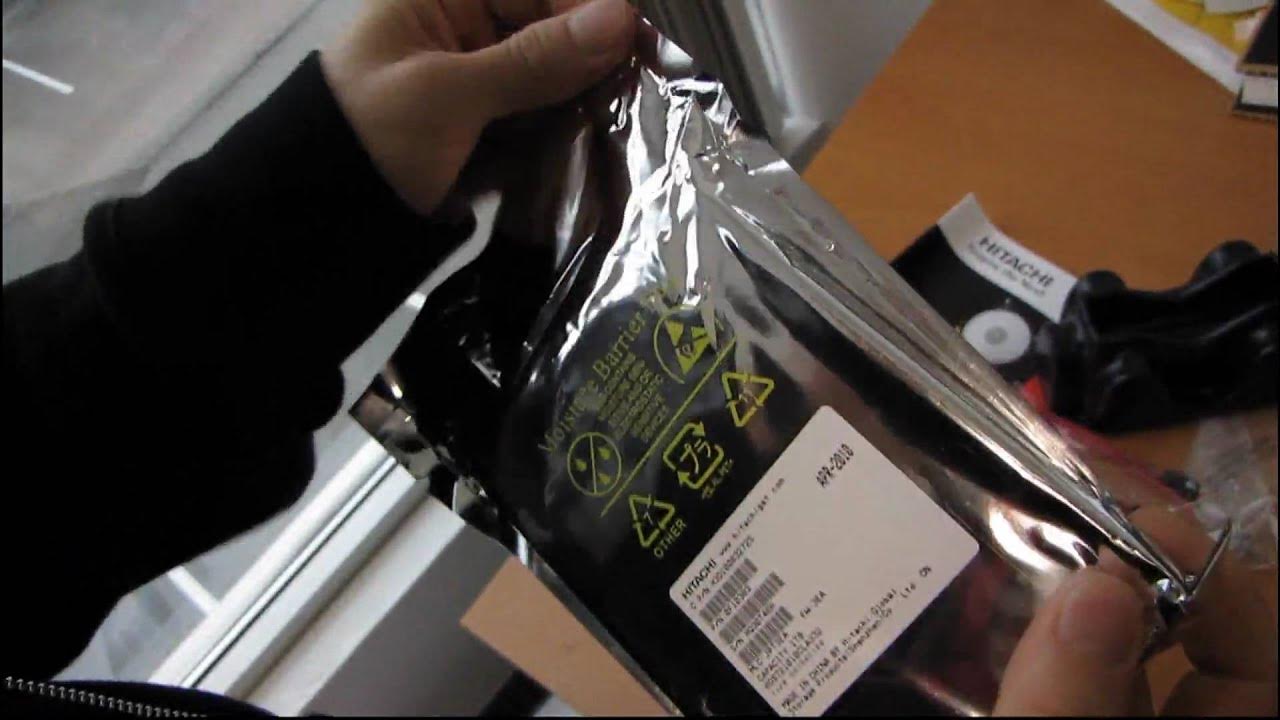
Hitachi Deskstar 1TB Retail Box Hard Drive Unboxing Linus Tech Tips
0 up · 0 down · 0 ratings
Description
ncix.com I needed some drives for an upcoming RAID video project on NCIX Tech Tips and I figured what better way to unbox a hard drive than in front of a camera
The video presents Linus Tech Tips performing a retail box unboxing of the Hitachi Deskstar 1TB hard drive, marking a departure from their typical internal component unboxings. Linus walks through the packaging, noting the moisture barrier anti-static bag and the sealed presentation used for retail drives, which contrasts with previously shipped OEM units. He highlights the included accessories: four mounting screws, a SATA data cable, power cable, and a printed hard drive installation guide that explains basic connections and how to record drive information for warranty purposes. The drive itself is identified as a Hitachi Deskstar 3.0 Series 1TB, a 7200 RPM model with 32 MB of cache and SATA 2 interface, using a standard 3.5 inch form factor. Linus reviews the visible labeling and controller hardware, including the LSI controller and SATA 2 interface, and confirms compatibility with typical PC cases and motherboards. He also mentions the warranty options and eco-friendly power features advertised by Hitachi, while humorously acknowledging that this unboxing is a lead-in to a broader NC Tech Tips RAID video project. The segment ends with a teaser for upcoming RAID configurations including RAID 0, 1, and 5, and a reminder to subscribe for more content from Linus Tech Tips and NCIX. Overall, the video serves as a concise, practical introduction to a retail hard drive unboxing within the context of a forthcoming RAID-focused tutorial series, emphasizing packaging quality, included accessories, and core specifications of the Hitachi Deskstar 1TB drive.
Topics · Technology · Hardware · Unboxing · Computer Storage
Questions answered
- What makes the Hitachi Deskstar 1TB drive suitable for a RAID setup?
- The video presents the drive as a 7200 RPM, 1TB SATA 2 hard drive with 32 MB cache, which are common specs for RAID configurations, and it announces a forthcoming NCIX Tech Tips RAID guide covering RAID 0, 1, and 5.