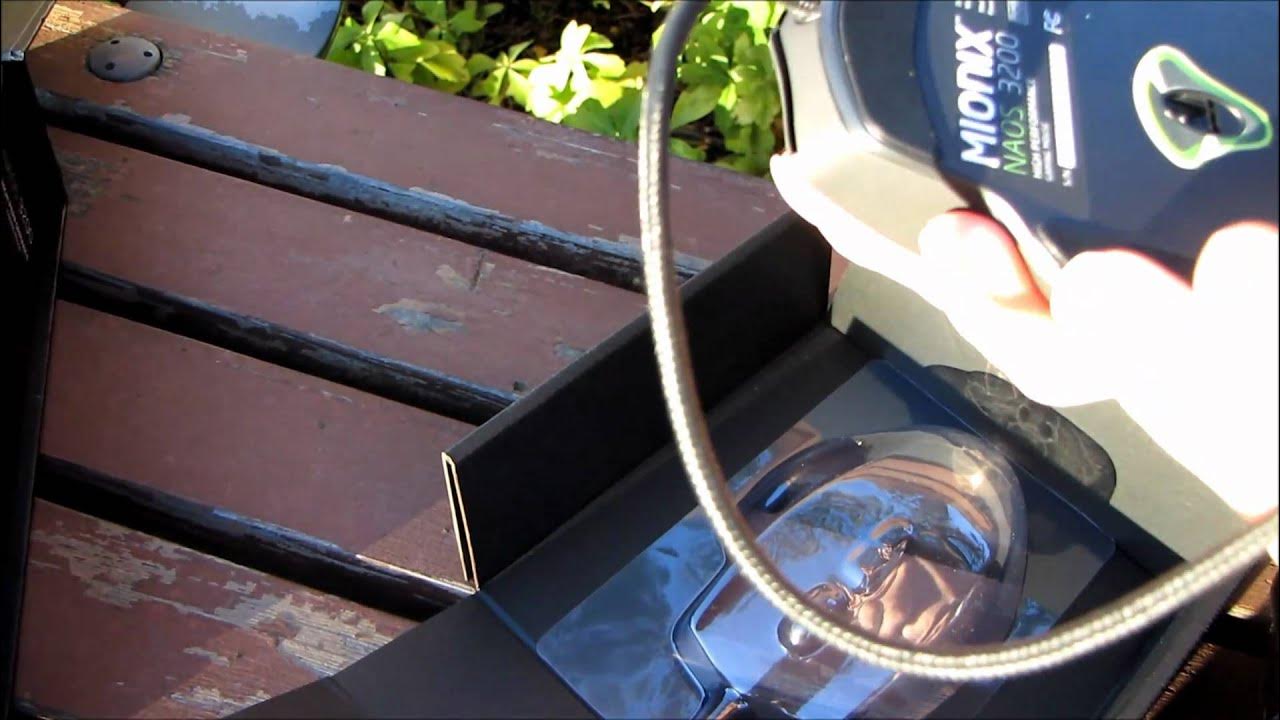
Mionix NAOS 3200 Ergonomic Optical Gaming Mouse Unboxing & First Look Linus Tech Tips
0 up · 0 down · 0 ratings
Description
I've actually never looked at anything from this company before, but first impressions are often the most important.
The video presents an unboxing and first look at the Mionix NAOS 3200 ergonomic optical gaming mouse. Linus goes through the packaging, noting the minimalistic matte black box, the seven programmable buttons, LED customization, braided cable, 3200 DPI optical sensor, and the ergonomic palm-grip design. He highlights practical details such as the gold-plated USB connector and the absence of a driver CD, explaining that the mouse is driverless and should be plug-and-play with Windows recognizing it automatically. A large portion focuses on the included software for customization, including the weight tuning system which allows horizontal adjustment of weight on both sides of the center for balance. Throughout the unboxing, Linus demonstrates the cable length and the build quality, remarking on the one-piece design and the solid overall construction. He compares the NAOS 3200’s ergonomics to other mice in the line, noting improvements over previous models and the presence of additional buttons including DPI control. The video closes with initial impressions on the sensor and general performance, promising to share a more in-depth evaluation in a future clip or video update, and expressing anticipation for more products from Mionix. In the second segment, Linus delves into practical considerations like the sensor type being optical rather than laser, the importance of the grip-friendly rubber coating, and the overall feel of the mouse when handling it in real use. He discusses the weight-tuning feature as a unique selling point, describes the design cues that suggest Sweden-influenced engineering, and explains how the cursor responsiveness and stability may vary with different surface textures. The unboxing also includes feedback on the packaging and presentation, praising the box quality and the clarity of the back-panel overview that lists key specs such as programmable buttons, LED customization, and the driverless setup. He wraps by acknowledging some uncertainties about long-term sensor performance and mentions that more data will come from follow-up testing, emphasizing the novelty of seeing Mionix featured on Linus Tech Tips. The tone remains informative and approachable, balancing product details with personal impressions to help viewers decide if the NAOS 3200 might fit their gaming setup. There is an explicit invitation for viewers to stay tuned for a deeper dive and potential updates in subsequent content.
Topics · hardware · technology · unboxing · peripherals
Questions answered
- What is the plug-and-play behavior of the Mionix NAOS 3200?
- The NAOS 3200 is driverless and should be recognized by the operating system as soon as it is connected via USB, without needing to install drivers or restart the computer.
- What unique features does the NAOS 3200 offer beyond basic buttons?
- It includes a weight tuning system that lets you adjust weight horizontally on both sides of the center for a more balanced feel, and it provides seven programmable buttons along with customizable LED lighting.