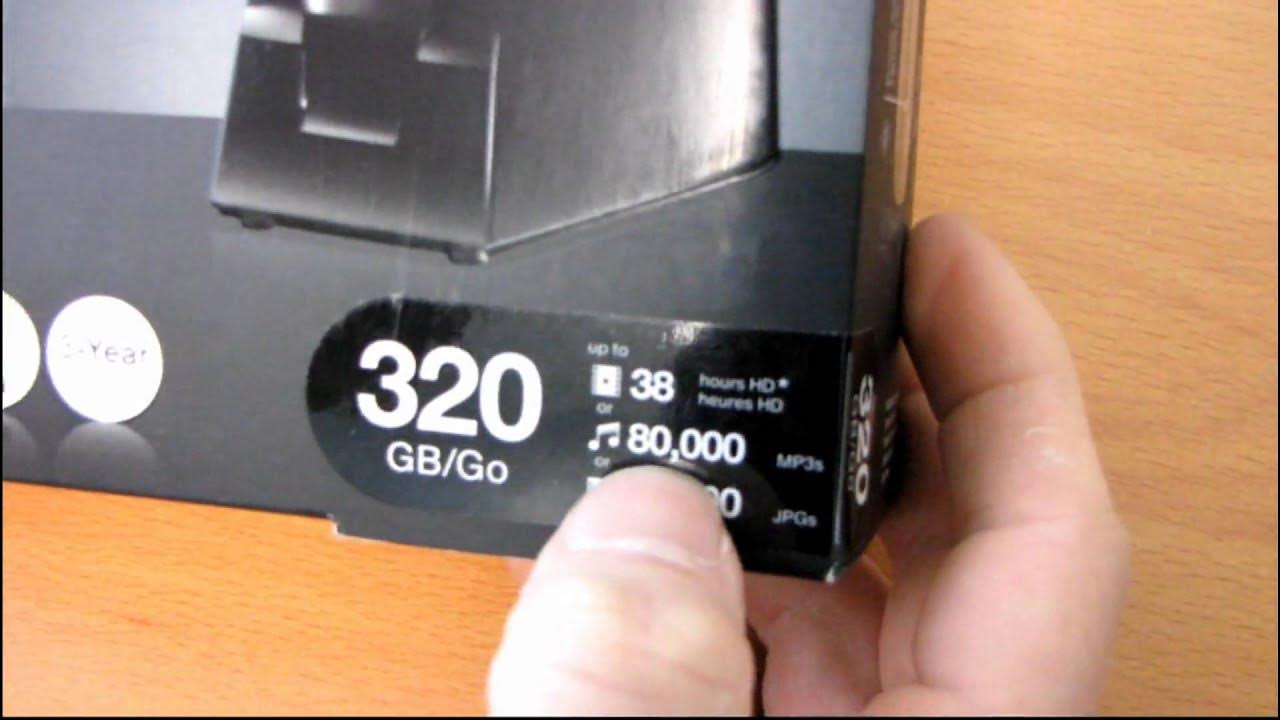
Western Digital My Passport Elite External 2.5" USB Hard Drive Unboxing and First Look
0 up · 0 down · 0 ratings
Description
I was so impressed by the My Book Elite, that I wanted to have a run at the My Passport Elite. The smaller version. Color me almost as impressed. The one thing that was missing was the e ink screen on the front.
The video opens with a hands-on unboxing of the Western Digital My Passport Elite, a compact 2.5-inch external USB hard drive. The presenter immediately contrasts the Elite with the larger My Book Elite, highlighting the smaller form factor while noting that both share WD’s premium backup and storage software and a three-year limited warranty. The unboxing sequence reveals the drive, a USB dock, and a concise set of documentation, including setup instructions for Windows users and a two-step guide. The presenter discusses key features such as automatic continuous backup, 256-bit hardware encryption with a drive lock, an illuminated capacity gauge, and a one-hand connection design intended to simplify plugging in the device. He demonstrates the physical design, pointing out the WD branding, the limited ports, the LED indicators, and the four rubber feet that stabilize the unit on a desk. The docking option is shown in action, with explanations about the angled USB connection required for the dock and how it integrates with typical computer setups. Throughout, the speaker uses light humor to relate personal anecdotes about his mother’s tech-forte and practical usage scenarios, while repeatedly promising to delve deeper into performance and compatibility in future segments. The segment concludes with a close-up of assembling and inserting the drive into the dock, followed by a recap of what was included in the box and a final note that this is a compact, feature-rich portable storage solution suitable for users seeking security and convenience in a travel-friendly package.
Topics · technology · hardware · storage · unboxing · consumer electronics
Questions answered
- What features make the Western Digital My Passport Elite appealing for portable storage needs?
- Key features include automatic continuous backup, 256-bit hardware encryption with a drive lock, an illuminated capacity gauge, and a one-hand connection design via the included USB dock.