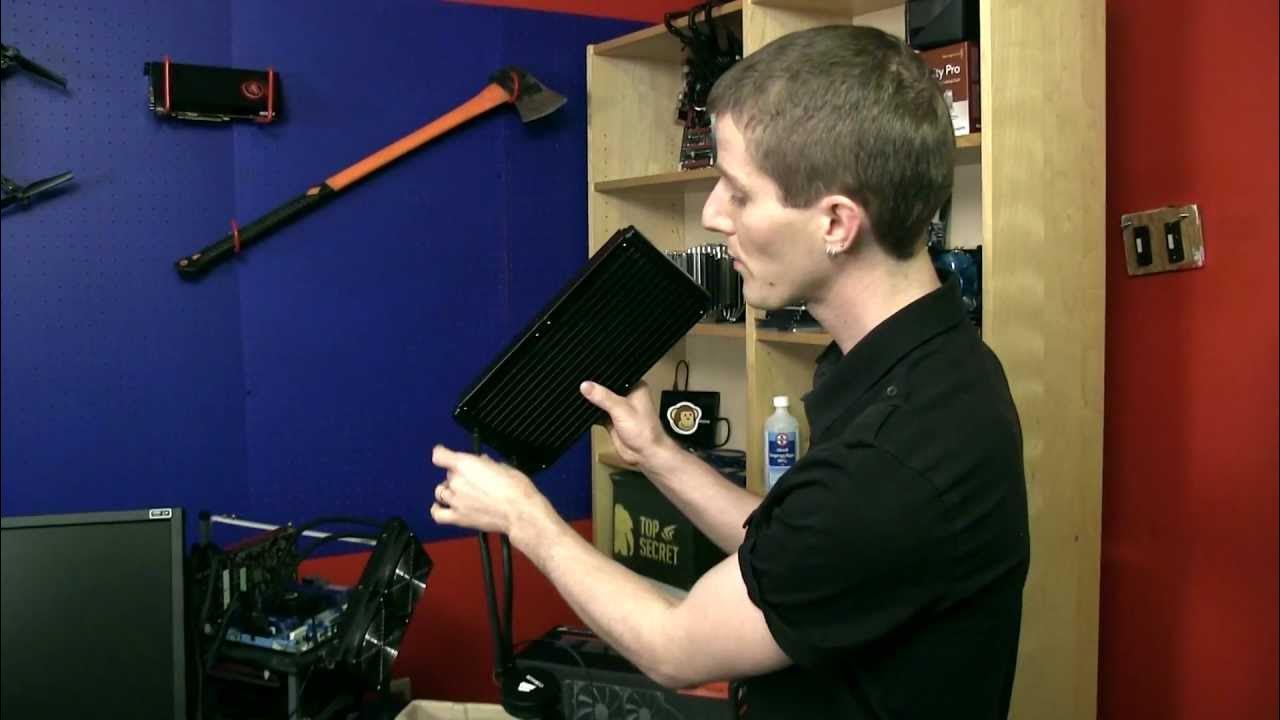
Corsair H110 Water Cooler Unboxing & First Look Linus Tech Tips
0 up · 0 down · 0 ratings
Channels and socials
Corsair H110 unboxing - This is pretty much as good as it gets for pre-made liquid coolers! Read about this and join our forum: linustechtips.com twitter.com @LinusTech Buy at NCIX: ncix.com
The video presents a detailed unboxing and first look at the Corsair H110 all-in-one liquid CPU cooler. The host walks through the packaging, noting the eco-friendly materials and the included warranty information, which highlights a five-year guarantee. He points out the two 140 mm fans and explains that these are Corsair fans, though not the flat-blade SP series, and he comments on the cable routing and overall aesthetics. The mounting hardware is examined next, showing support for a wide range of sockets from AM3 to LGA 2011, and the straightforward installation instructions. A significant portion is devoted to case compatibility, with the host recounting a practical workaround for a non-listed case by using washers to space the mounting points. He emphasizes the radiator design, describing it as slightly larger than other Corsair coolers to accommodate dual 140 mm fans while remaining slim enough for many cases. The tubing is praised for its flexibility, and the pump connection is discussed in terms of power options and the recommendation to avoid reducing pump speed. Throughout, the host ties in practical tips about ensuring clearance with the motherboard and achieving a clean, efficient build. The conclusion reinforces the unboxing as a strong first impression of the H110, encouraging viewers to subscribe for more similar content and to explore Corsair’s cooling lineup in future videos.
Topics · hardware · computer_hardware · unboxing_and_reviews · liquid_cooling · cooling_solutions · computer_components
Questions answered
- What sockets does the Corsair H110 mounting hardware support?
- The included mounting hardware supports AM3, AM3+, AM2, AM2+, FM1, FM2, LGA 775, LGA 1156, LGA 1155, LGA 1366, and LGA 2011 sockets.
- Why might you need washers when installing the H110 in some cases?
- In non-listed cases, the mounting holes may be slightly misaligned or too wide, so washers can be used between the screws and the case to ensure a secure fit without forcing the mounting points.