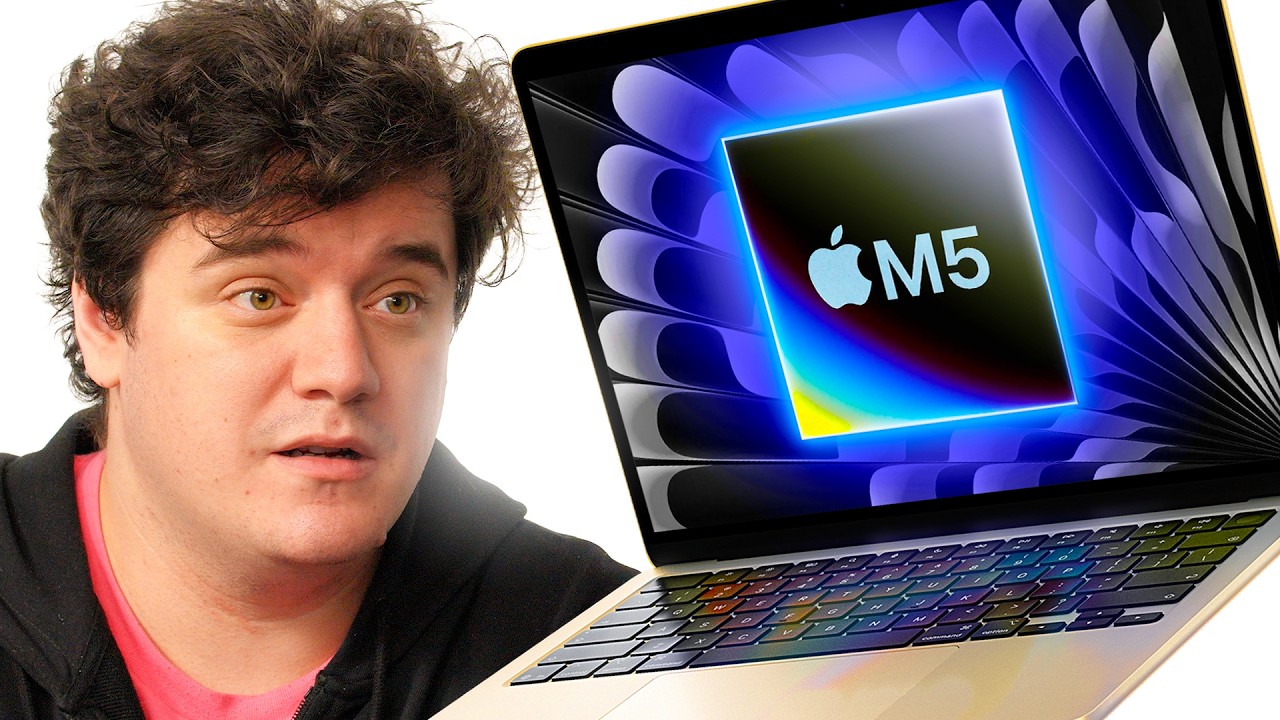
Lets try and spot the difference - MacBook Air M5
0 up · 0 down · 0 ratings
Channels and socials
Get your overpriced stickers at shortlinus.com Before the Neo, the MacBook Air was Apple's entry-level machine, but with the advancements made with Apple's M-chips in the last few years the Air is ready to step up. Buy an Apple M5 Macbook Air: geni.us Want us to unbox something? Make a suggestion at lmg.gg Thanks to our channel partner Secretlab! - Grab a TITAN Evo ergonomic gaming chair: lmg.gg - Grab a MAGNUS Pro sit/stand gaming table: lmg.gg ► SHOP OUR PRODUCTS: lttstore.com ► GET A VPN: piavpn.com ► GET EXCLUSIVE CONTENT ON FLOATPLANE: lmg.gg ► DIVE DEEPER ON THE LTT LABS WEBSITE: lmg.gg ► SPONSORS, AFFILIATES, AND PARTNERS: lmg.gg Purchases made through some store links may provide some compensation to Linus Media Group. Affiliate links powered in part by affilimate.com Studio lighting by Aputure: aputure.com Linus Sebastian is an investor in Framework Computer, Inc and HexOS by Eshtek. CHAPTERS --------------------------------------------------- 0:28 What's in the box 1:20 Sponsor 2:34 I/O overview 2:52 Specs 4:01 Screen specs 4:48 Webcam test 6:27 Testing the audio 8:40 LABS results 9:16 Game time 11:03 Productivity benchmarks 12:29 Opening the back 15:06 Next video
The video opens with the host eagerly presenting the MacBook Air M5, setting up a hands-on unboxing and first impressions segment. He notes the excitement around Apple’s new M5 silicon and contrasts it with the rumored MacBook Neo, deciding to focus on the Air instead. The unboxing showcases the thin, sleek device in the Starlight color, followed by the contents of the box including the USB-C to MagSafe charger, which is described as a versatile dynamic charger that adapts from 60 W to 40 W based on temperature. A playful sponsor moment with dbrand introduces the 1984 MacBook skin concept, and the host demonstrates applying the skin to the device, highlighting its wide compatibility across MacBook models. The video then transitions into hardware overview, touching on ports (two Thunderbolt 4, MagSafe, headphone jack), the M5 configuration details, RAM/storage options, and notable spec differences from the Pro line, including the 2560x1664 display, 60 Hz refresh rate, 500 nits brightness, and the 1080p webcam. He also mentions the upgrade from Wi-Fi 6E to Wi-Fi 7, and teases the upcoming lab tests, screen test, webcam test, audio test, and gaming bench marks. The middle section dives into practical tests, starting with a camera sample and microphone quality, then evaluating the built-in speakers at various volume levels, before moving to a light discussion about display brightness and color range. The host gives real-world usage notes on keyboard feel and how the MacBook Air M5 handles productivity tasks, photo editing, and Premiere/Photoshop workloads, comparing it to the M4 and MacBook Pro M5 in single-core and multi-core performance, while pointing out the absence of a fan in this model. The gaming segment calibrates expectations, indicating sustained performance is more aligned with console-like experiences than high-end PC gaming, and notes the trackpad quality as a positive takeaway. Battery life is discussed with an emphasis on efficiency gains, and the host confirms that the device stays competitive for year-over-year upgrades, even with the same 53.8 Wh battery as prior models. In the closing section, the reviewer opens the chassis to reveal internal build quality, remarks on repairability, and reiterates price positioning of the model, explaining that it starts around $1,100 and can reach up to $2,700 with higher storage and CPU configurations. He concludes with guidance on who should buy the Neo versus the Air M5 and teases the next video while inviting viewers to explore additional laptop options. Finally, the host confirms his overall take that the Air M5 is a sleek, capable, highly portable machine that balances performance and efficiency, while acknowledging that the price premium over older generations is a significant consideration for potential buyers.
Topics · Technology · Gadgets · ProductReviews · Unboxing · Laptops · Apple · MacBook
Questions answered
- What are the key hardware specs of the MacBook Air M5 in this video
- It features an Apple M5 chip with a 10-core CPU (4 high-performance cores and 6 efficiency cores), an 8-core GPU, and a 16-core NPU. RAM/storage configurations include up to 153 GB/s memory bandwidth and a base storage of 512 GB. The display is 13-inch or 15-inch with 2560x1664 resolution, 60 Hz refresh rate, 500 nits brightness, and a 1080p webcam.
- How does the reviewer view the MacBook Air M5’s gaming performance
- The reviewer notes that gaming on the Air M5 is acceptable for console-like experiences but not at PC-level performance. With Cyberpunk-like titles, frame rates hover around the 30–35 FPS range with Vsync, and the Pro version with a fan can offer better sustained performance. Realistic expectations are suggested, emphasizing light and casual gaming rather than demanding titles.
- Is the MacBook Air M5 worth upgrading to from older models or the Neo
- The decision depends on use case. For someone needing more performance than older M3/M4 models and who benefits from efficiency gains, the Air M5 offers a compelling upgrade. For students or internet heavy users, the Neo could be more cost-effective, whereas the Air M5 suits users needing better performance for photo/video editing and multitasking despite a higher price.