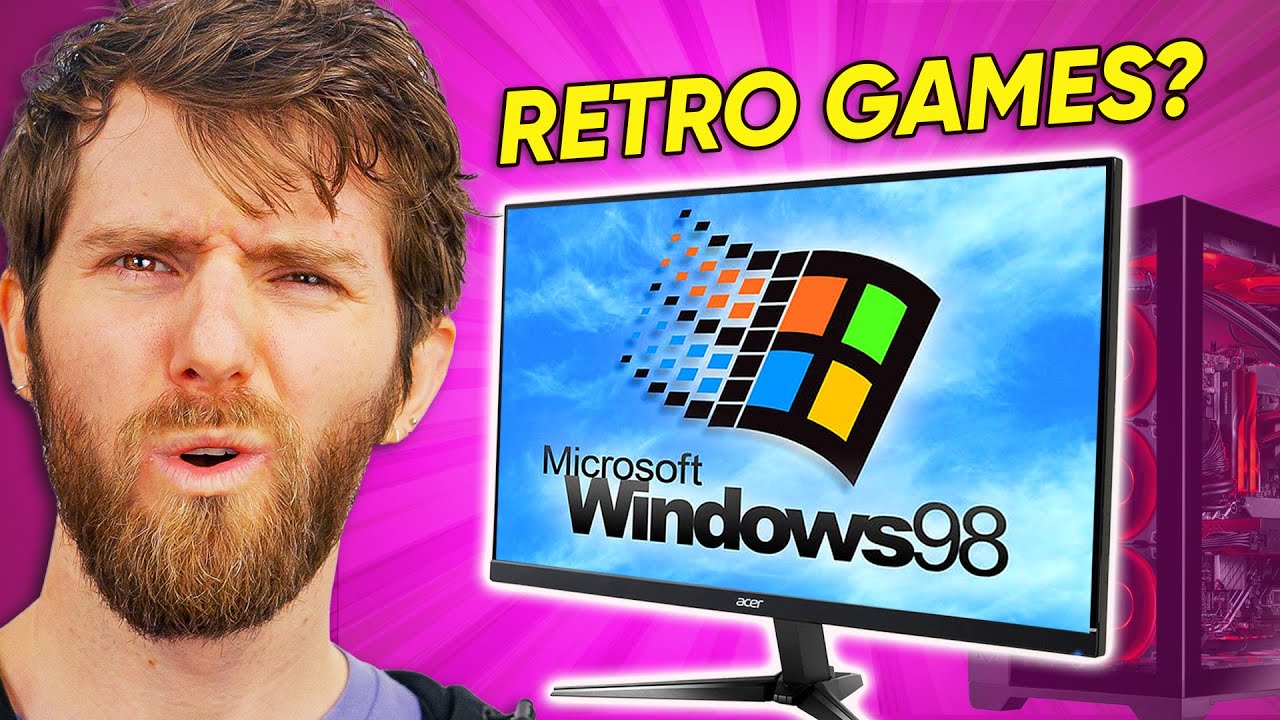
These games were unplayable…UNTIL NOW - PCem
0 up · 0 down · 0 ratings
Description
Shop Micro Center’s Build Your Own Month Long Deals: micro.center Submit your build to Micro Center’s Build Showcase: micro.center Start monitoring your network and servers with Pulseway at lmg.gg An entire generation of games are unplayable unless you kept your old PCs. Isn’t there some emulator we can use to bring the early days of 3D graphics back to life? There is! It’s called PCem. Discuss on the forum: linustechtips.com
Check out PCem: pcem-emulator.co.uk
Check out DOSBox: dosbox.com
Promos
Check out AnyToISO: crystalidea.com Purchases made through some store links may provide some compensation to Linus Media Group. ► GET MERCH: lttstore.com ► LTX 2023 TICKETS AVAILABLE NOW: lmg.gg ► GET EXCLUSIVE CONTENT ON FLOATPLANE: lmg.gg ► AFFILIATES, SPONSORS & REFERRALS: lmg.gg ► OUR WAN PODCAST GEAR: lmg.gg FOLLOW US --------------------------------------------------- Twitter: twitter.com Facebook: @LinusTech Instagram: @linustech TikTok: @linustech Twitch: twitch.tv MUSIC CREDIT --------------------------------------------------- Intro: Laszlo - Supernova Video Link: youtube.com iTunes Download Link: itunes.apple.com Artist Link: soundcloud.com Outro: Approaching Nirvana - Sugar High Video Link: youtube.com Listen on Spotify: spoti.fi Artist Link: youtube.com Intro animation by MBarek Abdelwassaa @mbarek_abdel Monitor And Keyboard by vadimmihalkevich / CC BY 4.0 geni.us Mechanical RGB Keyboard by BigBrotherECE / CC BY 4.0 geni.us Mouse Gamer free Model By Oscar Creativo / CC BY 4.0 geni.us CHAPTERS --------------------------------------------------- 0:00 Intro 0:55 Why bother emulating a PC?? 1:34 Exploring the emulated PC and networking 5:06 So what can PCem do? 7:11 Time to play some DirectX 3 Road Rash! 9:39 Let's try 3D-accelerated MechWarrior 3 11:36 Reviving a dead genre 12:51 Some alternatives to PCem 13:48 Compatibility isn't as easy as you think 16:00 PCem's biggest advantage 17:34 It's not perfect and sometimes it's overkill 21:46 Conclusion This video has been dubbed using an artificial voice via aloud.area120.google.com to increase accessibility. You can change the audio track language in the Settings menu. Este video ha sido doblado al español con voz artificial con aloud.area120.google.com para aumentar la accesibilidad. Puede cambiar el idioma de la pista de audio en el menú Configuración.
This video presents a deep dive into PCem, a PC emulator capable of faithfully recreating hardware from classic eras, enabling modern machines to run Windows 9x, DOS, and even early OSes with near authentic hardware behavior. The host walks through the core premise: emulating BIOS, CPUs, and peripherals to recover software compatibility that standard emulators struggle to achieve. Early on, the host contrasts PCem with DOSBox and other solutions, highlighting how PCem’s approach to emulation makes a big difference for running stock-era software. The discussion then focuses on how PCem handles networking, file sharing, and disk access, including practical demonstrations of setting up a Windows 98 SE VM on a modern PC. The video goes on to showcase real gameplay experiences, such as Road Rash and MechWarrior 3, using period-appropriate hardware like a Voodoo3 GPU and EAX-capable sound, illustrating how the emulation preserves the feel of the time. The host also covers the limitations and trade-offs of PCem, including hardware passthrough gaps, file access challenges, and the need for workarounds, while outlining other paths like 86Box, DOSBox-X, and browser-based DOS emulation for different user needs. Finally, the video emphasizes the broader significance: PCem enables a broader spectrum of retro software to be experienced on modern hardware, reviving a generation of games and multimedia experiences that were at risk of becoming inaccessible, and it points viewers toward community resources and alternative solutions for various use cases.
Topics · emulation · retro-computing · gaming · technology · software
Questions answered
- What is PCem and why is it significant for playing old software?
- PCem is a PC emulator that replicates original hardware components such as BIOS, CPUs, and peripherals, enabling authentic execution of software from DOS to Windows 9x on modern machines.
- How does PCem handle networking and file access compared to other solutions?
- PCem supports emulated networking and uses approaches like virtual CD-ROMs or host-folder workarounds for file transfer, but it may require more manual configuration than simpler DOSBox setups.
- What games were tested in the video and how did they perform?
- The video tested titles like Road Rash and MechWarrior 3, demonstrating DirectX 3.0a and 3D acceleration via Voodoo hardware within a Windows 98 SE VM.
- What are the main trade-offs of using PCem?
- PCem provides high fidelity hardware emulation but can be less convenient for file access and may require more steps to configure hardware like IRQs, DMAs, and network settings.
- Are there alternatives if PCem is too complex for a user?
- Alternatives include 86Box, DOSBox-X, and browser-based DOS emulation, as well as native DOSBox for a straightforward retro-gaming experience.