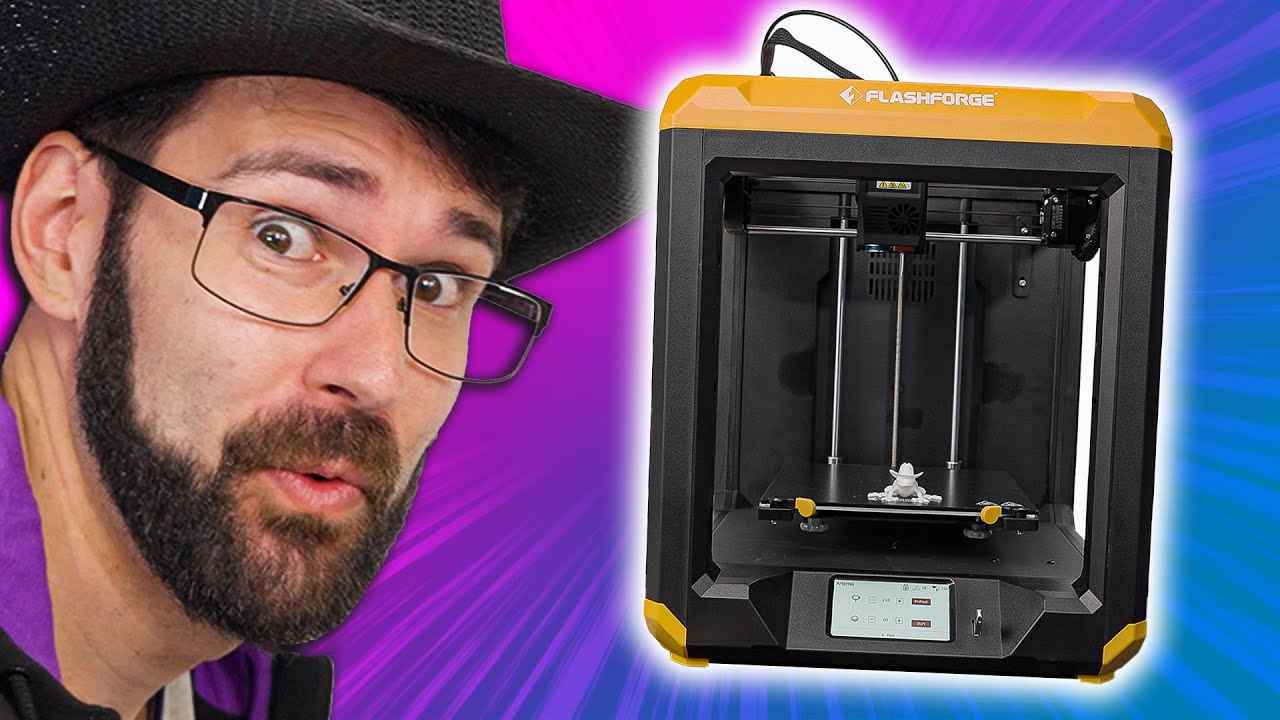
This made me a new friend! - Flashforge Artemis 3D Printer
0 up · 0 down · 0 ratings
Description
Thanks to FlashForge for sponsoring this video! Flashforge sent over their new 3D printer for Dan to
Promos
check out and he made a little friend with it Want us to unbox something? Make a suggestion at lmg.gg ► SUBSCRIBE ON FLOATPLANE: floatplane.com ► GET MERCH: lttstore.com ► AFFILIATES, SPONSORS & REFERRALS: lmg.gg ► PODCAST GEAR: lmg.gg ► SUPPORT US ON FLOATPLANE: floatplane.com FOLLOW US ELSEWHERE --------------------------------------------------- Twitter: twitter.com Instagram: @shortcircuityt TikTok: @linustech Facebook: @ShortCircuitYT CHAPTERS --------------------------------------------------- 0:00 Dan knows all 0:17 Unboxing 1:07 Build quality and printer style impressions 2:15 Extruder specs 2:56 What's around back? 3:11 Included print bed types 3:48 Other included accessories 4:03 Turning on the printer 4:24 Who's this for? 4:59 Levelling the bed 6:07 Filling with filament 6:50 Prepping the print! 7:48 Frog friend incoming ft Jake and Linus 8:42 Power interrupt/print resume feature 9:15 Looking at the finished product! 10:13 Teardown and repair/upgradeability impressions 13:57 Overall thoughts 14:32 Outro
This video presents a hands-on unboxing and initial evaluation of the FlashForge Artemis 3D Printer. The host walks through the unboxing experience, noting the substantial weight and cube form factor, and describes included items such as dual filament spools in white and black PLA. The quick setup follows, with emphasis on the printer’s distinctive dual-axis gantry and the direct drive extruder, which promises quieter operation and solid performance. The host compares bed options and highlights the glass bed with a nano dot textured surface, along with a flexible metal bed insert, both of which affect first-layer adhesion and part removal. He then demonstrates bed leveling using a simplified process, lining up the Z offset with the nozzle, while commenting on the overall build quality and closed-frame design suitable for classroom or home use. The review moves into basic operation, showing the touchscreen responsiveness, the built-in resume-from-failure feature, and the ability to pause and recover a print after a power interruption. A test print of a small frog with a cowboy hat is started, and the team discusses slicer defaults, layer height, and the expected print time, balancing speed versus detail. The host opens the printer and performs a teardown of the hot end assembly, praising the modular design with accessible components, standard nozzle sizes, and replaceable parts. Overall, the Artemis is judged as a strong, well-built option in the around $600 price range, offering reliable performance for beginners and hobbyists while inviting further tinkering for advanced users. The video closes with a positive impression of the printer’s capability, the potential for upgradability through nozzle changes, and thanks to FlashForge for sponsoring the video.
Topics · technology · 3d printing · review · maker · education
Questions answered
- What are the included bed options for the Artemis 3D Printer and how do they affect printing?
- The Artemis includes both a Borosilicate glass bed with a textured nano dot surface for flatness and good first-layer adhesion, and a textured metal bed insert that is easy to remove thanks to a flexible bed design. The glass bed tends to provide the flattest surface for consistent first layers, while the flexible bed makes part removal easier after printing.