Backing Up Your Life is THIS Easy
0 up · 0 down · 0 ratings
Description
Thanks, Synology for sponsoring today's video!
Promos
Check out the smaller version DS718+ at sy.to or enter here for your chance to win a unit with drives at lmg.gg Protect your data with Safeguard at sy.to How hard is it to set up a backup let alone an offsite backup at a "friend's" house? Linus and Jake show you how easy it can be by using Synology's power NAS system and its intuitive software. Buy Buy Synology DS918+: On Amazon (PAID LINK): geni.us On Newegg (PAID LINK): lmg.gg Buy Synology DS718+: On Amazon (PAID LINK): geni.us On Newegg (PAID LINK): lmg.gg Buy Seagate Ironwolf NAS 10TB Hard Drives: On Amazon (PAID LINK): geni.us On Newegg (PAID LINK): lmg.gg Purchases made through some store links may provide some compensation to Linus Media Group. Discuss on the forum: linustechtips.com Our Affiliates, Referral Programs, and Sponsors: lmg.gg Get a Displate Metal Print at lmg.gg Get a 30-day free trial of Amazon Prime at lmg.gg Linus Tech Tips merchandise at lttstore.com Our Test Benches on Amazon: amazon.com Our production gear: geni.us Twitter - twitter.com Facebook - @LinusTech Instagram - @linustech Twitch - twitch.tv Intro Screen Music Credit: Title: Laszlo - Supernova Video Link: youtube.com iTunes Download Link: itunes.apple.com Artist Link: soundcloud.com Outro Screen Music Credit: Approaching Nirvana - Sugar High youtube.com
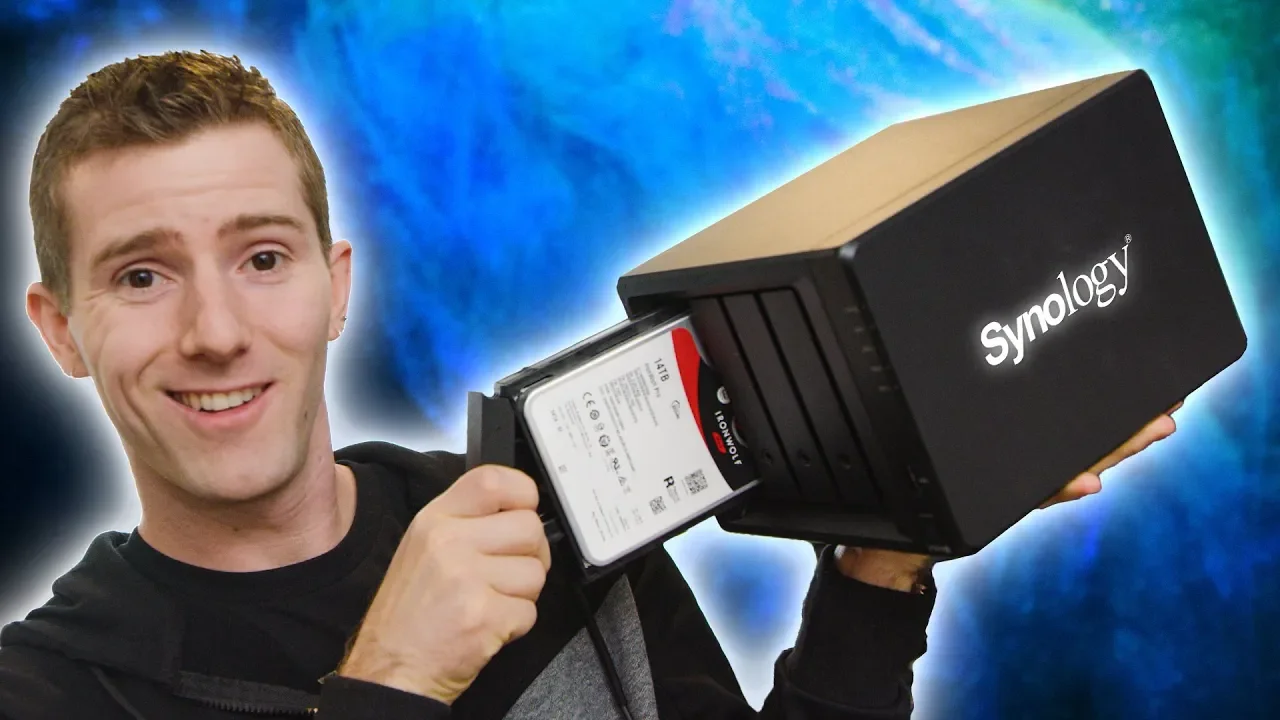
Backing Up Your Life is THIS Easy provides a practical walkthrough of using a Synology NAS to create reliable, offsite backups with a focus on ease of use and security. The video opens by establishing the concept of all-in-one NAS devices, explaining that the DS918 Plus is a compact, full-fledged computer prepped for storage tasks, with four bays, dual LAN ports, and optional SSD caching. The hosts load four Iron Wolf 14 TB drives and describe the resulting usable space under different RAID configurations, highlighting the tradeoffs between capacity and redundancy. They then demonstrate enabling basic home media server features, cloud-like personal backup options, and mobile access, all within a single device, to illustrate the breadth of NAS capabilities beyond simple storage. The narrative moves toward data protection principles, emphasizing the 3-2-1 rule and the necessity for offsite backups, which sets the stage for the main feature: offsite backup using Synology’s ecosystem. Concluding the setup phase, the hosts configure user accounts, shares, and encryption, underscoring the importance of encrypting sensitive data and saving the recovery key securely.
Topics · technology · data-protection · cloud-computing · home-networking · hardware
Questions answered
- What is the main advantage of an offsite NAS backup over cloud storage?
- An offsite NAS backup eliminates monthly cloud storage fees, gives you control over your data, and can be secured with encryption, while enabling offsite copies through trusted devices without relying on a third-party provider.
- How does Synology enable remote backup without exposing credentials?
- The setup uses remote access features like dynamic DNS and port forwarding, plus encrypted user access to grant specific backup permissions without sharing full credentials.