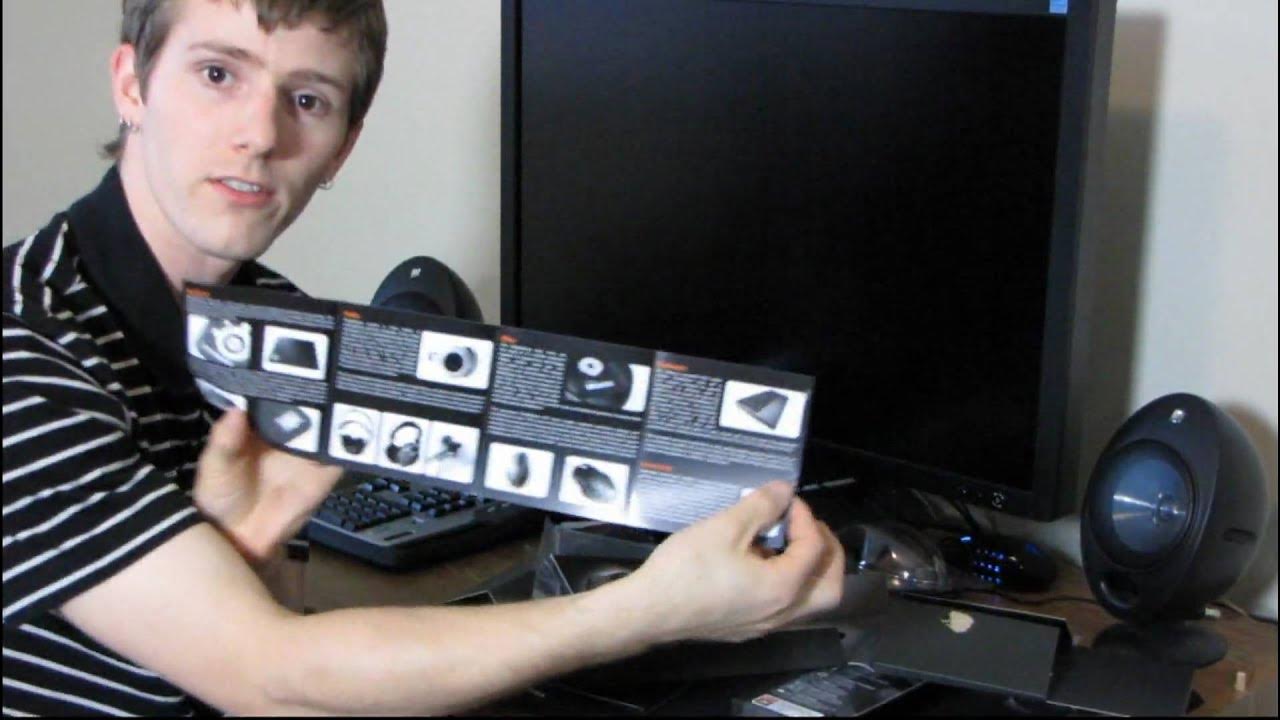
Steelseries Ikari Laser Ergonomic Gaming Mouse Unboxing & First Look Linus Tech Tips
0 up · 0 down · 0 ratings
Description
ncix.com This is my favorite mouse ever. I actually get a lot of questions about my favorite hardware, and this video should finally put to rest any questions about that one component :)
In this unboxing and first-look video, Linus Tech Tips demonstrates the SteelSeries Ikari Laser ergonomic gaming mouse, highlighting why it became his favorite mouse and his motivation for a new unit after his previous one began misbehaving with double-click issues. He walks through the packaging, noting the hidden SteelSeries logo within the packaging doors and the included driver software on the disc, which he initially contemplates installing despite doubts about updates. Linus emphasizes the Ikari Laser’s onboard memory and driverless configuration, explaining that CPI settings, macros, and profiles can be stored directly on the mouse, allowing use across different computers without driver installation. He demonstrates the hardware features such as the gold-plated USB connector, side buttons for the thumb, and the bottom display that indicates the current profile, tying these to practical benefits for quick on-the-fly adjustments during play. The video also delves into the software workflow, clarifying how to adjust CPI (counts per inch) with near-instant sensitivity changes and comparing it to the more traditional DPI labels found on other mice. Throughout, Linus shares his subjective experience with ergonomics, describing the Ikari Laser as extremely comfortable and as if it becomes an extension of the hand, while also discussing surface compatibility with cloth or hard pads. He concludes by reinforcing why this mouse remains his preferred choice, noting its performance, longevity potential, and how easy it is to set up and customize for gaming needs.
Topics · hardware · unboxing · gaming
Questions answered
- What makes the SteelSeries Ikari Laser stand out in terms of customization for high-sensitivity gaming?
- The Ikari Laser offers onboard memory to store CPI settings, macros, and profiles directly on the mouse, enabling driverless use across different computers and quick profile switching via a bottom display.
- How does Linus describe the ergonomics and overall feel of the Ikari Laser during use?
- Linus describes the mouse as extremely comfortable, saying it melts into the hand and feels like an extension of the body during glide movements, with a design suited to long gaming sessions.