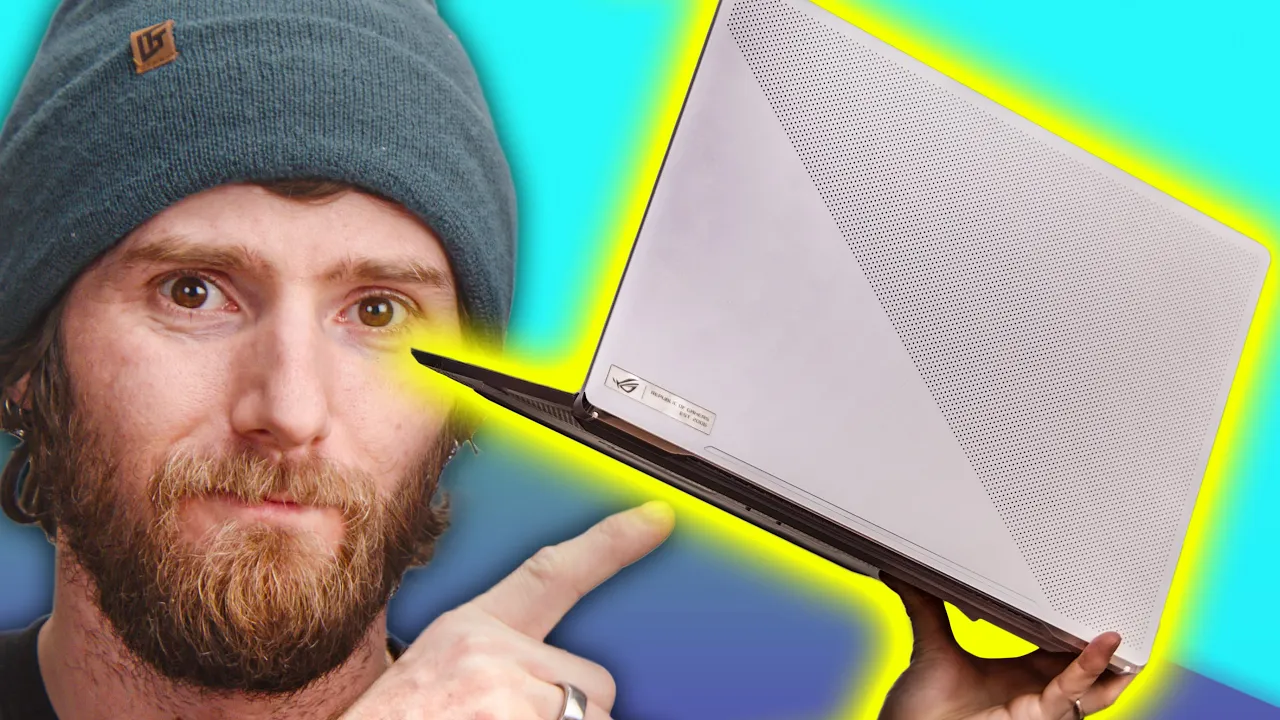
The Best Gaming Laptop. Period. - Asus Zephyrus G15 Review
0 up · 0 down · 0 ratings
Promos
Visit squarespace.com and use offer code LTT for 10% off The Asus Zephyrus G15 GA503 checks all the boxes for a 2021 gaming laptop - slim, powerful, and very well built - but have Asus sacrificed too much power for sexiness? Buy ASUS ROG Zephyrus G15: geni.us Purchases made through some store links may provide some compensation to Linus Media Group. Discuss on the forum: linustechtips.com ► GET MERCH: lttstore.com ► AFFILIATES, SPONSORS & REFERRALS: lmg.gg ► PODCAST GEAR: lmg.gg ► SUPPORT US ON FLOATPLANE: floatplane.com FOLLOW US ELSEWHERE --------------------------------------------------- Twitter: twitter.com Facebook: @LinusTech Instagram: @linustech TikTok: @linustech Twitch: twitch.tv MUSIC CREDIT --------------------------------------------------- Intro: Laszlo - Supernova Video Link: youtube.com iTunes Download Link: itunes.apple.com Artist Link: soundcloud.com Outro: Approaching Nirvana - Sugar High Video Link: youtube.com Listen on Spotify: spoti.fi Artist Link: youtube.com Intro animation by MBarek Abdelwassaa @mbarek_abdel Monitor And Keyboard by vadimmihalkevich / CC BY 4.0 geni.us Mechanical RGB Keyboard by BigBrotherECE / CC BY 4.0 geni.us Mouse Gamer free Model By Oscar Creativo / CC BY 4.0 geni.us
The Asus Zephyrus G15 GA503 lands with a strong first impression, presenting a chassis that feels robust and premium while keeping a relatively slim profile. The host highlights the magnesium spine, a large glass trackpad, and a restrained, classy aesthetic that moves away from typical RGB gaming aesthetics. In terms of input and I/O, the laptop offers two USB-C ports at 10 Gbps and a traditional HDMI, though the HDMI 2.1 option is missed, which could affect users with Thunderbolt ecosystems. The performance section demonstrates that the G15 can deliver substantial processing and graphics power, especially when the CPU and GPU sliders are tuned toward higher wattage, but at the cost of fan noise and thermals. Comparisons with the XMG NEO 15 reveal that the Zephyrus prioritizes daily drivability and a quieter experience, making it a compelling choice for most users, with the RTX 3070 version emerging as a sweet spot for a balance of price and performance. A key takeaway is that ASUS has aimed for a practical balance between power and polish, offering a 1440p 165 Hz display with strong color coverage and adaptive sync, while acknowledging light limitations in brightness and color accuracy that professional workflows might demand. The reviewer also notes excellent battery life for a gaming laptop, a large trackpad for general use, and practical usability in everyday settings, even suggesting that this machine could blend into non gaming environments more easily than typical rivals. The verdict leans toward recommending the Zephyrus G15 for its overall daily drivability, with caveats about display brightness, webcam absence, and the tradeoffs inherent in a slim form factor versus peak performance. Overall, the video frames the G15 as a well-built, stylish choice that delivers real gaming capability without sacrificing practicality, and it positions the RTX 3070 variant as the most attractive configuration within this family.
Topics · technology · laptops · gaming · product_review · hardware
Questions answered
- What is the main advantage of the Zephyrus G15 design according to the review?
- The main advantage is its blend of strong performance with daily drivability, featuring a premium build, restrained aesthetics, and a large trackpad that makes it usable outside of gaming contexts.
- Which configuration does the reviewer highlight as the sweet spot for value and performance?
- The RTX 3070 equipped version is highlighted as the sweet spot, offering solid performance at a better price point and cooler, quieter operation than higher-end variants.
- What is a notable hardware omission mentioned in the review and how is it framed?
- The absence of a built-in webcam is noted as a drawback, especially since the product page emphasizes microphone features and AI noise cancellation, raising questions about the balance between privacy and conferencing needs.