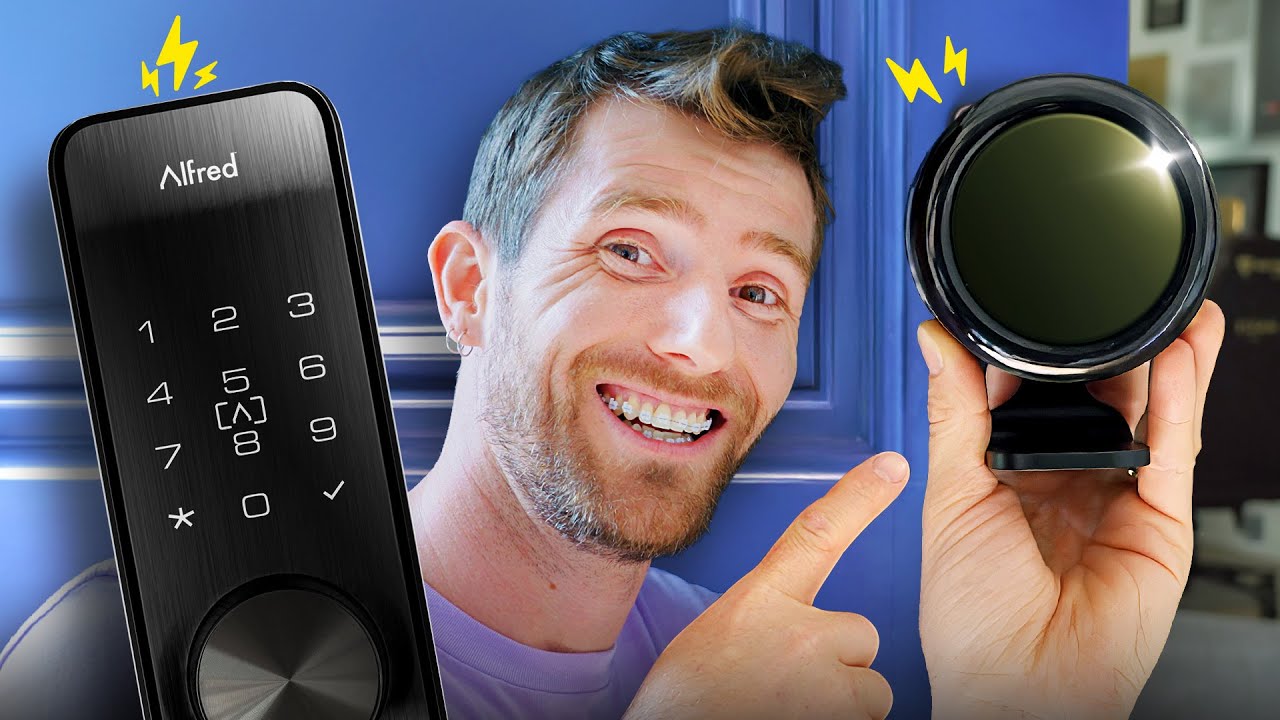
I Waited 7 Years for a ZERO Battery Smart Lock - Alfred Smart Lock + Wi Charge
0 up · 0 down · 0 ratings
Description
Check out the CORSAIR FRAME 5000D at: corsair.com The Alfred DB2S Smart Lock has a hidden upgrade... you can make it so you never need to charge it or plug it into a wall, thanks to its Wi Charge attachment. Linus has been following this tech for years and is excited about his first smart lock, but is the installation worth the promised benefits?
Promos
Check out Alfred's DB2 Smart Locks: geni.us Want us to unbox something? Make a suggestion at lmg.gg ► GET MERCH: lttstore.com ► GET A VPN: piavpn.com ► GET EXCLUSIVE CONTENT ON FLOATPLANE: lmg.gg ► SPONSORS, AFFILIATES, AND PARTNERS: lmg.gg Purchases made through some store links may provide some compensation to Linus Media Group. Affiliate links powered in part by affilimate.com Linus Sebastian is an investor in Framework Computer, Inc CHAPTERS --------------------------------------------------- 0:00 Linus is catching up with the times 1:08 Unboxing the Wi Charge and plugging it in 4:27 LIME day! 5:05 Unboxing and installing the Alfred Smart Lock 10:31 Sponsor - Corsair 11:09 Making door modifications and finishing setup 13:33 Checking out the Wi Charge 14:26 Outro
Linus is catching up with the times by finally trying a zero battery solution for a smart lock, specifically the Alfred DB2S with Wi Charge. He opens the package, examines the wireless power beaming kit, and explains the concept behind Y Charge, including the need for a receiver battery to cover power interruptions. He reflects on the long history of wireless power demonstrations and the practical hurdles that have kept this tech out of everyday use, such as price and real-world reliability. The video then moves into hands-on setup, where he mounts the lock, installs the new battery modules, and threads through the various mounting and power options. He demonstrates the initial configuration steps, notes the required line-of-sight for the transmitter, and walks through the app setup, including master code and access modes. By the end, he tests the charging behavior, checks the battery indicator, and shares early impressions of whether the Wi Charge integration delivers on the promised convenience, while teasing longer-term thoughts in future updates.
Topics · technology · home automation · smart_home · product_review · unboxing · hardware
Questions answered
- What is the Alfred DB2S Smart Lock with Wi Charge, and what problem does Wi Charge aim to solve?
- The Alfred DB2S is a smart lock that supports multiple access methods, and the Wi Charge accessory is a wireless power attachment intended to provide charging power to the lock so you do not need to plug it into a wall for long periods.
- How is the Wi Charge setup integrated with the Alfred lock in this video?
- Linus installs the Wi Charge transmitter with line-of-sight requirements, connects the receiver and battery modules, and then configures the lock through the app, including master codes and access modes.
- What are the immediate outcomes shown when testing the system in this video?
- The system shows initial charging activity indicated by a blue light, and Linus notes the battery status as he tests the lock’s operation and app integration, with plans to update on longer-term reliability.
- What concerns or limitations are discussed about wireless power in this context?
- The video acknowledges price and adoption barriers for wireless power tech, and there are comments from viewers about potential security implications and real-world practicality of always-on wireless charging for locks.