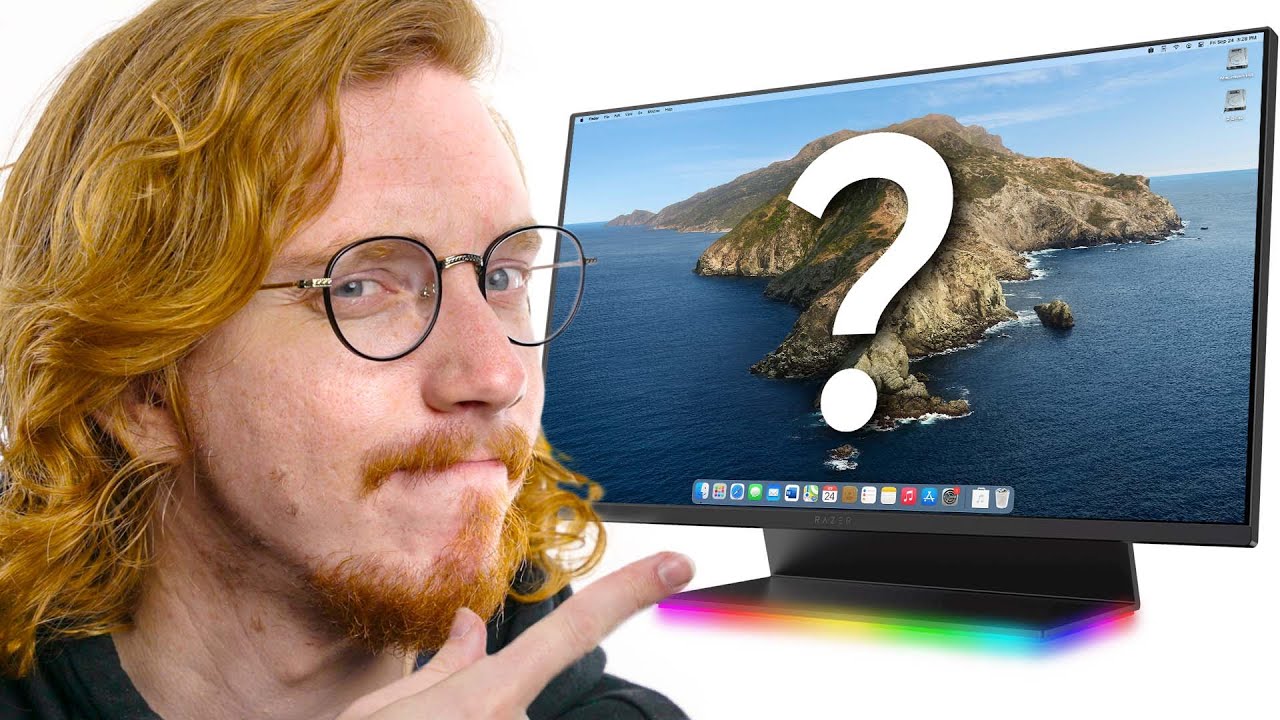
What’s the best monitor that Apple doesn’t make?
0 up · 0 down · 0 ratings
Channels and socials
Get dbrand stuff today at lmg.gg Five years ago Apple stopped selling their own branded monitors. And it's left a hole on the desks of many Apple users. There are lots of other monitor options available. But which one is a worthy companion for our desks? We found a few to choose from. Buy Dell S2719DC Monitor On Amazon (PAID LINK): geni.us On B&H (PAID LINK): geni.us Buy MSI Modern MD241PW Monitor On Amazon (PAID LINK): geni.us On Newegg (PAID LINK): geni.us On B&H (PAID LINK): geni.us Buy Razer Raptor 27" Gaming Monitor On Amazon (PAID LINK): geni.us On Best Buy (PAID LINK): geni.us Buy Samsung CJ791 Ultrawide Gaming Monitor On Amazon (PAID LINK): geni.us On Best Buy (PAID LINK): geni.us On Newegg (PAID LINK): geni.us Buy LG UltraFine 5K Monitor On Amazon (PAID LINK): geni.us On Best Buy (PAID LINK): geni.us On Newegg (PAID LINK): geni.us Buy Apple Magic Keyboard On Amazon (PAID LINK): geni.us On Best Buy (PAID LINK): geni.us On Newegg (PAID LINK): geni.us Buy Apple Magic Mouse On Amazon (PAID LINK): geni.us On Best Buy (PAID LINK): geni.us On Newegg (PAID LINK): geni.us Buy Apple Pro Display XDR On Best Buy (PAID LINK): geni.us On B&H (PAID LINK): geni.us Purchases made through some store links may provide some compensation to Linus Media Group. Follows us on: Twitter - twitter.com Instagram - @macaddressyt Facebook - @MacAddressChannel Chapters: 0:00 Introduction 0:38 Apple's Monitor History 1:17 LG UltraFine Display 2:10 Let's leave the Apple Store 2:35 Thanks dbrand! 3:04 Razer Raptor 4:15 MSI Modern 24 5:32 Samsung Thunderbolt Ultrawide 5:54 Dell Ultrathin 27 7:11 Conclusion
The video investigates what monitor could best accompany an Apple setup now that Apple itself stopped selling its own branded displays. It begins by outlining Apple’s monitor history, noting the era of the Apple Thunderbolt Display and the later LG UltraFine options, which, while attractive, often lacked a complete feature set like robust USB ports or Ethernet. The host argues for a design-forward monitor that pairs well with a Mac in terms aesthetics, materials, and cable management, all while staying under $800. After ruling out many visually unappealing options, the presenter introduces three contenders sponsored by dbrand and proceeds to evaluate them in detail, focusing on industrial design, USB-C compatibility, power delivery, and color accuracy potential. The first option is a Razer gaming monitor with a fabric back and integrated RGB lighting, which is visually striking but targets gaming rather than professional Mac users, offering 1440p resolution and up to 165 Hz on the latest model. The second option, MSI Modern, is highlighted for affordability and a USB-C input, though it falls short on color performance and port density, with limited maximum power delivery and a modest 1080p resolution for its 24-inch size. The third option is Samsung CJ791 ultrawide, praised for its Thunderbolt 3 support and elegant cable management, but the host hesitates due to the ultrawide’s price and the fact that it still does not perfectly address Mac-centric needs. Ultimately, the video crowns the Dell Ultrathin 27 as the most compelling ensemble, praising its 1440p brightness, compact footprint, numerous ports including USB-A, and a power delivery capable of charging a MacBook with a single USB-C cable. The host acknowledges that while the Dell is not 4K, its design coherence with a MacBook and the practical port arrangement make it a strong companion for many setups, and he muses about potential future Apple displays that might broaden the field for Mac users. The closing segment invites viewers to share other monitor options that might outshine the suggested lineup and encourages engagement through likes and comments, keeping the conversation centered on practical desk aesthetics and Mac compatibility rather than gaming performance.
Viewer sentiment skews positive toward the Dell Ultrathin 27 as the best overall Mac companion among the options, with many appreciating its design, USB-C power delivery, and neat cable management. Some comments criticize the Razer option for being too gaming-focused and not aligned with a professional, design-centric setup. There is lively discussion about Dell’s alternative models like the U2720Q, noting compatibility issues with M1 Macs and color handling, while others praise the video for presenting non gaming-focused monitor options that suit creative work. Several viewers also react to the sponsorship and to dbrands involvement, with mixed opinions about branding and aesthetics on the desk.
Topics · technology · monitors · apple_ecosystem · computer_peripherals
Questions answered
- What monitor stood out as the best Mac companion in the video?
- The Dell Ultrathin 27 inch monitor was highlighted as the most attractive and practical Mac companion in the showcased lineup.