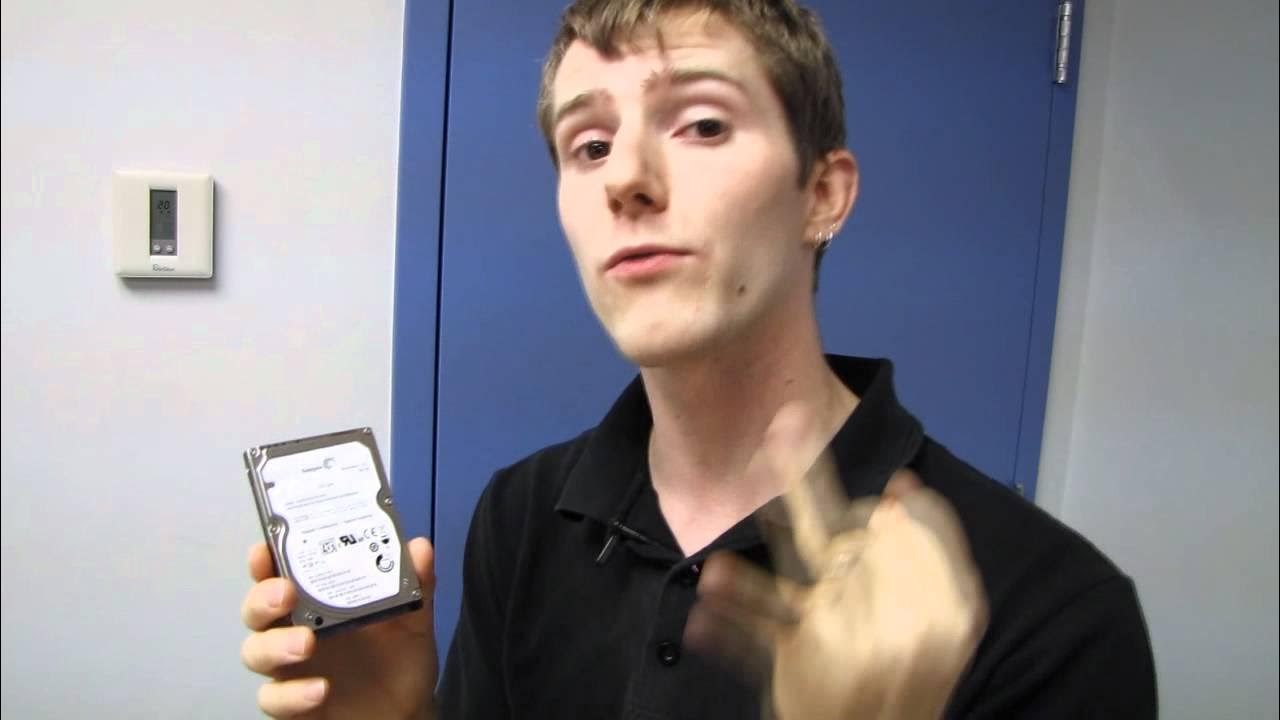
Seagate Momentus XT 2nd Generation Hybrid Solid State Drive Unboxing & First Look Linus Tech Tips
0 up · 0 down · 0 ratings
Description
ncix.com This is about as baller as it gets for notebook hard drives.
This unboxing and first look of the Seagate Momentus XT 2nd Generation hybrid drive focuses on how the drive combines traditional spinning storage with flash cache to boost overall performance in notebook usage. Linus Tech Tips walks through the key specs: a 750 GB capacity, 8 GB of SLC flash alongside a 7200 RPM platter, and an improved flash assisted storage system that doubles write speeds and roughly 70 percent faster reads compared to the original Momentus XT. A notable feature is the fast factor boot technology, which caches boot files in the 8 GB SSD to accelerate boot times, resume from sleep, and general OS bring-up, while not fully removing boot storage from the HDD. The video also highlights an upgraded interface to SATA 3, though the host notes that most notebook drives will not dramatically benefit from SATA 3 in practice. The host demonstrates the unboxing steps, shows mounting hardware, and confirms the form factor fits 2.5-inch notebook slots, while noting this drive can also be used in desktops. He teases a follow-up performance comparison against SATA 3 SSDs and traditional HDDs, promising deeper testing on NCIX.com and more technical breakdown of the involved technologies. Throughout, the emphasis is on the blend of capacity, speed improvements thanks to flash caching, and practical considerations for notebook users seeking better performance without sacrificing storage space or portability.
Topics · hardware · computing · storage · unboxing
Questions answered
- What is the Seagate Momentus XT 2nd Generation's internal configuration and main performance upgrade?
- It combines a 750 GB HDD with 8 GB of SLC flash, delivering significantly faster reads and roughly double the write speeds of the original Momentus XT, aided by flash assisted storage and a fast factor boot cache.
- Is this drive suitable for notebook use and can it be used in a desktop PC as well?
- Yes, it is a 2.5-inch notebook drive and can also be used in desktops that accept 2.5-inch drives, though notebook drives typically have higher cost per GB.
- Does SATA 3 matter for this drive, and what about boot performance when using it?
- The drive supports SATA 3, but in practice the benefit is not dramatic for this form factor; boot performance gains come from the 8 GB SSD cache and fast boot optimization which speeds up boot and resume operations.