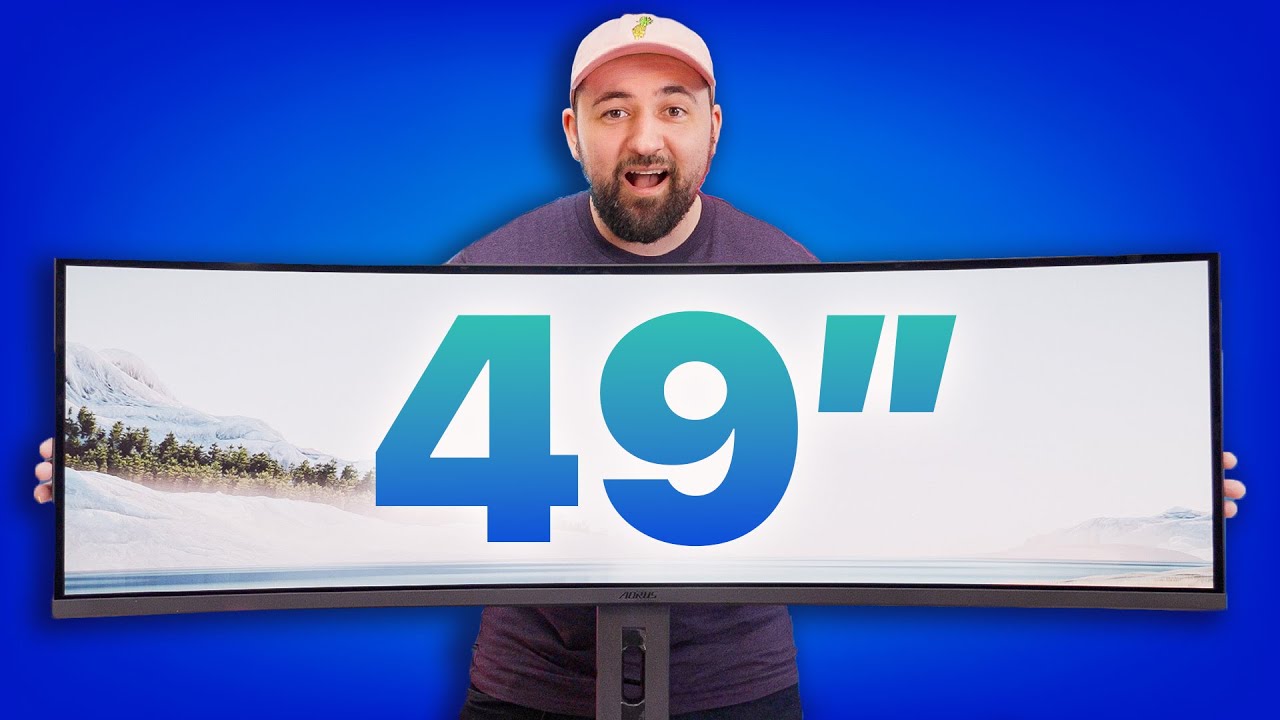
You Deserve this much OLED - AORUS CO49DQ
0 up · 0 down · 0 ratings
Promos
Try Rocket Money for free: rocketmoney.com Gigabyte is back with a new OLED Super Ultrawide monitor and with its more accessible price tag, this seems like it could be a solid choice for those who want complete immersion. Plouffe is here to check it out and see if he has monitor purchase regret (again!) Buy the AORUS CO49DQ: geni.us Purchases made through some store links may provide some compensation to Linus Media Group. Want us to unbox something? Make a suggestion at lmg.gg ► GET MERCH: lttstore.com ► GET EXCLUSIVE CONTENT ON FLOATPLANE: lmg.gg ► SPONSORS, AFFILIATES, AND PARTNERS: lmg.gg ► PRODUCTS WE USE ON THE SHORTCIRCUIT SET: lmg.gg FOLLOW US ELSEWHERE --------------------------------------------------- Twitter: twitter.com Instagram: @shortcircuityt TikTok: @linustech Facebook: @ShortCircuitYT CHAPTERS --------------------------------------------------- 0:00 This baby is BIGGG 0:17 Unboxing 1:50 Design, stand, and ports 3:03 Sponsor - Rocket Money 3:27 Resolution, refresh rate, and various settings/features 6:10 Gaming - Doom Eternal 7:49 Increasing brightness and LABS test results 10:27 Pricing and competition 11:30 Outro
The video opens with the sheer scale of the AORUS CO49DQ, emphasizing how the 49 inch, 32 by 9 ultra wide OLED panel dominates the viewing space. The host walks through the unboxing process, noting the enormous box, the three year warranty, and the careful packaging that includes a factory calibration report and a sturdy stand. The setup segment covers the included cables, the HDMI 2.1 and DisplayPort options, USB ports, and a headphone jack, while highlighting the stand’s strong support and full swivel capabilities for a display of this size. The host then introduces the display’s core specifications and immediately delves into its initial configuration, switching from 60 Hz to 144 Hz and selecting a 5120 by 1440 resolution to fully exploit the monitor’s OLED, HDR, and fast response times. The video transitions to a thorough discussion of display modes, including a deep dive into picture-by-picture and aspect settings, explaining how to run two signals side by side, and the practical implications for console versus PC use, as well as the potential bezel-free benefits compared to multi-monitor setups. The HDR testing follows, where the host explains the APL stabilization settings, peak brightness behavior, and the gap between Windows’ rated brightness and real-world perception, noting that HDR accuracy may not be perfect but remains visually impressive in most real-world content. The Doom Eternal gameplay segment showcases the monitor’s gaming performance, praising the crispness and immersion provided by OLED while acknowledging some compromises in HDR accuracy and color balance. The reviewer weighs the practical value against the price, comparing the CO49DQ with the Samsung G9 OLED option and discussing whether the price-to-performance ratio justifies the investment given the current market and potential sale prices. The conclusion highlights the CO49DQ as a compelling option for enthusiasts seeking a true ultrawide OLED experience, especially at a reduced street price, while acknowledging that some purists may still prefer the higher brightness of competing models. Overall, the video presents a balanced take on how the CO49DQ blends size, OLED image quality, and flexible input options to deliver gaming and productivity immersion, while also addressing real-world concerns like HDR fidelity, color accuracy, and the value proposition compared to its closest rivals.
Topics · gaming monitor · display technology · ultrawide · oled · unboxing · technology
Questions answered
- What are the key input options available on the AORUS CO49DQ and how do you utilize a dual signal setup?
- The monitor includes HDMI 2.1, DisplayPort 1.4, USB-B to A, and two USB 3.2 Type-A ports, enabling a dual input configuration. To use picture-by-picture, you must connect two separate devices (such as a PC and a console) with two different signals and enable PBP in the monitor’s settings, ensuring each side of the screen displays a separate input.
- How does the CO49DQ perform in HDR content and what settings influence brightness and accuracy?
- HDR brightness depends on the APL stabilization setting; by default it may not reach peak tones, so you should set APL to High to approach higher brightness. HDR accuracy may vary, with some scenes appearing overbright or less accurate, especially in certain titles, but overall it remains visually striking for most users.
- Is the 49 inch CO49DQ a good value compared to the Samsung G9 OLED at similar prices?
- At current street pricing, the CO49DQ can be a compelling option around 1,100 to 1,300 USD, presenting strong value against the Samsung G9 OLED depending on sale timing. If the G9 is available at about the same price, the G9 may offer higher brightness and different color handling, so the choice depends on whether OLED saturation, ultrawide form factor, and price point are the priority.