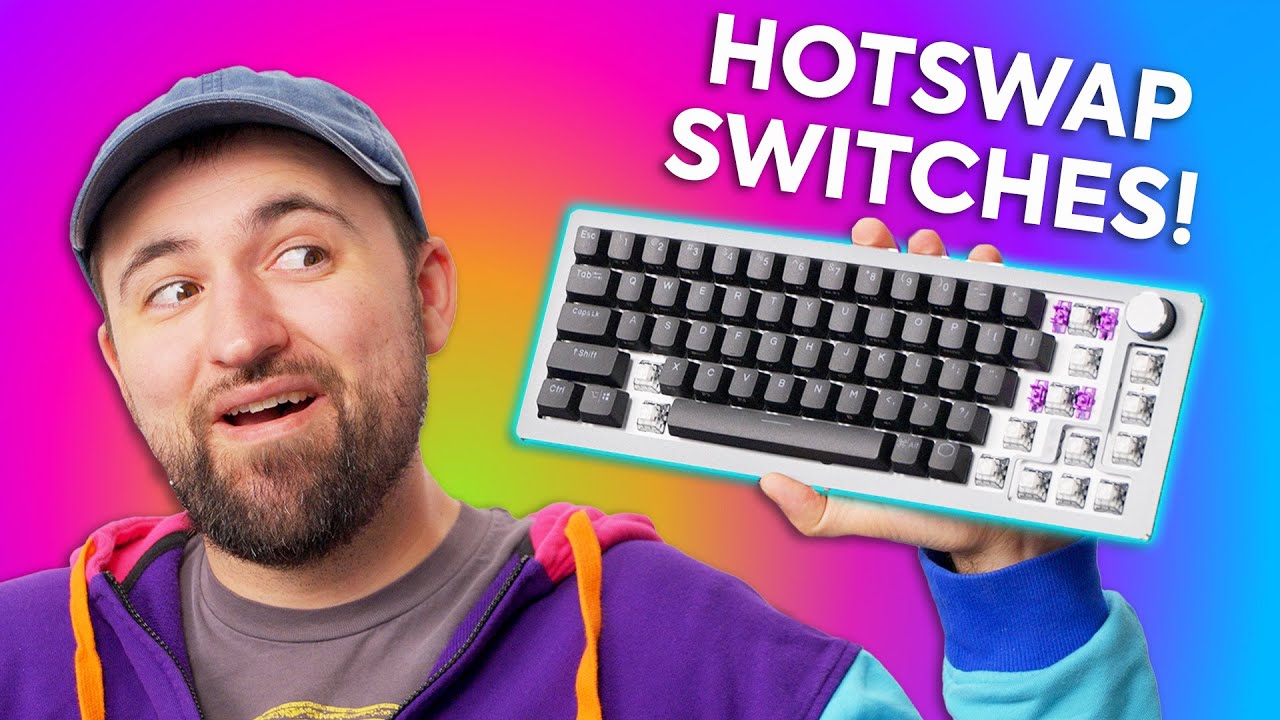
A great budget option! - Cooler Master CK720
0 up · 0 down · 0 ratings
Promos
Thanks to MANSCAPED for sponsoring the video! Get 20% OFF + Free Shipping at manscaped.com Cooler Master is back with a new Hotswappable keyboard, so Plouffe is here to tell you if it's worth your hard-earned money or if you should stick to one of the other long-term players in the mechanical keyboard space. Buy a Cooler Master CK720: geni.us Purchases made through some store links may provide some compensation to Linus Media Group. Want us to unbox something? Make a suggestion at lmg.gg ► SUBSCRIBE ON FLOATPLANE: floatplane.com ► GET MERCH: lttstore.com ► AFFILIATES, SPONSORS & REFERRALS: lmg.gg ► PODCAST GEAR: lmg.gg ► SUPPORT US ON FLOATPLANE: floatplane.com FOLLOW US ELSEWHERE --------------------------------------------------- Twitter: twitter.com Instagram: @shortcircuityt TikTok: @linustech Facebook: @ShortCircuitYT CHAPTERS --------------------------------------------------- 0:00 Spinnin' out 0:53 Unboxing 2:43 Comparing switches 4:25 Taking off the top plate 6:08 Checking out the feet 7:03 Sponsor - Manscaped 7:41 Weight and more thoughts on design 8:50 Typing impressions 10:01 Using the MasterPlus+ software and RGB controls 11:18 Pricing and overall thoughts 12:10 Outro
The video provides a thorough hands-on look at the Cooler Master CK720 keyboard, highlighting its budget-conscious appeal and hot-swappable design. The presenter begins with unboxing two units, noting the aluminum top plate and the stabilizers that come pre-lubed, which signals an attention to typing quality even at a lower price point. He compares switch types available in the CK720, mentioning KL Box V2 clicky switches and a tactile variant that resembles Cherry browns, while also evaluating the overall build and aesthetics of both black and white versions. The session then delves into the top plate removal process, where the reviewer discovers a two-piece construction and discusses the necessity of removing certain switches and keycaps to access the internals, remarking on the surprisingly tool-less approach and the design decisions around the modular plate. The video transitions into a closer look at the typing experience, noting the incorporation of silicone dampening layers and the slightly audible space bar, and how these factors interact with the pressed keys to shape overall sound and feel. Finally, the reviewer explores the MasterPlus+ software for RGB control and macro configuration, praising its usability and the breadth of customization options, while also weighing the price and warranty benefits, concluding that the CK720 represents a solid entry point for those entering the custom keyboard space and offering a compelling mix of features at around a hundred dollars. The closing impressions emphasize ease of setup, the potential for future plate swaps or upgrades, and the value proposition for users seeking a complete, ready-to-use keyboard with robust software support and a warranty. Overall, the video argues that for budget-conscious buyers, the CK720 stands out as a strong purchase, balancing build quality, hot-swappability, and software features without demanding expert-level tinkering from the user.
Topics · technology · hardware · computer peripherals · mechanical keyboard
Questions answered
- What makes the Cooler Master CK720 a good budget option for mechanical keyboard beginners?
- The CK720 offers hot-swappable switches, a solid aluminum top plate, pre-lubed stabilizers, and a user-friendly MasterPlus+ software for RGB control and macro customization, all at around $100, making it accessible for newcomers while retaining customization features.
- What are the main differences highlighted between the black and white CK720 units?
- The reviewer notes aesthetic differences and mentions initial impressions of feel, with some variability in build looseness between the two units, but both share the same core hot-swappable design and feature set.
- How does the MasterPlus+ software impact the overall value of the CK720?
- MasterPlus+ provides per-key RGB customization, macro programming, and profiles, delivering a usable, intuitive interface that enhances the keyboard's functionality and makes it easier to tailor the keyboard to the user, contributing to the overall value proposition.