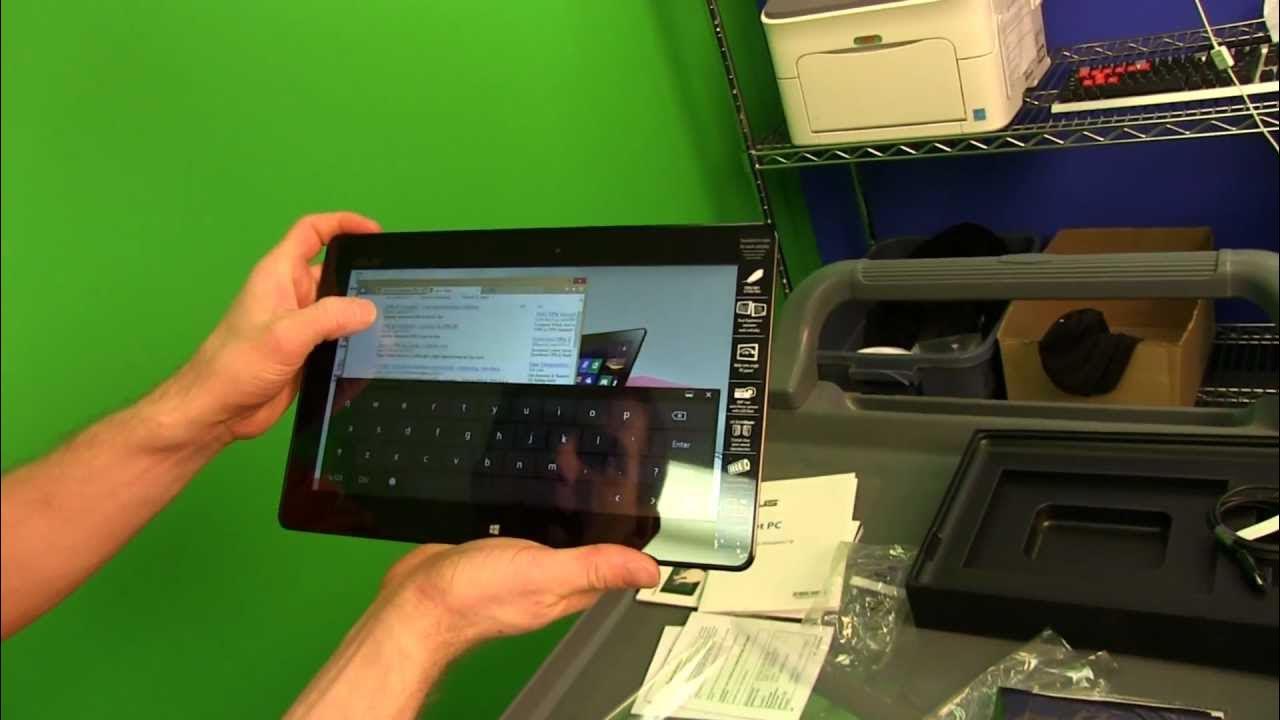
ASUS Vivotab Smart Unboxing & First Look Linus Tech Tips
0 up · 0 down · 0 ratings
Channels and socials
The Vivotab Smart addresses any complaints I might have had about Windows tablets. It runs Windows 8 instead of Windows RT, and has respectable battery life! Read about this and join our forum: linustechtips.com twitter.com @LinusTech Buy at NCIX: ncix.com
The video provides an in-depth unboxing and first-look impression of the Asus VivoTab Smart. Linus walks through the device’s packaging, included accessories, and key hardware specs, highlighting its Windows 8 operating system as a major differentiator from Windows RT devices. He notes the Clover Trail Atom processor, 2GB of RAM, 64GB of storage, NFC on the back, an 8.5 hour claimed battery life, and an 8 megapixel rear camera with flash. The unboxing also covers the lack of a dock connector, the use of micro USB for charging, and the bundled microfiber cloth and quick-start guide. Linus comments on the device’s build quality, weight (roughly 580 grams), IPS display, and rear speaker, emphasizing ASUS’s focus on portability and thoughtful design. He demonstrates the initial Windows 8 setup, explains the desktop-app accessibility unlike Windows RT, and tests browsing and app installation to show the tablet’s versatility. The video further examines the device’s physical layout, ports, and NFC placement, then runs CPU-Z to confirm the processor details and concludes with a practical assessment of its overall usability for Windows 8 on a tablet form factor, ending with a call to subscribe for more unboxings and reviews.
Topics · technology · mobile-computing · hardware-unboxing
Questions answered
- What operating system does the Asus VivoTab Smart use and why is it significant compared to Windows RT?
- The VivoTab Smart runs Windows 8, which allows installing desktop applications in addition to Windows Store apps, giving greater program flexibility beyond the limited Windows RT ecosystem.
- Which hardware features stand out in the VivoTab Smart according to the unboxing video?
- Key features include the Clover Trail Atom processor, 2GB of RAM, 64GB SSD, NFC on the back, an 8.5 hour battery life claim, an 8 megapixel rear camera with flash, micro USB charging, and an IPS display with rear speakers.
- What are some of the port and accessory considerations mentioned for this tablet?
- It uses micro USB for charging, does not include a dock connector, has HDMI in, microSD expansion, a headphone jack, and rear NFC labeling for easier pairing with other devices.