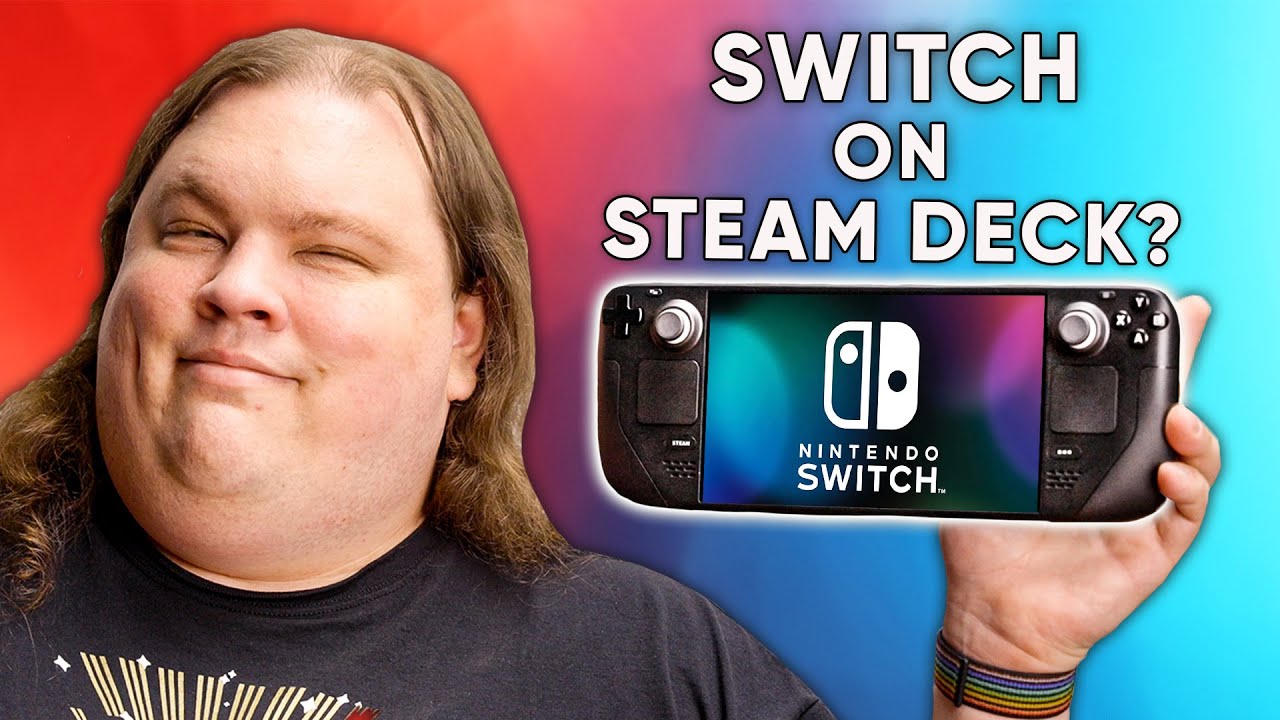
Take down this video, Nintendo. I dare you. - Switch games on Steam Deck
0 up · 0 down · 0 ratings
Description
You can get 50% off your first month of KiwiCo at: kiwico.com Nintendo made news for taking down YouTubers so much as showing emulation of Switch titles on Steam Deck. We’re taking it a step further and showing you how to do it. The right way. Discuss on the forum: linustechtips.com Watch on Floatplane.com to bypass the blurring! floatplane.com
Promos
Check out the Valve Steam Deck: lmg.gg Buy a Nintendo Switch: geni.us Buy a Nintendo Switch OLED: geni.us Purchases made through some store links may provide some compensation to Linus Media Group. ► GET MERCH: lttstore.com ► SUPPORT US ON FLOATPLANE: floatplane.com ► AFFILIATES, SPONSORS & REFERRALS: lmg.gg ► PODCAST GEAR: lmg.gg FOLLOW US --------------------------------------------------- Twitter: twitter.com Facebook: @LinusTech Instagram: @linustech TikTok: @linustech Twitch: twitch.tv MUSIC CREDIT --------------------------------------------------- Intro: Laszlo - Supernova Video Link: youtube.com iTunes Download Link: itunes.apple.com Artist Link: soundcloud.com Outro: Approaching Nirvana - Sugar High Video Link: youtube.com Listen on Spotify: spoti.fi Artist Link: youtube.com Intro animation by MBarek Abdelwassaa @mbarek_abdel Monitor And Keyboard by vadimmihalkevich / CC BY 4.0 geni.us Mechanical RGB Keyboard by BigBrotherECE / CC BY 4.0 geni.us Mouse Gamer free Model By Oscar Creativo / CC BY 4.0 geni.us CHAPTERS --------------------------------------------------- 0:00 Intro & Switch games on the Steam Deck! 3:33 Why we blurred the gameplay (floatplane.com) 4:00 Why should you do this? 4:40 How to jailbreak your switch & pull games off of it 8:41 How to setup the Steam Deck & emulator 11:13 Drawbacks & benefits 12:00 Disclaimer about legality & piracy
The video opens with a bold claim and a hint of legal risk, as the host suggests that Nintendo might take down content and frames the discussion around running Switch games on the Steam Deck. It immediately demonstrates the feasibility by showing Switch titles loading in Steam Deck, highlighting the practical benefits for players who want a portable, consolidated library. The narration explains the rationale behind the approach, noting how it could spare players from carrying multiple devices and carts while acknowledging Nintendo's aggressive stance toward third-party exhibitions of their games. The presenter then transitions into a hands-on demonstration of how to jailbreak a Switch, obtain the necessary files, and set up the Steam Deck for emulation, setting realistic expectations about shader compilation delays and stability. Throughout, the emphasis is on legality, fair use, and the distinction between emulation for personal education and distribution of ROMs or keys, with occasional commentary on the broader debate around piracy and ownership. The segment also compares the Steam Deck to a traditional Switch in terms of portability, controls, and battery life, acknowledging both the potential advantages and the trade-offs. The host then provides a step-by-step walkthrough for configuring emulators like Yuzu or Ryujinx in desktop mode, including key management, system dumps, and ROM handling, before guiding viewers through Steam ROM Manager integration to present emulated titles in the Steam library. The discussion closes by weighing the drawbacks, such as the inability to access online Nintendo services, against benefits like local multiplayer options and safer storage of save data, while reiterating a stance that the technique is not inherently immoral or unethical when handled responsibly. Finally, the video wraps with a reflection on legal precedent, a candid get-ready-for-scrutiny moment, and a plug for KiwiCo sponsor content, tying the technical exploration to a broader conversation about ownership, emulation culture, and community support for enthusiasts.
Topics · technology · gaming · emulation · legal · hardware
Questions answered
- What is the main goal demonstrated in the video?
- The video demonstrates that Switch games can be run on the Steam Deck through emulation and jailbreaking, with a focus on personal use and the steps required to set it up.
- Which emulators are discussed and configured?
- The emulators discussed are Yuzu and Ryujinx, configured in desktop mode on the Steam Deck for proper setup and performance.
- What are the major drawbacks mentioned?
- Major drawbacks include the inability to use Nintendo online services and the complexity of the setup, particularly for online or multiplayer play.
- Is the process described illegal to perform for personal use?
- The video stresses legal ambiguity and emphasizes personal use with non-distribution of keys or ROMs, arguing that the described actions can be legal in context but are subject to evolving laws and platform policies.