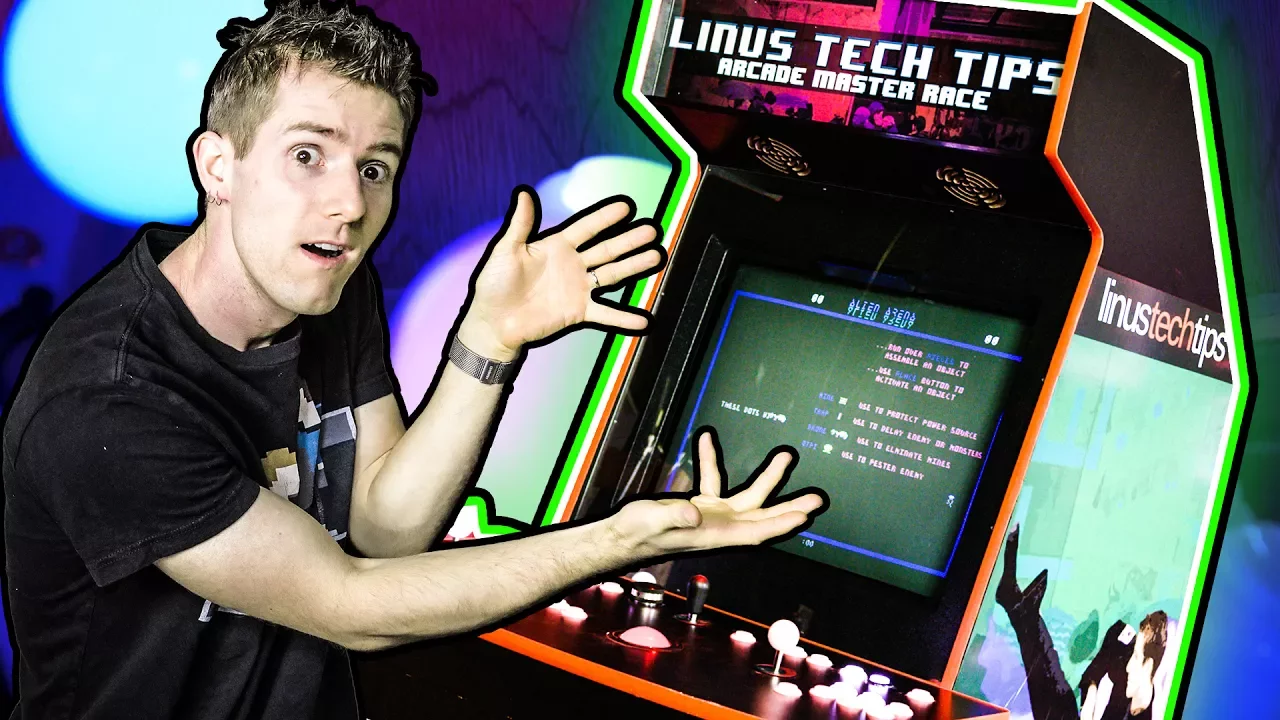
The ULTIMATE DIY Arcade Machine Guide
0 up · 0 down · 0 ratings
Description
Gaming PC getting old? What if we told you that instead of trashing it, you could make it into a BALLER home arcade setup? Buy the buttons and controls provided by Ultimarc: ultimarc.com Order the cabinet and mounting hardware provided by Northcoast Custom Arcades: mameroom.com Ting sponsor link: Head over to linus.ting.com to receive an additional $25 credit today! EKWB sponsor link:
Promos
Check out EKWB's Fluid Gaming Lineup: geni.us Buy an arcade machine hit by a shrink ray: Amazon: geni.us Newegg: geni.us Buy the Raspberry Pi to go with it: Amazon: geni.us Newegg: geni.us Discuss on the forum: linustechtips.com Our Affiliates, Referral Programs, and Sponsors: linustechtips.com Linus Tech Tips merchandise at designbyhumans.com Linus Tech Tips posters at crowdmade.com Our production gear: geni.us Twitter - twitter.com Facebook - @LinusTech Instagram - @linustech Intro Screen Music Credit: Title: Laszlo - Supernova Video Link: youtube.com iTunes Download Link: itunes.apple.com Artist Link: soundcloud.com Outro Screen Music Credit: Approaching Nirvana - Sugar High youtube.com Sound effects provided by freesfx.co.uk Music used: Title: OKAY by Tokyo Machine from OKAY iTunes Download Link: itunes.apple.com Video Link: youtube.com Listen on Spotify: open.spotify.com Title: BLAST by Tokyo Machine from Monstercat Uncaged Vol. 1 iTunes Download Link: itunes.apple.com Title: PIXEL by Tokyo Machine from PIXEL Listen on Spotify: open.spotify.com iTunes Download Link: itunes.apple.com Video Link: youtube.com
The video begins with Linus presenting a mission to rescue an aging personal computer by repurposing it into a fully functional arcade cabinet. He frames the project as a practical way to extend hardware life while delivering a nostalgic, authentic arcade experience. The team discusses choosing components that are affordable, readily available secondhand, and capable of running emulation software like MAME with open source front ends. Early on they decide to avoid a pure overclocked monster and instead build around sensible, older hardware that still performs well for retro gaming. The narrative then covers the software front end selection, where they evaluate RetroArch and ultimately settle on Attract-Mode for its balance of form, function, and scripting capabilities. The video moves through sourcing inputs like joysticks, buttons, light guns, and a suitable CRT display, emphasizing the importance of authentic controls and display quality. The climax shows assembling the cabinet with a Northcoast Custom Arcades kit, integrating a CRT and mounting hardware to achieve a striking, premium finish. The conclusion highlights the social and aesthetic payoff of a home arcade box, a centerpiece that evokes classic gaming while offering modern emulation reliability, with a nod to sponsors and ways viewers can support the project or purchase similar gear.
Topics · arcade · emulation · diy · retro-gaming · hardware-hacking · crt · gaming · cabinet-building
Questions answered
- What motivated Linus to convert an old PC into an arcade cabinet and what was the initial goal?
- The goal was to resurrect an aging PC by turning it into a functional arcade cabinet that preserves nostalgia while delivering a practical, affordable gaming setup using emulation and a custom front end.
- Why did the team choose Attract-Mode over RetroArch for the arcade front end?
- Because Attract-Mode offered a better balance of open source flexibility, active community support, and scripting capabilities that fit their needs better than RetroArch, which had problematic MAME control layouts and detection issues.
- What was the final hardware approach for authenticity and reliability in the build?
- They sourced a mix of secondhand hardware and purpose-built arcade components, including an RGB button/joystick kit, an ultra stick with Hall effect sensors for accuracy, RGB trackball, a light gun setup with AimTrak IR guns, and a Namco CRT display to preserve authentic CRT visuals.