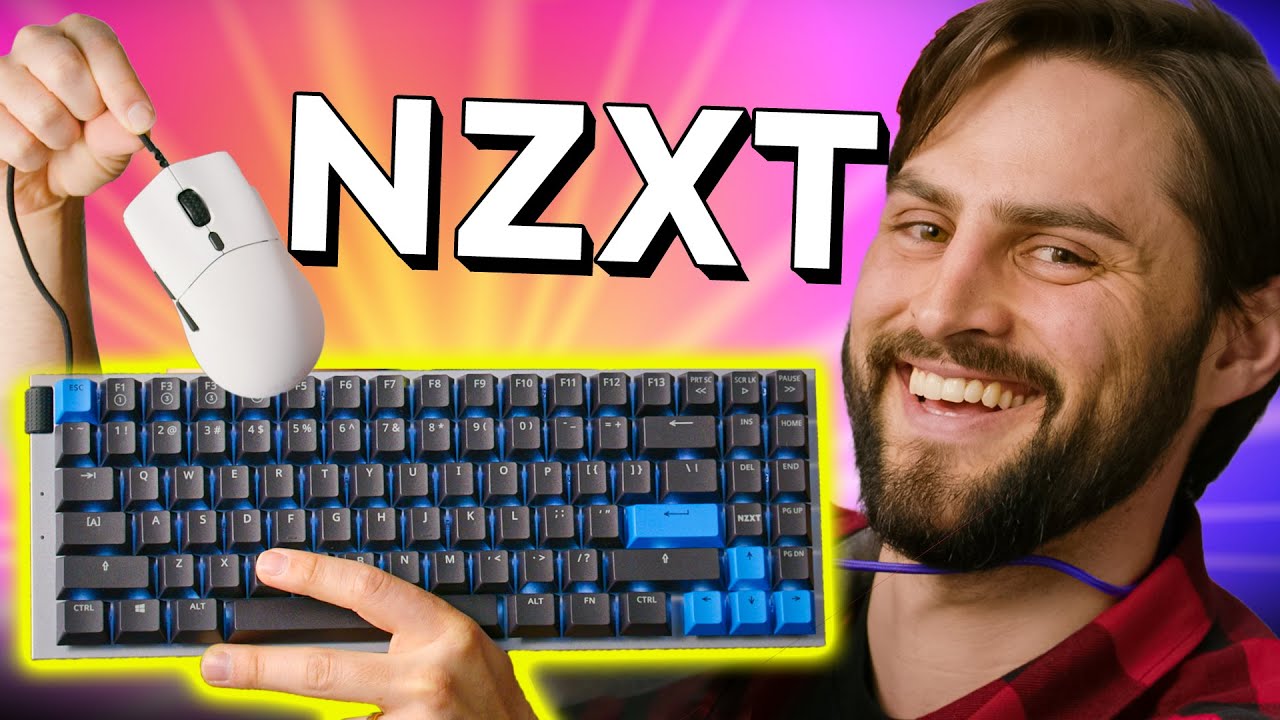
Is this your gateway drug? - NZXT Function Keyboard
0 up · 0 down · 0 ratings
Promos
Thanks to NZXT for sponsoring today's video! Get your NZXT Function Keyboard and Lift Mouse today at: nzxt.co NZXT has entered the configurable mechanical keyboard market with the FUNCTION keyboard, also they threw in their corded mouse LIFT! They're not here to take over or "ruin" the market, but another option for you to start your keebs journey. Purchases made through some store links may provide some compensation to Linus Media Group. ► GET MERCH: lttstore.com ► AFFILIATES, SPONSORS & REFERRALS: lmg.gg ► PODCAST GEAR: lmg.gg ► SUPPORT US ON FLOATPLANE: floatplane.com FOLLOW US ELSEWHERE --------------------------------------------------- Twitter: twitter.com Instagram: @shortcircuityt TikTok: @linustech Facebook: @ShortCircuitYT CHAPTERS --------------------------------------------------- 0:00 - They sent us too much STUFF 0:10 - Function keyboard unboxing 0:37 - Function keyboard weight and exterior impressions 1:00 - Function keyboard overview 1:43 - Customize your own Function keyboard 2:15 - In-depth look at the Function keyboard 2:40 - Media controls 2:51 - RGB impressions 2:58 - Typing impressions 3:10 - Keyswitches 4:00 - Other Function keyboard forms 4:54 - Pricing impressions 5:06 - NZXT Lift Mouse impressions 5:58 - MORE boxes! 6:05 - USB cord colors 6:24 - NZXT CAM software impressions 6:55 - Other media control buttons 7:41 - More RGB options 8:22 - Macro function 8:45 - Configuring NZXT Lift Mouse 9:41 - Outro
The video presents an in-depth look at the NZXT Function Keyboard and Lift Mouse, starting with an unboxing that emphasizes the generous amount of included hardware and accessories. The host highlights the build quality, including the aluminum face plate, rubberized feet, and the two-tier adjustable keyboard feet, noting the magnetically attached second level. They explain the keyboard’s configurability, detailing removable keycaps, removable switches, and the ability to order in different switch types and keycap colors via two configurators, including a chassis-only option for DIY builders. Throughout the segment, the host demonstrates basic usage and basic impressions of the Gateron red switches, RGB lighting, and an integrated volume knob, while teasing additional features like macros and per-key RGB. The CAM software is then explored in a minimalist, postmodern style, showcasing how to change lighting patterns, create macros, adjust base and reactive lighting, and customize patterns like line and ripple, along with gradient options and directional controls. The discussion moves to the NZXT Lift Mouse, highlighting its paracord cable, ambidextrous design, DPI settings up to 16,000, macro capabilities, and remappable buttons, finishing with a reflection on how the combined package could attract more people into the custom peripheral space. Concluding thoughts emphasize the overall value, aesthetics, and the potential for future revisions, while encouraging viewers to explore NZXT’s configurator and consider additional cables and accessories, acknowledging the mixed reception from keyboard enthusiasts. The sponsor message is acknowledged, and the hosts invite viewers to consider how this approach fits into the broader mechanical keyboard market while inviting feedback on the product's value and design choices.
Topics · technology · hardware · peripherals · mechanical-keyboard · product-review
Questions answered
- What makes the NZXT Function Keyboard configurable and how does it differ from traditional keyboards?
- The Function Keyboard is fully modular with removable keycaps and switches, two configurator options for customizing colors and switches, and a chassis-only option for builders, enabling a mix of accessibility and customization not always found in traditional keyboards.
- What are the key software features available with the Function Keyboard and Lift Mouse?
- The NZXT CAM software controls per-key RGB, macro creation, base and reactive lighting patterns, and framebuffer-like pattern options, plus mouse customization such as DPI settings, polling rate, button remapping, and macro recording.
- Why do some viewers criticize this keyboard, and what are common points of contention?
- Common criticisms include perceived high price for enthusiasts, concerns about build quality decisions like glue usage, packaging waste, and the expectation that a sponsor-backed product should deliver more value for the price.