Logitech t620 Touch Mouse for Windows 8 Unboxing & Demo Linus Tech Tips
0 up · 0 down · 0 ratings
Description
This really bridges the gap between mouse & keyboard and touchscreen input. It'll take some getting used to though. CA: ncix.com US: us.ncix.com
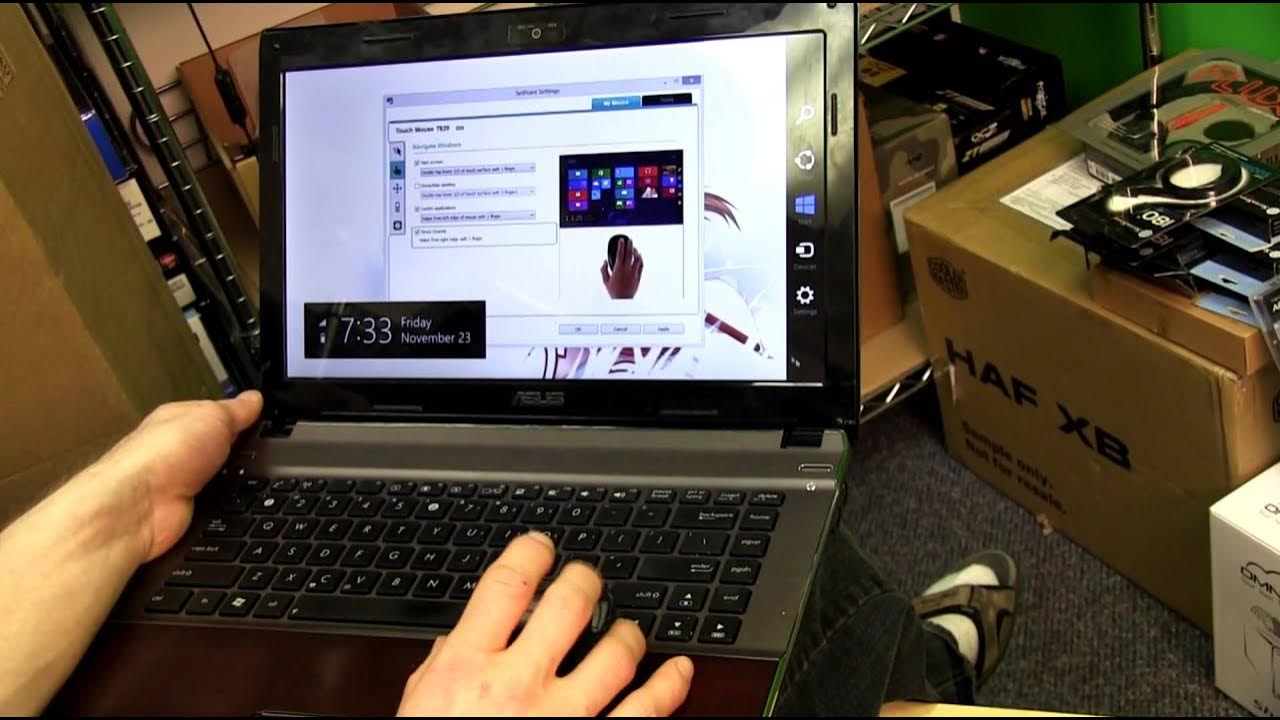
The video provides an in-depth unboxing and first look at the Logitech T620 touch mouse, designed to bring touch gestures to Windows 8. The host walks through the packaging, battery setup, and unifying receiver setup, highlighting that the device runs on a dual-AA battery configuration and uses a single dongle to connect multiple Logitech devices. A core focus is the top touch surface, which enables gestures like vertical and horizontal scrolling, start screen access, and app switching, making navigation in Windows 8 feel more like a touchscreen experience without a touchscreen monitor. Throughout the demonstration, the host shows how to perform middle-click by tapping the lower portion of the touch surface, left and right clicks on the sides, and various two-finger gestures for back and forward navigation. He also demonstrates how to operate the device from the desktop to the Windows 8 UI, and discusses the SetPoint software and the touch gestures cataloged there. The talk then moves to real-world testing, where the tester uses the mouse to scroll web pages and browse apps, noting the absence of a traditional scroll wheel and the overall smoothness of touch-based control. The video concludes with practical tips on transport and storage, and an invitation to subscribe for more unboxings and reviews, while reiterating the product model, its purpose, and where to buy. The second portion emphasizes the user experience with Windows 8 specific gestures, including the charms bar from the right edge and app switching from the left edge, showcasing how the touch surface translates into everyday tasks without a touchscreen. The host discusses potential learning curves, such as two-finger forward and backward navigation, and notes how performance improves with familiarity. He compares the experience to a traditional mouse while underscoring how the T620 serves as a bridge to Windows 8's touch-first interface. There is a practical demonstration of the device’s portability, including the unifying receiver storage and the on/off switch, as well as a quick nod to the hardware design and ergonomics. Overall conclusions suggest that the Logitech T620 offers a compelling alternative for those seeking Windows 8 touch gestures on non-touch displays, with caveats about precision and a learning curve for certain gestures, and a final reminder to subscribe for more related content.
Topics · technology · unboxing · gadget reviews · windows 8