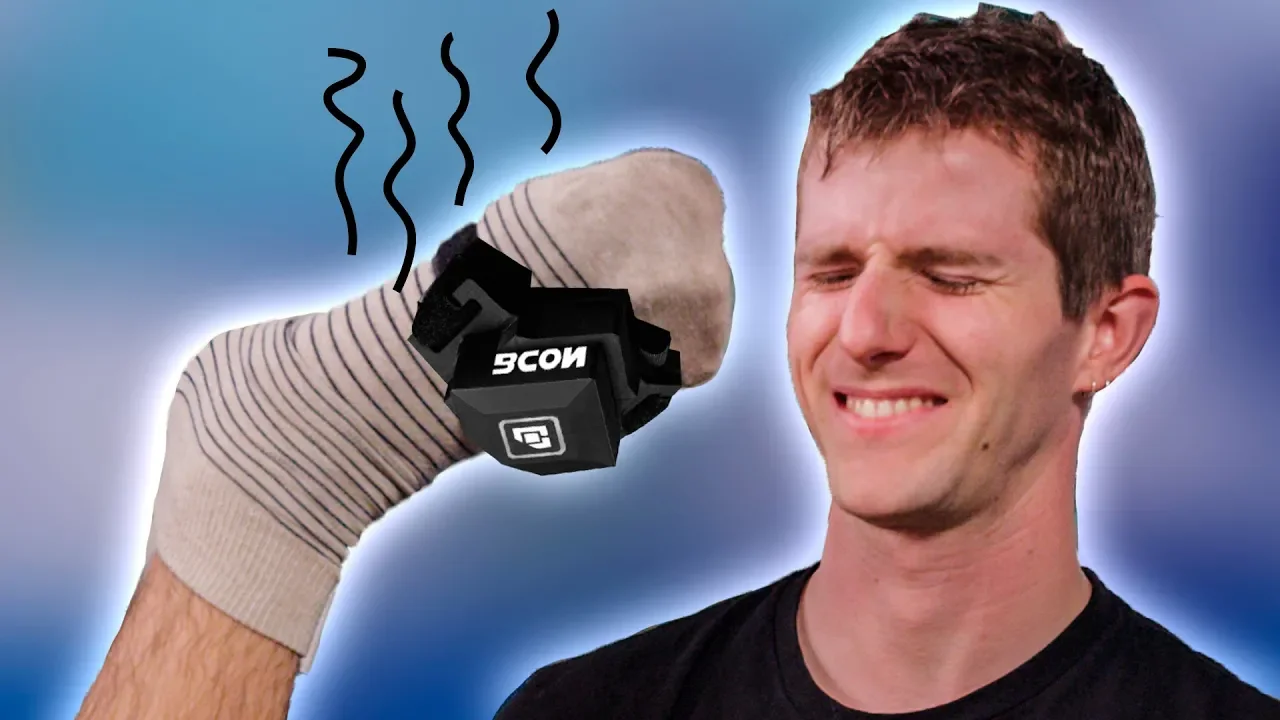
Gaming with your FEET - Dank or Dumb?
0 up · 0 down · 0 ratings
Promos
Get an unrestricted 30-day free trial of FreshBooks at freshbooks.com Mack Weldon: Use offer code TECHTIPS to get 20% off your next Mack Weldon order at geni.us PC gaming is competitive. Whether you’re playing Fortnite or League of Legends, sometimes you just want more hands. BCON takes you beyond your keyboard or controller, letting you play with…your foot? Buy BCON Foot Controller Indiegogo: igg.me On Amazon: geni.us On Newegg: geni.us Discuss on the forum: linustechtips.com Our Affiliates, Referral Programs, and Sponsors: linustechtips.com Linus Tech Tips merchandise at designbyhumans.com Linus Tech Tips posters at crowdmade.com Our Test Benches on Amazon: amazon.com Our production gear: geni.us Get LTX 2018 tickets at ltxexpo.com Twitter - twitter.com Facebook - @LinusTech Instagram - @linustech Twitch - twitch.tv Intro Screen Music Credit: Title: Laszlo - Supernova Video Link: youtube.com iTunes Download Link: itunes.apple.com Artist Link: soundcloud.com Outro Screen Music Credit: Approaching Nirvana - Sugar High youtube.com Sound effects provided by freesfx.co.uk
The video introduces the concept of a wearable foot controller called the beacon, presented as a means to offload certain keyboard or mouse actions onto a third appendage. The host explains that while keyboard and mouse remain the dominant interfaces for PC gaming, the beacon could simplify complex inputs by mapping four main gestures to key presses, with each gesture able to carry up to six keystrokes. Calibration happens automatically when the device is activated, and movements are relative to the starting position, enabling use in varied postures such as with legs crossed. The presenter highlights practical uses for both FPS and MOBA players, noting that crouching, sprinting, or push-to-talk can be performed without finger movement, and even sequences like strafing and reloading can be performed concurrently in a way that would be awkward with hands alone. The discussion also touches on accessibility, mentioning that gamers with physical disabilities could benefit from additional input options or alternative control schemes, potentially making gaming more inclusive. The video then weighs the practical considerations, including price, build quality, and whether the beacon offers enough value for non-disabled players, before concluding that its appeal depends on individual needs and tournament restrictions around macros. The segment concludes with a brief note on the product being Kickstarter funded and a candid assessment of whether the investment is worth it for the average gamer, emphasizing that many users may not feel a strong need for a wearable button bank.
Topics · technology · gaming · accessibility