MSI P55-GD65 Base Clock Button Adjustment Linus Tech Tips
0 up · 0 down · 0 ratings
Description
Showing you how the overclocking buttons work on MSI P55-GD65. Very cool feature!
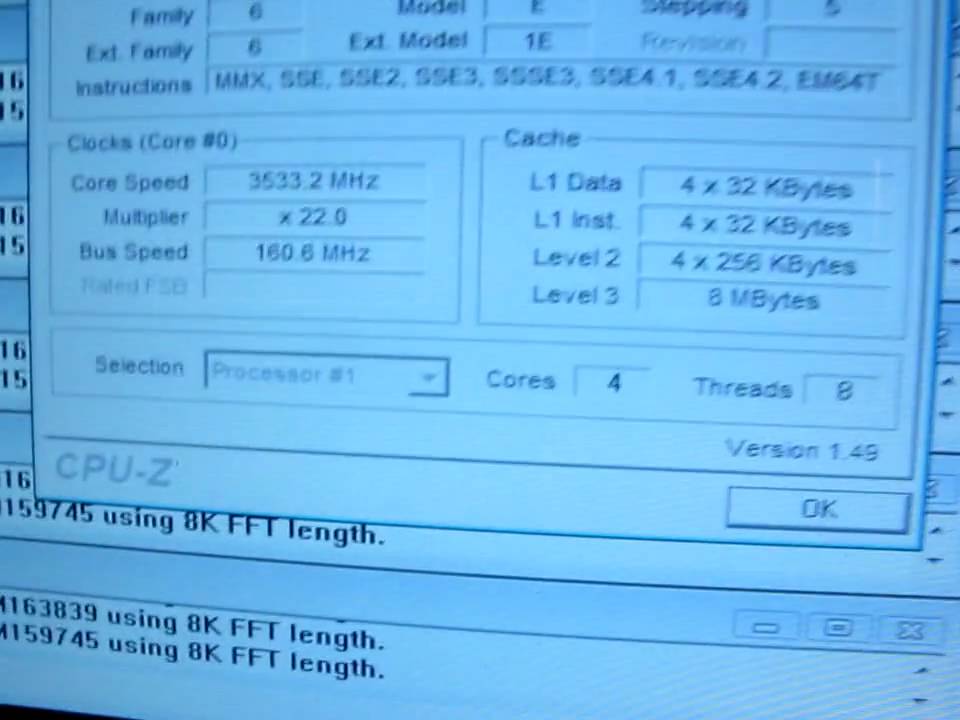
The video demonstrates the MSI P55-GD65 motherboard specific feature for adjusting overclocking with physical buttons. The host points out two base clock buttons and a backlit plus and minus, located near the OC Genie power button. By pressing the plus button, the speaker shows a rapid increase in the system bus speed, while the minus button yields a slightly delayed decrease, allowing quick, real-time experimentation with overclocking. Importantly, the presenter notes that these adjustments affect only the running board behavior and do not alter saved BIOS settings, meaning stray changes can be reverted if they push the frequency too far. The host emphasizes the practical value of this feature for immediate testing and stability checks without risking permanent BIOS configuration. The overall takeaway is that the base clock buttons offer a convenient, safe, and interactive way to explore overclocking limits on the MSI P55-GD65. The video ends with a concise acknowledgment of the feature as a cool addition for enthusiasts looking to experiment with performance tuning on this motherboard.
Topics · technology · hardware · overclocking · computer-motherboards · pc-build