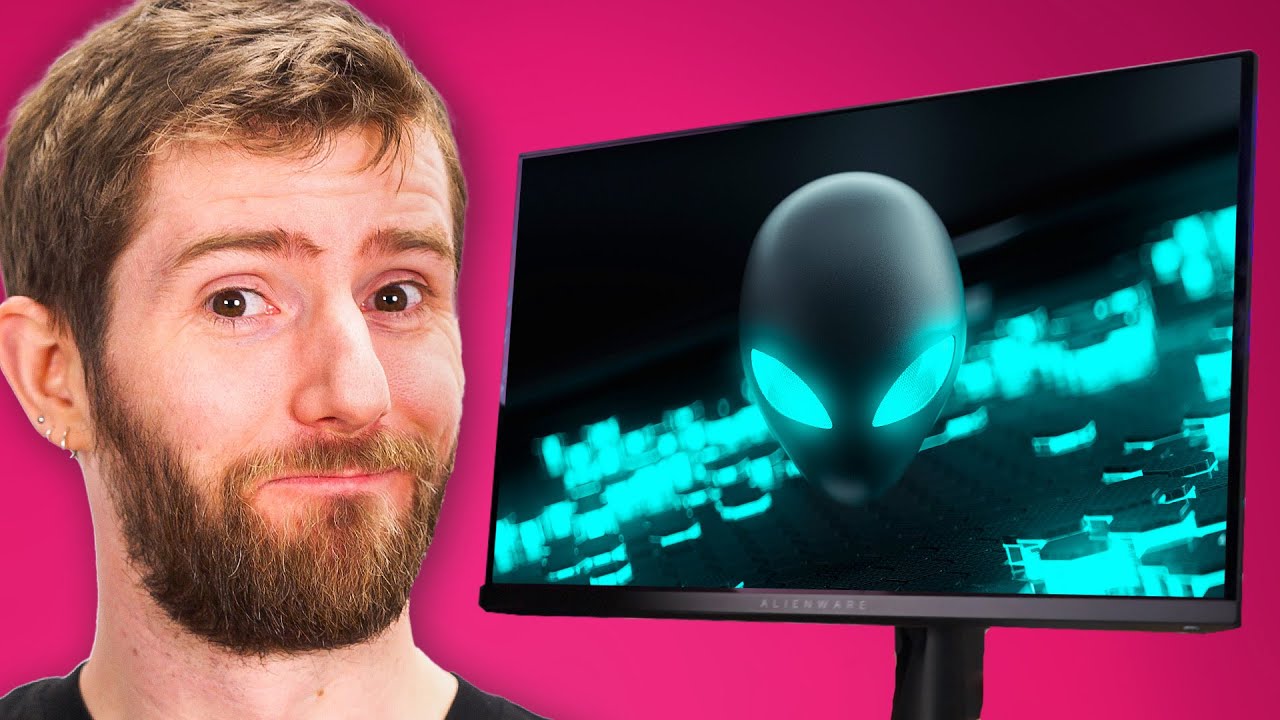
THIS is the best monitor. - Alienware AW2725DF
0 up · 0 down · 0 ratings
Promos
Learn more about be quiet! at: lmg.gg To the untrained eye, this could seem like your run-of-the-mill gaming monitor, but with a high refresh rate, QD-OLED, 1440p resolution, quick response times, and amazing colour accuracy, it's hard to find a complete package better than this. Is Linus ready to "downgrade"? Want us to unbox something? Make a suggestion at lmg.gg ► GET MERCH: lttstore.com ► GET EXCLUSIVE CONTENT ON FLOATPLANE: lmg.gg ► SPONSORS, AFFILIATES, AND PARTNERS: lmg.gg ► PRODUCTS WE USE ON THE SHORTCIRCUIT SET: lmg.gg FOLLOW US ELSEWHERE --------------------------------------------------- Twitter: twitter.com Instagram: @shortcircuityt TikTok: @linustech Facebook: @ShortCircuitYT CHAPTERS --------------------------------------------------- 0:00 Time for a "downgrade" 0:48 LABS proves this isn't actually a downgrade 2:38 Included accessories and ports 3:00 QD-OLED downside and LABS brightness test 4:00 Compromises compared to the 4K model 5:15 Sponsor - be quiet! 5:48 Checking the OSD and Microsoft account RAGE. 7:52 Gaming impressions - Halo Infinite 10:06 Outro
The video opens by setting up the Alienware AW2725DF as a compact yet potentially revolutionary gaming monitor. The host immediately reframes the narrative, suggesting this model is not merely a downgrade in size but a holistic upgrade in performance. He highlights key specs early on: QD-OLED panel technology, a 1440p resolution, and an extremely fast response time, framing these as parts of a system designed to deliver exceptionally smooth motion and accurate color. The discussion then pivots to color science and lab-tested performance, noting near 99.3% coverage of the DCI-P3 color space and an impressively low delta E out of the box, which the host presents as evidence that this monitor can be suitable for professional-grade color work even in SDR. He tempers excitement with a caveat about OLED tradeoffs such as potential black level artifacts and brightness handling, but emphasizes that the overall package,color accuracy, HDR performance, and motion clarity,pushes past typical gaming monitor compromises. The host then dives into the accessory kit and design details, including integrated cable management and a USB hub, underscoring that the physical design and included accessories are part of what makes this model compelling alongside the panel technology. As the discussion moves toward practical use, he compares the 2725DF to a larger 4K sibling, clarifying where compromises exist and where the 2725DF still delivers a strong, responsive experience. The section ends with a hands-on moment in the menus and HDR modes, followed by a teaser of real gaming impressions and a nod to the ongoing CES sponsorship, which anchors the review in a broader hardware context. Overall, the video argues that performance, color fidelity, motion handling, and thoughtful design come together in a package that can appeal to both creative professionals and hardcore gamers, even if some tradeoffs are present in brightness handling and platform features.
Topics · technology review · gaming monitor · display technology · hardware · motion performance · color accuracy · hdr performance · oled display
Questions answered
- What makes the AW2725DF stand out for gaming and color accuracy?
- The AW2725DF uses a QD-OLED panel with 99.3% DCI-P3 coverage and low delta E out of the box, delivering strong color accuracy, fast motion clarity, and high refresh rates that enhance gaming responsiveness.
- What are the notable compromises of this model compared to larger 4K or non-OLED alternatives?
- Compared to larger 4K models, it has a lower resolution than 4K, some fringing at high pixel density, and it may show OLED related brightness limitations in very bright environments. It also lacks G-Sync validation despite enabling it workably in practice.
- What specific features come with the included accessories and design?
- The monitor includes integrated cable management, multiple ports (HDMI, DisplayPort, USB-C, USB-A), a USB uplink hub, and a built-in cleaning cloth for easy maintenance.