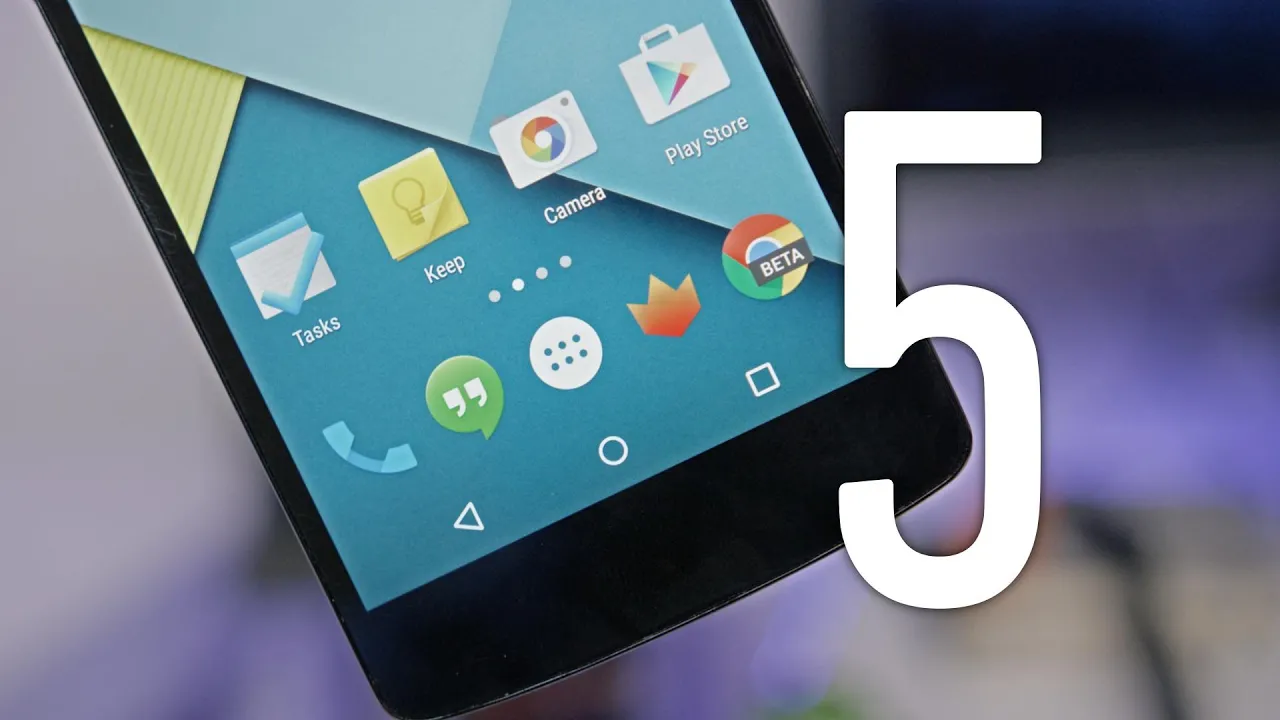
Android 5.0 Lollipop Feature Review!
0 up · 0 down · 0 ratings
Channels and socials
Android 5.0 Lollipop has landed, and stock has a ton of new features! Top 5 Android 5.0 Features: youtu.be Lollipop Wallpapers: play.google.com Video Gear I use: amzn.com Intro Track: Deadmau5 - Slow Down, Start Over ~ twitter.com google.com @MarquesBrownlee @MKBHD @MKBHD
Android 5.0 Lollipop marks a major visual and functional shift for Android, with a heavy emphasis on material design and fluid animations that bring a cohesive feel to the whole user experience. The video highlights that every action now triggers a noticeable, purposeful animation, from unlocking the device to opening apps, which Marques Brownlee explains as not just aesthetic but a usability cue that helps users understand where elements originate and where they will move. He notes that the new launcher, refreshed wallpapers, and revamped notification shade are all built around a bright, airy design language that aims to keep interactions intuitive while showcasing the new motion system. Performance on a Nexus 5 looks solid for a one-year-old device in this early build, with consistently high frame rates that suggest the final product may run just as smoothly on older or lower-end hardware. Brownlee also dives into practical changes like the enhanced quick settings, new toggles such as flashlight and screen rotation lock, and the ability to cast to a TV via chromecast, all of which are framed as improvements to daily usability rather than mere cosmetic changes. The video continues with a tour of updated stock apps including a skeuomorphic yet modernized dialer, a new setup flow that emphasizes Google account integration, and a broadened feature set like multi-profile support and screen pinning for shared devices. Overall, the review presents Android Lollipop as a solid evolution that improves navigation, readability, and customization, while acknowledging some rough edges like back button consistency and the bright overall theme that may require adjustment for some users. Brownlee ends with tempered excitement for the final release on the Nexus 6 and Nexus 9, underscoring that Lollipop is moving Android in a strong direction and expressing anticipation for broader hardware support.
Topics · technology · mobile operating system · user experience · hardware compatibility
Questions answered
- What are the core design changes introduced with Android 5.0 Lollipop according to the video?
- The core changes are the material design overhaul, a strong focus on animations and transitions, and a refreshed UI in system apps and the notification area that provide a more intuitive and cohesive experience.
- Which new features were highlighted as practical improvements for daily use?
- Improvements include expanded quick settings, a screen cast option, guest and multi-user profiles, screen pinning for shared devices, a smarter setup flow, and a new battery saver mode.