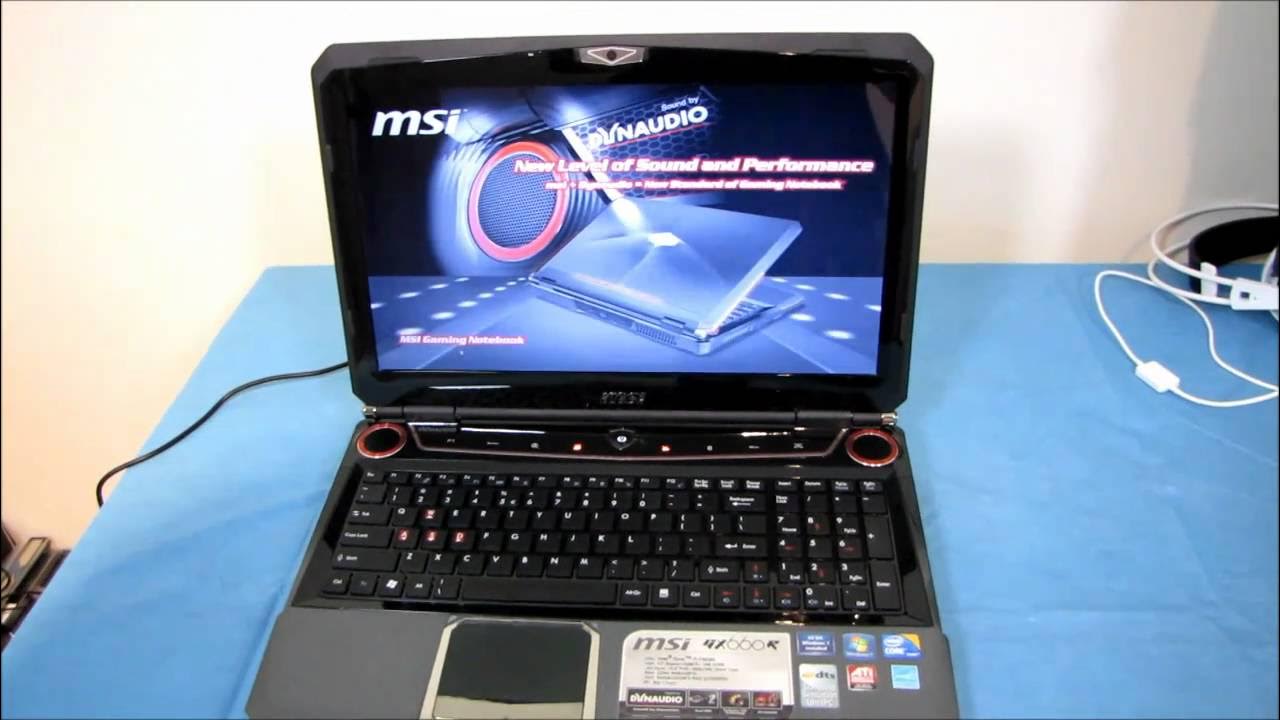
MSI GX660R Gaming Notebook SSD RAID Upgrade Guide Linus Tech Tips
0 up · 0 down · 0 ratings
Description
ncix.com This is a rockin' laptop. With two SSDs in RAID0 as the boot drive, it's even more rockin'!
The video examines upgrading an MSI GX660R gaming notebook by reconfiguring its storage from the stock dual hard drives in RAID 0 to an all SSD setup, including both a single-SSD and a dual-SSD RAID0 option. It begins with safety steps, such as powering down, unplugging the battery, and removing the back cover, before detailing how to access the drive bays and detach the existing Scorpio Black drives. The host then walks through mounting and installing two SSDs, selecting Corsair Force drives for a dual-SSD RAID 0 array, and reseating the hardware in the chassis. After preparing the drives, the guide covers setting up the new RAID array in the BIOS, recognizing potential boot issues from mislabelled discs, and using the MSI recovery discs to restore Windows to a usable state. Finally, the video shows booting into Windows from the SSD RAID0 array, compares boot/launch performance with the prior hard-drive configuration, and offers concluding observations about perceived performance gains and practical takes for viewers considering a similar upgrade.
Topics · technology · laptop_hardware · how_to · pc_building · instructional_video