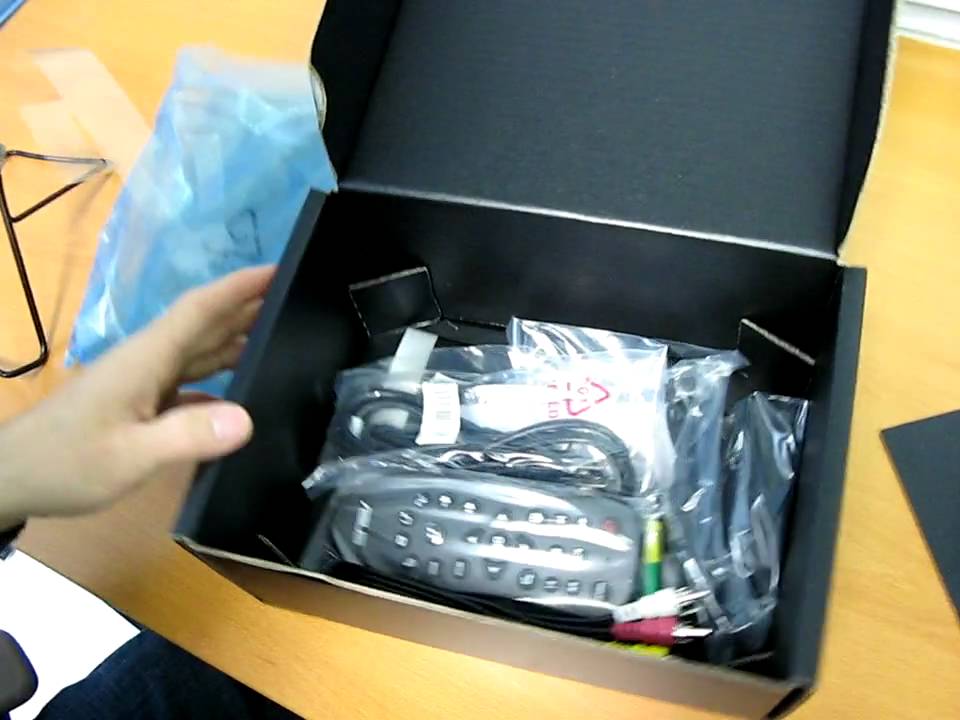
ASUS O!Play Network Media Player Unboxing Linus Tech Tips
0 up · 0 down · 0 ratings
Description
Today I'm unboxing the ASUS O!Play media player, which is kinda like a Popcorn Hour or a WDTV. The key feature with this one is that it plays back RMVB files.
The video is an unboxing and initial overview of the ASUS O!Play network media player, focusing on its positioning among other popular media players like the Popcorn Hour and the WD TV. The host highlights the device’s standout capability at the time, which is RMVB playback, noting that it targets a niche audience that values streaming Asian soap operas and other RMVB content. He walks through the device’s physical design, pointing out the front and back connectors including analog audio, composite video, digital audio, HDMI, LAN, and USB along with an ESATA port that enables direct playback from external hard drives. The packaging and included accessories are examined, featuring composite cables, a robust remote, quick start guide, and even a user manual with batteries, while the host emphasizes basic setup steps rather than deep feature testing. Throughout the unboxing, he compares the O!Play’s feature set to existing devices in the market and comments on the remote’s functionality and the ease of navigation, while noting that he has not performed exhaustive research on the unit. The segment ends with the realization that the device ships with a user manual despite initial impressions, and the host briefly reflects on potential use cases and the general value proposition of the O!Play for HD content playback. Overall, the video provides a practical, hands-on first look intended to help viewers understand what comes in the box, how to connect the device, and what you can expect from its basic operation. The unboxing is presented with a focus on hardware compatibility and user-friendliness, rather than in-depth performance testing or software features.
Topics · technology · consumer_electronics · unboxing · home_theater
Questions answered
- What is the key feature of the ASUS O!Play highlighted in this unboxing?
- The key feature mentioned is RMVB playback, which the presenter notes as a notable capability for this type of media player.
- What connectivity options are shown on the ASUS O!Play during the unboxing?
- The device shows analog audio, composite video, digital audio, HDMI, LAN, USB, and an ESATA port for external storage.